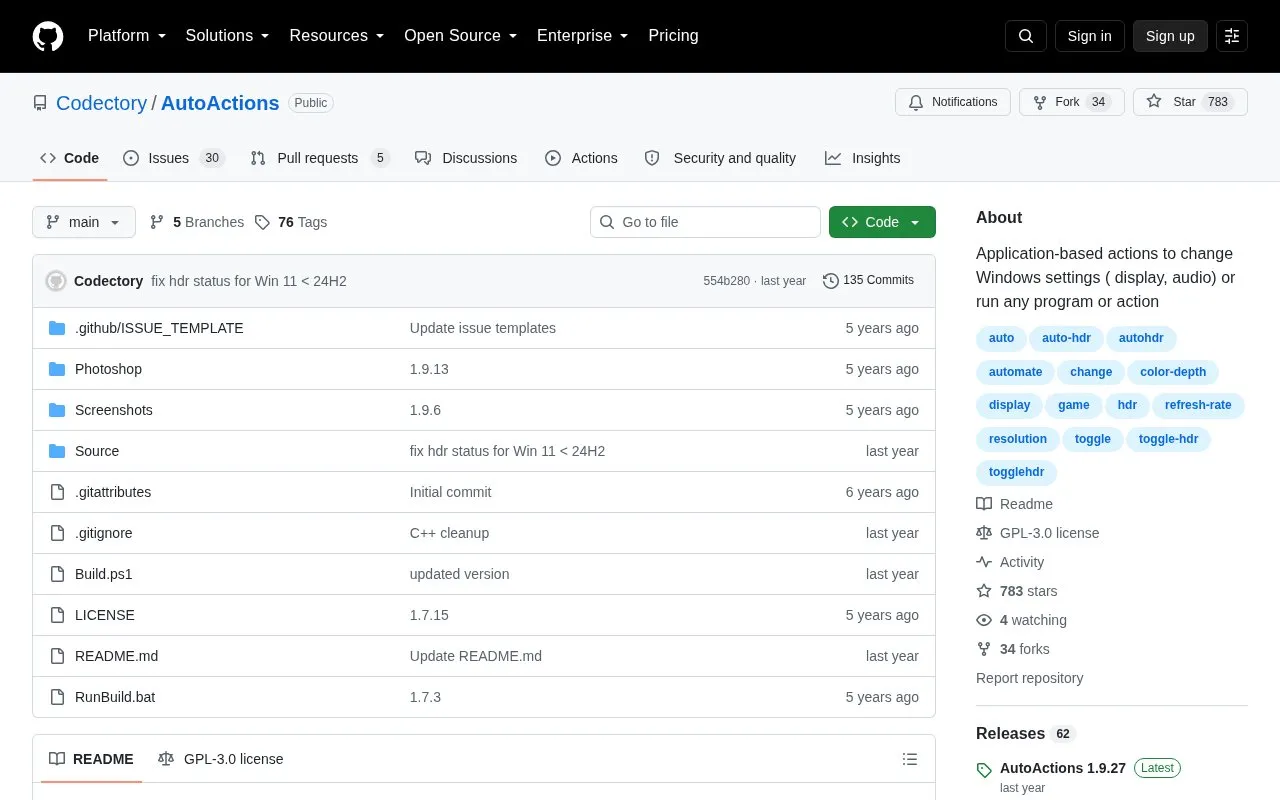
github.com/Codectory/AutoActions
About AutoActions
AutoActions is an open-source Windows system utility that lets users create action profiles tied to specific application events. It monitors assigned applications and runs the profile's actions when the corresponding trigger event occurs. The tool can adjust per-monitor display settings (including resolution, refresh rate, color depth, and HDR toggling), change default audio playback or recording devices, launch or close programs and scripts, and reference other existing profiles. AutoActions starts automatically on user login, and includes a compatibility mode that restarts supported applications (such as some games) to apply settings that must be enabled before the app launches, like HDR.
Key features Create action profiles triggered by app start, close, focus, or lost focus events Monitor assigned applications to run profile actions on trigger events Adjust per-monitor display settings: resolution, refresh rate, color depth, HDR toggle Change default Windows audio playback or recording devices Launch or close programs, scripts, or kill running processes Restart supported apps to apply pre-launch required settings like HDR Best for: Windows users, particularly gamers, who want to automate display, audio, and program actions tied to specific application use.
Open-source under GPL-3.0 license Supports per-monitor display setting adjustments Includes compatibility mode for apps requiring pre-launch settings like HDR Only compatible with Windows operating systems AutoActions at a glance
Type Open-source project
Pricing Not confirmed. Check the site
Platforms Windows
Language English
Last checked
Listed Oct 5, 2026
AutoActions alternatives Tools and sites you could use instead, ranked by how closely they match.
All 24 alternatives github.com/awesome-windows11/windows11
This collection covers Windows 11 settings and tweaks, with scripts included in the repository.
github.com/iandiv/AppGroup
App Group organizes, customizes, and launches apps, according to its repository description.
github.com/Ashfaaq18/OpenNetMeter
Monitor network speed and data usage with OpenNetMeter, a Windows program for tracking connection activity.
github.com/abbodi1406/offlineinsiderenroll
OfflineInsiderEnroll enables access to the Windows Insider Program on machines not signed in with a Microsoft account.
github.com/Dr-Noob/cpufetch
cpufetch is a command-line tool written in C that displays CPU information.
github.com/lptstr/winfetch
Winfetch displays system information from the command line using a PowerShell utility.
Popular in System Utilities Well-known listings from the same topic.
All 202 What application events can trigger AutoActions profiles? Profiles can be triggered by application start, close, got focus, or lost focus events.
What types of actions can be added to AutoActions profiles? Actions include display adjustments, audio device changes, program/script launch or closure, and references to other profiles.
What is AutoActions' compatibility mode used for? It restarts supported applications to apply settings that must be enabled before launch, such as HDR for some games.
Is something wrong or out of date? Tell us and an editor will check it.
Own this website? Claim the listing and suggest updates yourself. An editor checks every claim first.
Claim this listing
Listing maintained by Chris McClure and the WebIndexly editors · Updated Oct 12, 2026 · How we rank