Ueli

Ueli launches apps and tools through keystrokes, with cross-platform support stated in its repository description.

github.com/oliverschwendener/ueli
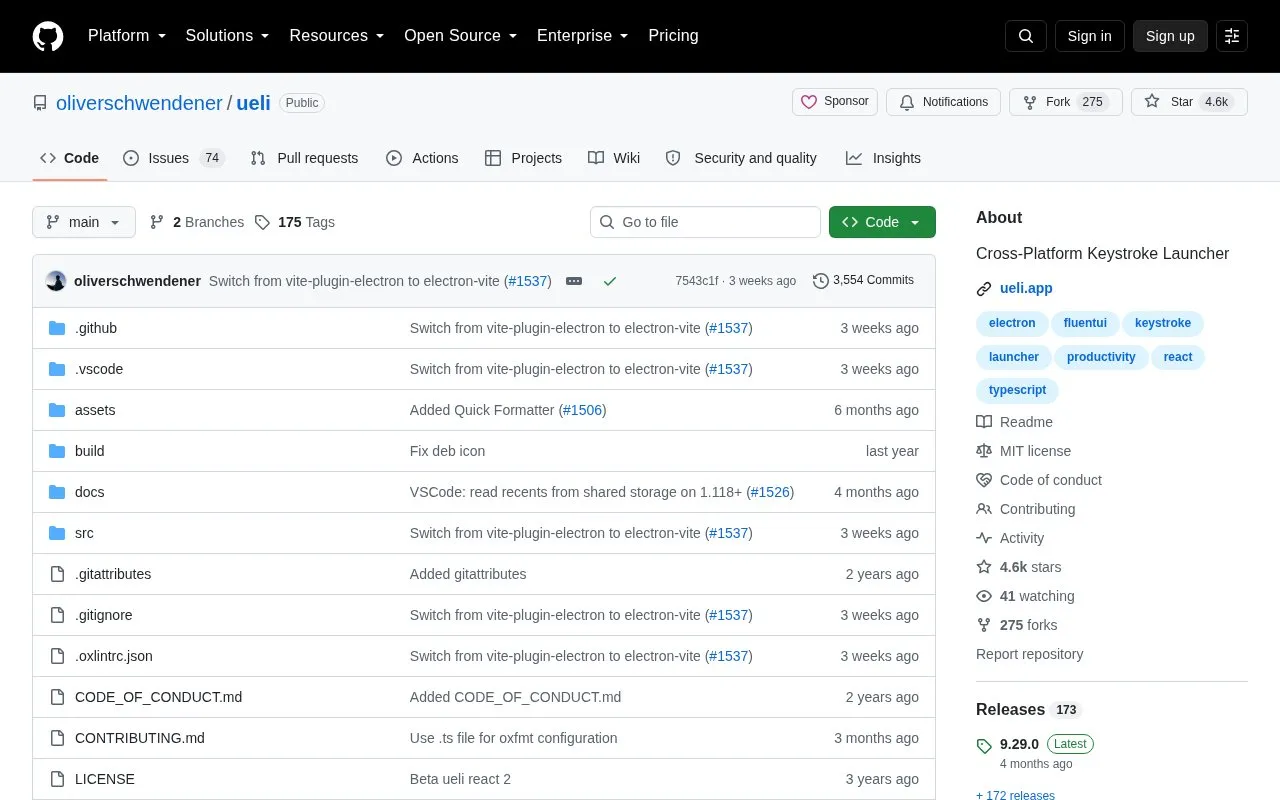
Ueli homepage screenshot

About Ueli

Ueli is a cross-platform keystroke launcher. Typing in its main window searches for items, which can be navigated with arrow keys and launched with Enter, with additional actions available through Ctrl+K or Cmd+K and favorites for frequently used items.

It offers extensions such as application search, file search, calculator, and converters that can be enabled and configured in settings. Manually downloaded Windows and macOS builds are unsigned, so the operating systems may block installation, and global hotkeys may not work in Linux Wayland sessions.

Key features

  • Search for items by typing in the main window
  • Show or hide the window with Alt+Space
  • Open additional actions with Ctrl+K or Cmd+K
  • Pin frequently used items to Favorites for top placement
  • Enable extensions such as Calculator and File Search
  • Generate passwords and UUIDs and convert Base64 values
Best for: People who prefer to launch applications and tools with keyboard input on Windows, macOS, or Linux.
Good for
  • Described as cross-platform with Windows, macOS, and Linux installation options
  • Includes extensions for application search, file search, calculations, and conversions
  • Supports favorites and per-extension settings through the settings view
Watch out for
  • Manually downloaded Windows binaries are unsigned and blocked by Windows
  • macOS binaries are neither signed nor notarized and require an Open anyway workaround
  • Global hotkeys may not work under Linux Wayland sessions

Ueli at a glance

Type
Open-source project
Pricing
Not confirmed. Check the site
Open source
Yes · Source code
Language
English
Last checked
Oct 5, 2026 · Online when checked
Listed
Oct 5, 2026

Ueli alternatives

Tools and sites you could use instead, ranked by how closely they match.

All 24 alternatives

Ueli

ueli.app

Ueli launches apps and commands from the keyboard as a cross-platform launcher.

Power Toys

github.com/microsoft/PowerToys

Microsoft PowerToys is a collection of Windows utilities for productivity and customization, according to its repository description.

Open source
24 alternatives

Popular in System Utilities

Well-known listings from the same topic.

All 202

Ueli FAQ

Where should Ueli be downloaded from?
Only from the Microsoft Store, the website at https://ueli.app, or this repository.
How can the app be opened on macOS if blocked?
Open System Settings, go to Privacy & Security, and click Open anyway.
What if the global hotkey does not work on Linux Wayland?
Bind a custom shortcut in system settings to call ueli to show and focus the window, or ueli --toggle to toggle it.
Is something wrong or out of date?

Tell us and an editor will check it.

Own this website?

Claim the listing and suggest updates yourself. An editor checks every claim first.

Claim this listing