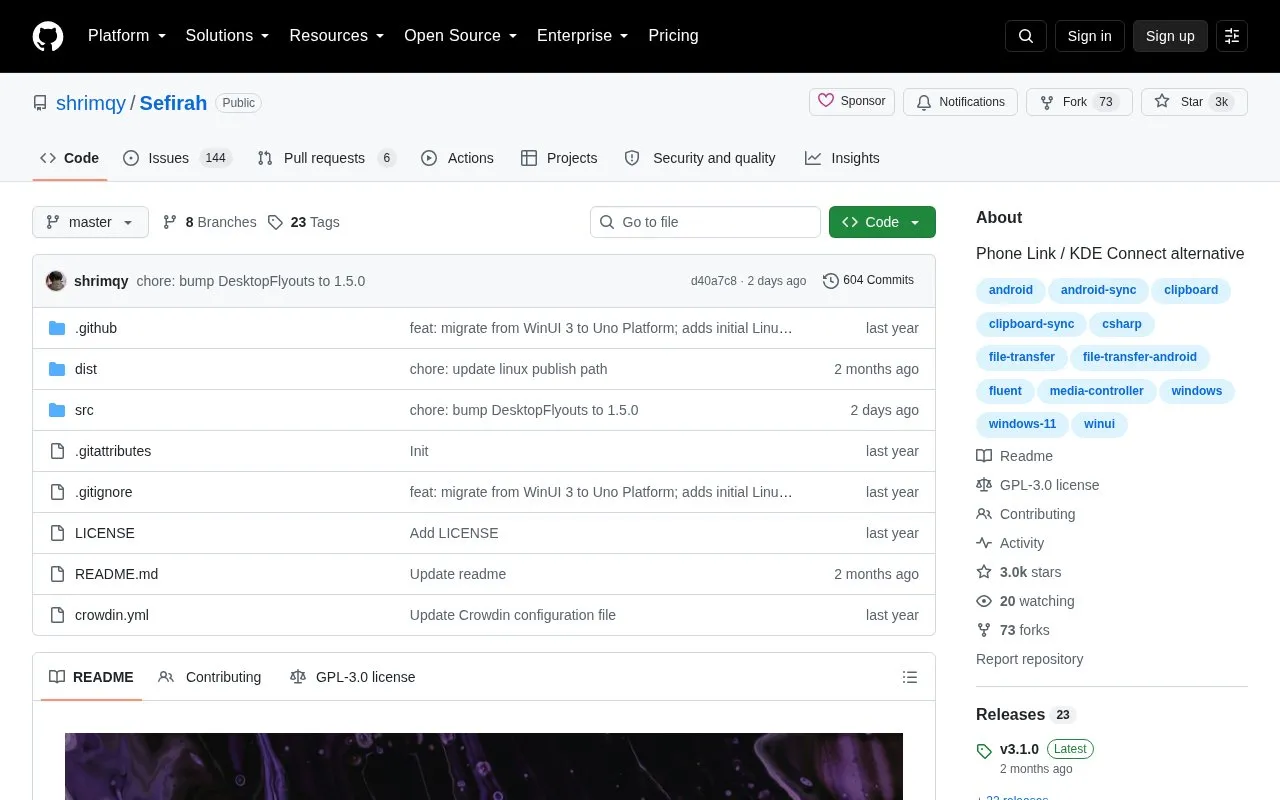
Sefirah connects an Android phone to a Windows PC for clipboard sharing, notification display, file transfer, SMS messaging, phone calls, media control, Android storage access, and screen mirroring. Both devices must be on the same network, with onboarding permissions, key-matched approval, and firewall ports 5149 to 5169 open if discovery fails.
Linux support is limited and some Windows features are unavailable. Automatic clipboard detection on Android 10 and later needs Shizuku or an ADB connection, storage access needs Android 11 or higher, and sensitive notifications on Android 15 need an additional ADB permission.
Key features
Share clipboard content between Android and Windows PC
Display Android notifications on desktop
Share files between Android and Windows devices
Send and receive SMS texts from Windows PC
View and answer phone calls on Windows PC
Control PC media playback and volume from Android
Best for: Best for Android phone owners with a Windows PC who want local-network clipboard, notification, file, messaging, and call sync.
Good for
Open-source codebase available on GitHub
Covers clipboard, notifications, files, SMS, calls and media control
Offers manual and auto connect options for pairing
Watch out for
Linux support is limited compared with Windows
Requires both devices on the same network with ports 5149-5169 open
Sensitive notifications on Android 15 require an extra ADB permission
Both devices must be on the same network. Allow onboarding permissions on Android, launch the Windows app, start the connection from Android, and approve it on Windows after checking the keys match.
How does automatic clipboard sharing from Android work on Android 10+?
Enable clipboard sync and auto-detect clipboard, then grant Shizuku access or keep ADB connected from the desktop app. Accessibility is a fallback and may not work in every case.
Why are sensitive notifications missing on Android 15?
Android restricts them. Grant the permission with: adb shell appops set com.castle.sefirah RECEIVE_SENSITIVE_NOTIFICATIONS allow. The desktop app will try to grant it automatically when ADB is connected.
Is something wrong or out of date?
Tell us and an editor will check it.
Own this website?
Claim the listing and suggest updates yourself. An editor checks every claim first.