

Uni Clipboard synchronizes clipboard content across devices using local peer-to-peer connections and end-to-end encryption, without an account or central server.
Open source
24 alternativesCrossPaste synchronizes clipboard content across macOS, Windows, and Linux using end-to-end encryption and LAN connections.
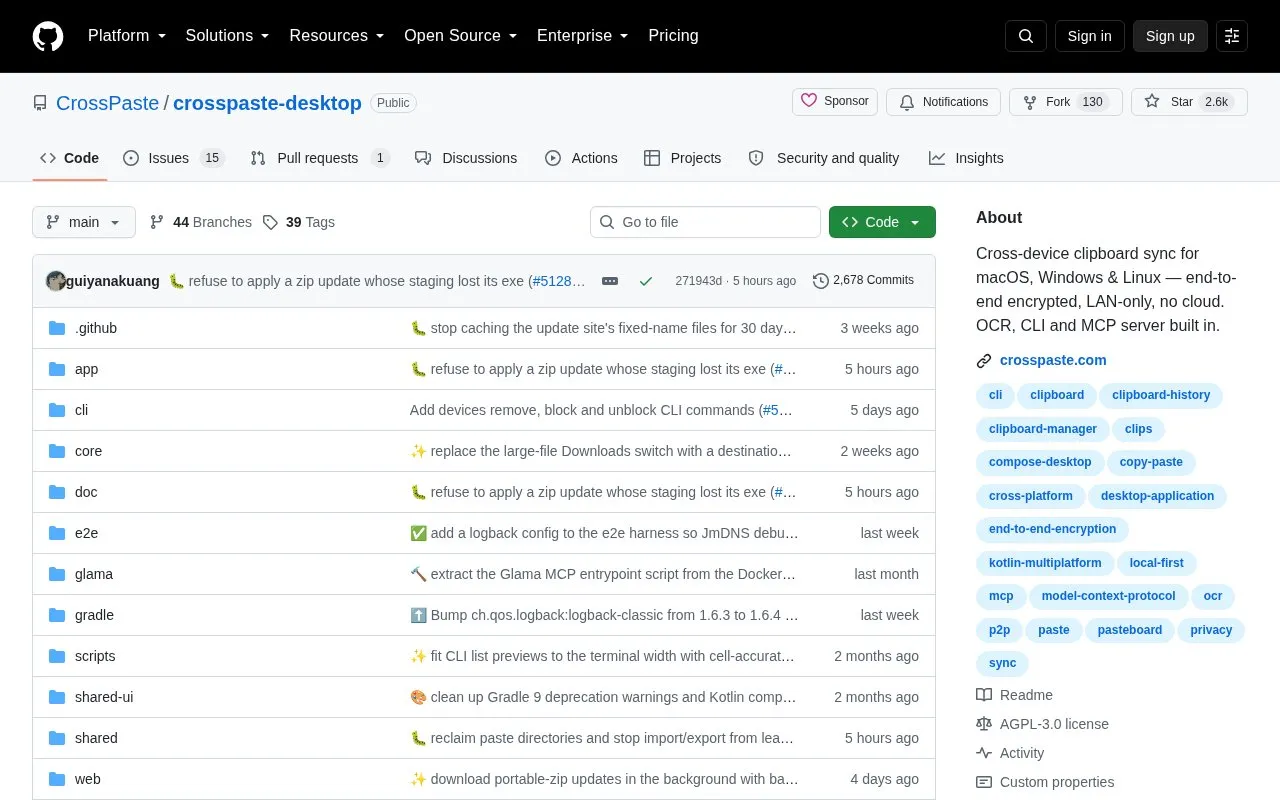
CrossPaste is an open source application that shares clipboard content between macOS, Windows, and Linux computers. Content is end-to-end encrypted with asymmetric encryption, and the project describes its design as LAN-only and serverless, with local storage and no cloud component.
Beyond basic sharing, the project lists automatic cleanup options for stored history, local text extraction from images, a command-line interface, and an MCP server that exposes clipboard history to AI assistants such as Claude. A Chrome extension can sync clipboard content with the desktop app on the same machine. The repository also lists a plugin system as planned work, not as an available feature.
Tools and sites you could use instead, ranked by how closely they match.
Uni Clipboard synchronizes clipboard content across devices using local peer-to-peer connections and end-to-end encryption, without an account or central server.
CrossPaste synchronizes clipboard content across macOS, Windows, Linux, Android, iOS, and HarmonyOS, according to its Chinese-language page.
Sefirah connects a phone and computer with shared clipboard and related cross-device workflow features.
Monitor network speed and data usage with OpenNetMeter, a Windows program for tracking connection activity.
CopyQ is a clipboard manager with editing and scripting features, according to its repository description.
Wox provides an open-source launcher for Windows, macOS, and Linux, according to its project page.
Well-known listings from the same topic.
Tell us and an editor will check it.
Claim the listing and suggest updates yourself. An editor checks every claim first.


