

Dnote is a terminal-based notebook for capturing commands and snippets, with full-text search and a self-hosted server API.
OpenRecall
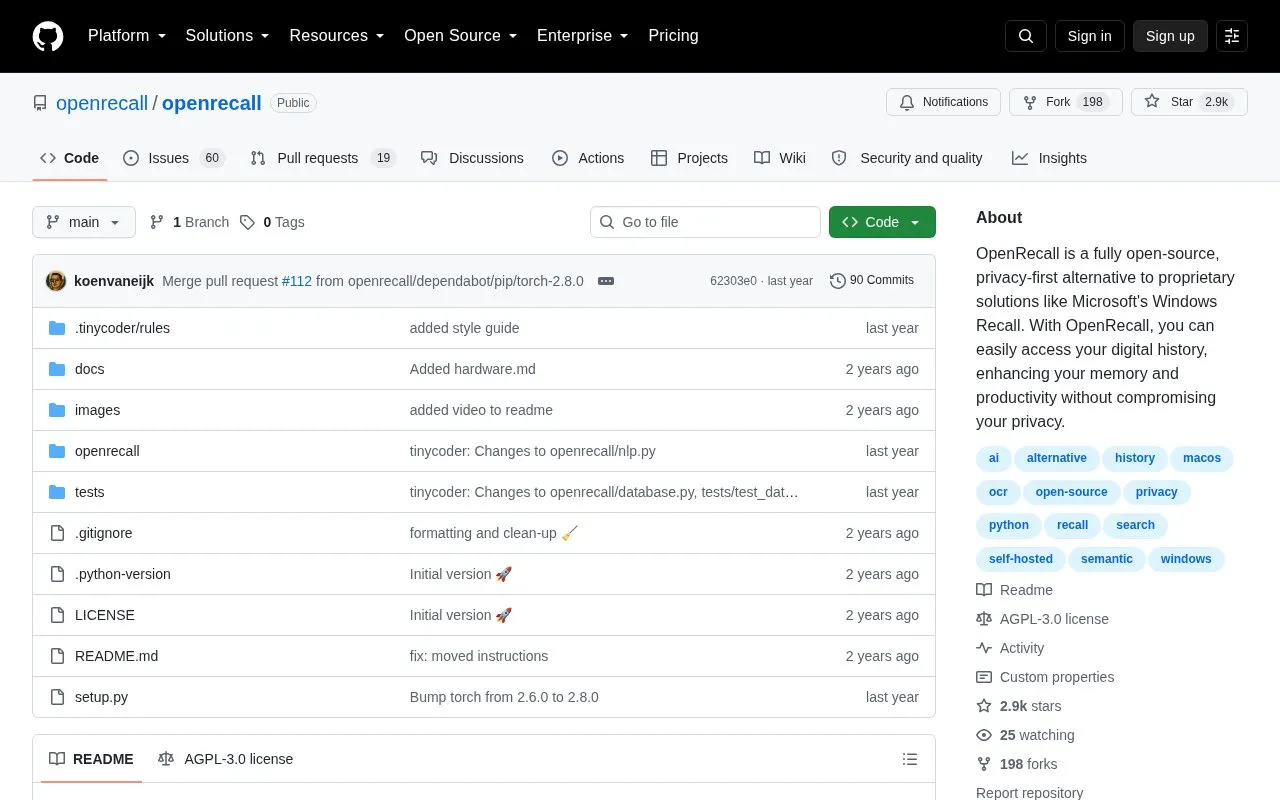
OpenRecall provides an open-source alternative to Windows Recall for accessing digital history, with the project describing it as privacy-first.
About OpenRecall
OpenRecall records on-screen activity by taking regular screenshots and analyzing the text and images in them so they can be searched by keywords. Users can also scroll back through the captured history to revisit past activity. The project says snapshots and the database are stored locally on the device, with no internet connection or cloud required, and supports a custom storage path including an encrypted volume.
It runs on Windows, macOS, and Linux and is accessed at http://localhost:8082 after starting the application. Installation requires Python 3.11 and Git, using pip commands to install and start it.
Key features
- Captures periodic screenshots to record digital activity
- Searches screenshot text and images by keywords
- Scrolls back manually through past activity history
- Stores screenshots and database locally on device
- Allows custom storage path for data
- Option to record primary monitor only
Best for: People on Windows, macOS, or Linux who want an open-source, locally stored record of on-screen activity they can search.
Good for
- Open-source code available for audit
- Works on Windows, macOS, and Linux
- Local data storage with no internet or cloud required, per project documentation
Watch out for
- Requires Python 3.11 and Git to install
- Installation and startup use command-line commands
OpenRecall at a glance
- Category
- Software & Utilities › System Utilities
- Type
- Open-source project
- Pricing
- Not confirmed. Check the site
- Platforms
- Linux, macOS, Windows
- Open source
- Yes · Source code
- Language
- English
- Last checked
- Oct 5, 2026 · Online when checked
- Listed
- Oct 5, 2026
OpenRecall alternatives
Tools and sites you could use instead, ranked by how closely they match.

Zellij provides a terminal workspace, with its repository describing the app as having built-in features.
Open source
24 alternatives
G-Helper is an Armoury Crate alternative for Asus laptops, according to its repository description.
Open source
24 alternatives
Wox provides an open-source launcher for Windows, macOS, and Linux, according to its project page.
Open source
24 alternatives
Clover is a bootloader for macOS, Windows, and Linux in UEFI and legacy modes.
Open source
24 alternatives
fkill-cli terminates processes on macOS, Linux, and Windows from the command line.
Open source
24 alternativesPopular in System Utilities
Well-known listings from the same topic.
Phone Linkmicrosoft.com/windows/sync-across-your-devicesMicrosoft SDmicrosoft.com/en-us/software-downloadPowerToyslearn.microsoft.com/en-us/windows/powertoysWinWorldPCwinworldpc.comGeekUninstallergeekuninstaller.com0Install0install.net


OpenRecall FAQ
How does OpenRecall record history?
It takes regular screenshots and analyzes the text and images so they can be searched by keywords, with manual scrolling through past activity.
What is needed to install OpenRecall?
Python 3.11, Git, and a supported operating system, then install with pip as documented and run the app module.
How do I remove OpenRecall and its data?
Uninstall the package with pip and delete the stored data folder for your operating system, plus any custom storage path if one was set.
Is something wrong or out of date?
Tell us and an editor will check it.
Own this website?
Claim this listing
Claim the listing and suggest updates yourself. An editor checks every claim first.