

Lenovo Legion Toolkit is a Windows desktop utility for Lenovo gaming laptops that replaces Lenovo Vantage, Legion Zone, and Legion Space.
Open source
24 alternativesG-Helper is an Armoury Crate alternative for Asus laptops, according to its repository description.
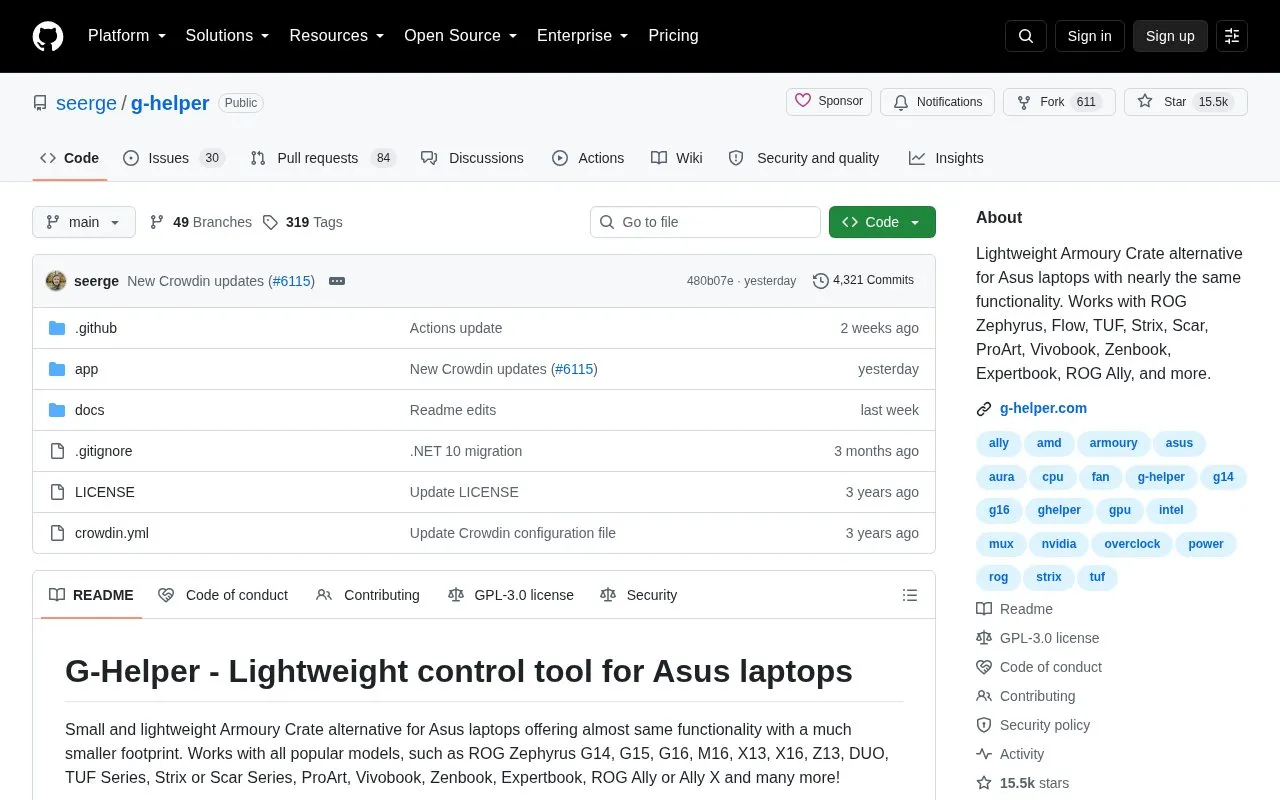
G-Helper is an open source control tool for Asus laptops that the project describes as a lightweight alternative to Armoury Crate, with nearly the same functionality. It is distributed as a single executable that the project says does not install anything on the system. The homepage lists compatible models including ROG Zephyrus, Flow, TUF, Strix, Scar, ProArt, Vivobook, Zenbook, Expertbook, and ROG Ally, along with many others.
It provides control over performance modes, GPU modes, fan curves, power limits, battery charge limits, and system monitoring. Some features are model-dependent. For example, the Ultimate GPU mode is listed as supported on 2022 and newer models, and mouse support covers only the listed ROG peripherals. The in-game overlay may not appear over older titles that use exclusive full-screen mode.
Tools and sites you could use instead, ranked by how closely they match.
Lenovo Legion Toolkit is a Windows desktop utility for Lenovo gaming laptops that replaces Lenovo Vantage, Legion Zone, and Legion Space.
OpenRecall provides an open-source alternative to Windows Recall for accessing digital history, with the project describing it as privacy-first.
PreySense controls performance modes, fans, GPU behavior, RGB lighting, display options, battery limits, and a hardware overlay on Acer Predator laptops.
Microsoft PowerToys is a collection of Windows utilities for productivity and customization, according to its repository description.
QuickLook brings the macOS Quick Look feature to Windows, according to its repository description.
App Group organizes, customizes, and launches apps, according to its repository description.
Well-known listings from the same topic.
Tell us and an editor will check it.
Claim the listing and suggest updates yourself. An editor checks every claim first.


