

Hok reimplements Scoop as a command-line package manager written in Rust; its repository notes that development is ongoing.
Open source
24 alternativescpufetch is a command-line tool written in C that displays CPU information.
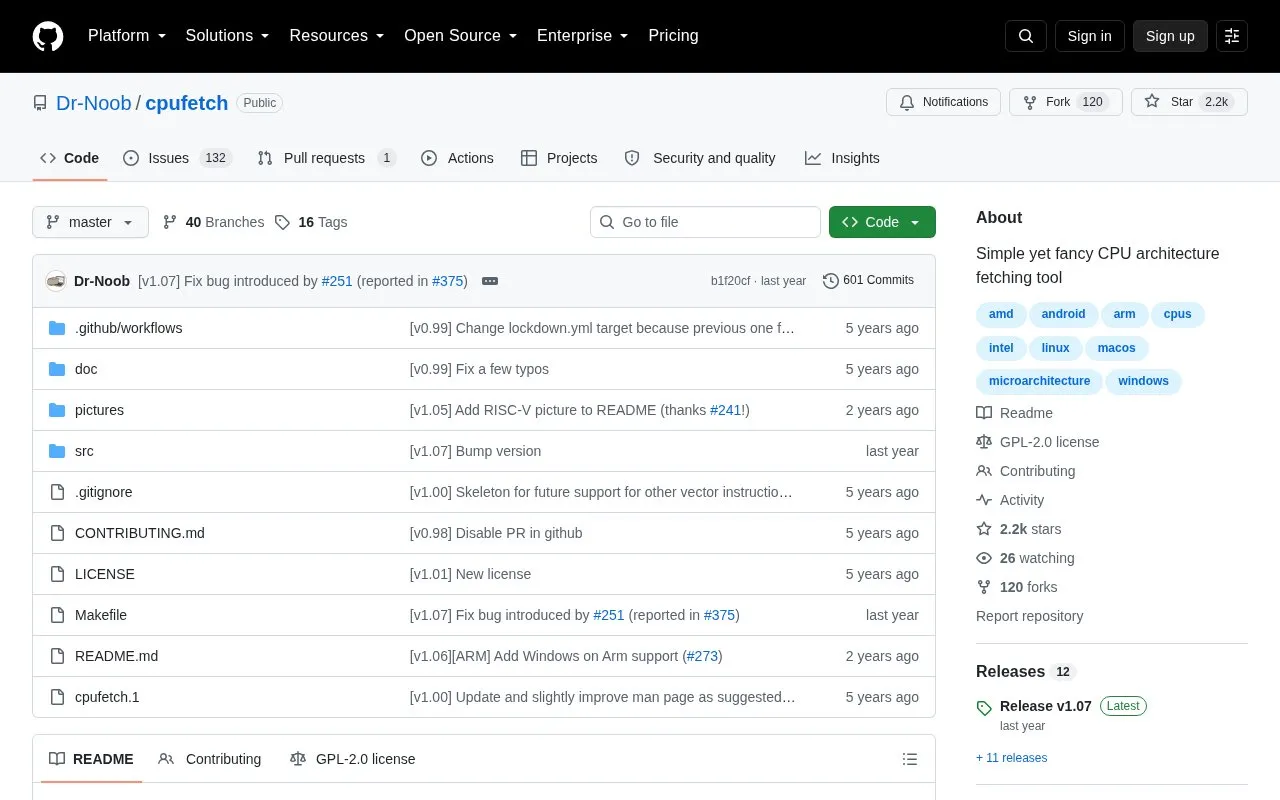
CPU Fetch is a command-line tool written in C that displays CPU information. It runs on GNU/Linux, Windows, Android, macOS and FreeBSD, with supported architectures varying by operating system. It can be installed from a package, from a release binary, or built from source with a C compiler and make. It supports custom output colors by manufacturer name or RGB values. Use on macOS ARM is limited to Apple chips, and colors on Windows require terminal support.
Tools and sites you could use instead, ranked by how closely they match.
Hok reimplements Scoop as a command-line package manager written in Rust; its repository notes that development is ongoing.
Winfetch displays system information from the command line using a PowerShell utility.
Tiny Care Terminal displays self-care messages and other information while a user works in the terminal.
WhyNotWin11 detects why a PC may not meet Windows 11 release requirements and includes update checks.
MSEdgeRedirect redirects News, Search, Widgets, Weather, and other links to a user’s default browser by filtering Edge process arguments.
Install Windows apps from the command line with Scoop, which aims to keep setup minimal.
Well-known listings from the same topic.
Tell us and an editor will check it.
Claim the listing and suggest updates yourself. An editor checks every claim first.


