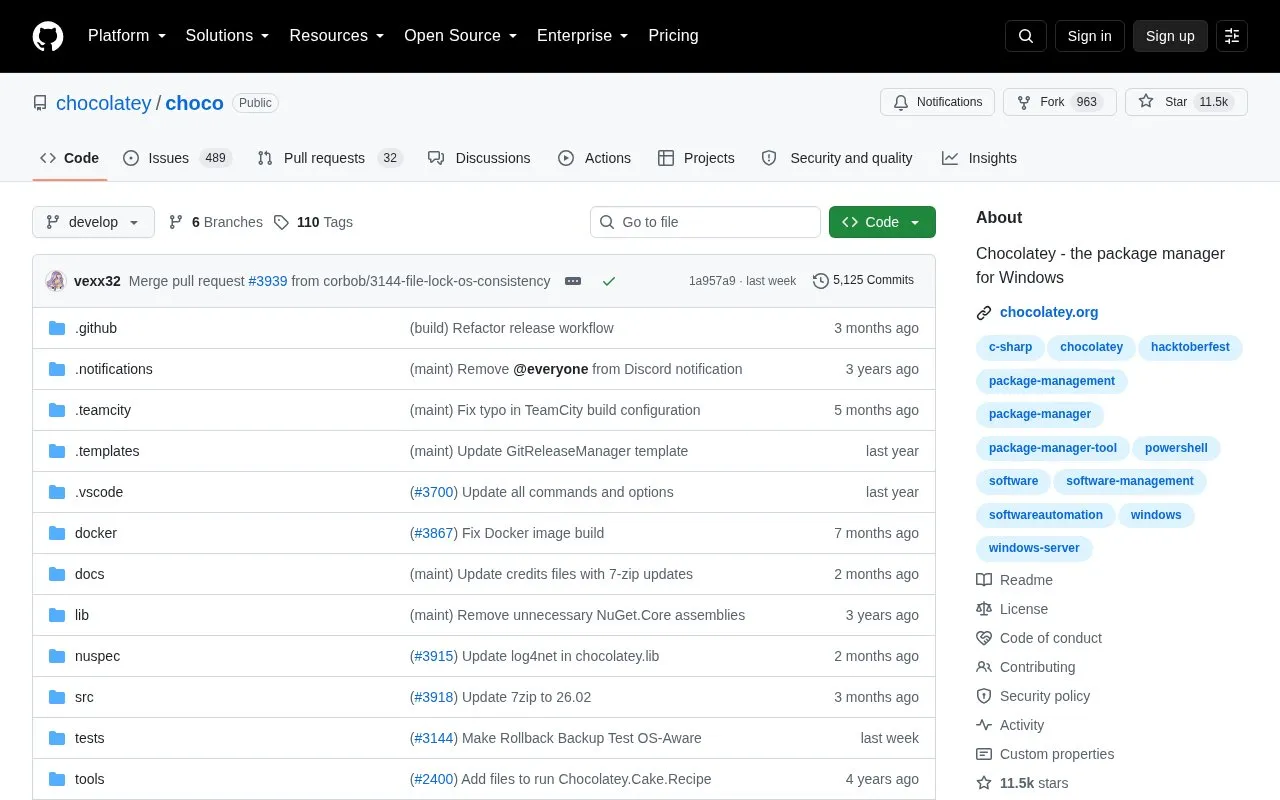
Choco is the repository for Chocolatey, a package manager for Windows described as similar to yum or apt-get. It provides the choco.exe command-line tool for installing packages, with per-command help, tab completion, and refreshenv to apply environment variable changes without restarting the shell.
It requires .NET Framework 4.8+, PowerShell 2.0+, and Windows Server 2008 R2+ or Windows 10+. Open-source support is provided by community volunteers, while licensed customers use separate support terms.
Key features
Install Windows packages from command line using choco.exe
Show per-command help with choco.exe [command] --help
Provide tab completion in shell
Refresh environment variables without restarting shell via refreshenv
Connect to community package repository at community.chocolatey.org
Support building from source with included build scripts
Best for: Windows users who want to install and manage software from the command line.
Good for
Command-line workflow similar to yum or apt-get for Windows
Includes tab completion and refreshenv to avoid restarting the shell
Licensed under Apache 2.0 with public source and build files
Watch out for
Requires .NET Framework 4.8+, PowerShell 2.0+, and supported Windows versions
Open-source support comes from volunteers with limited time
Package problems and new package requests use separate processes
.NET Framework 4.8+, PowerShell 2.0+, and Windows Server 2008 R2+ or Windows 10+. See the documentation on support lifecycle and supported operating systems for details.
How can I get help for a specific command?
Run choco.exe --help, or add the help switch after a command, for example choco.exe install --help.
Where do I report a problem with a package?
Start with Troubleshooting and the FAQ. For package issues see Request Package Fixes or Updates, and for new packages for the community feed see Package Requests.
Is something wrong or out of date?
Tell us and an editor will check it.
Own this website?
Claim the listing and suggest updates yourself. An editor checks every claim first.