

witr traces processes, ports, containers, or files back to what started them through command-line and text interfaces.
Open source
24 alternativesfkill-cli terminates processes on macOS, Linux, and Windows from the command line.
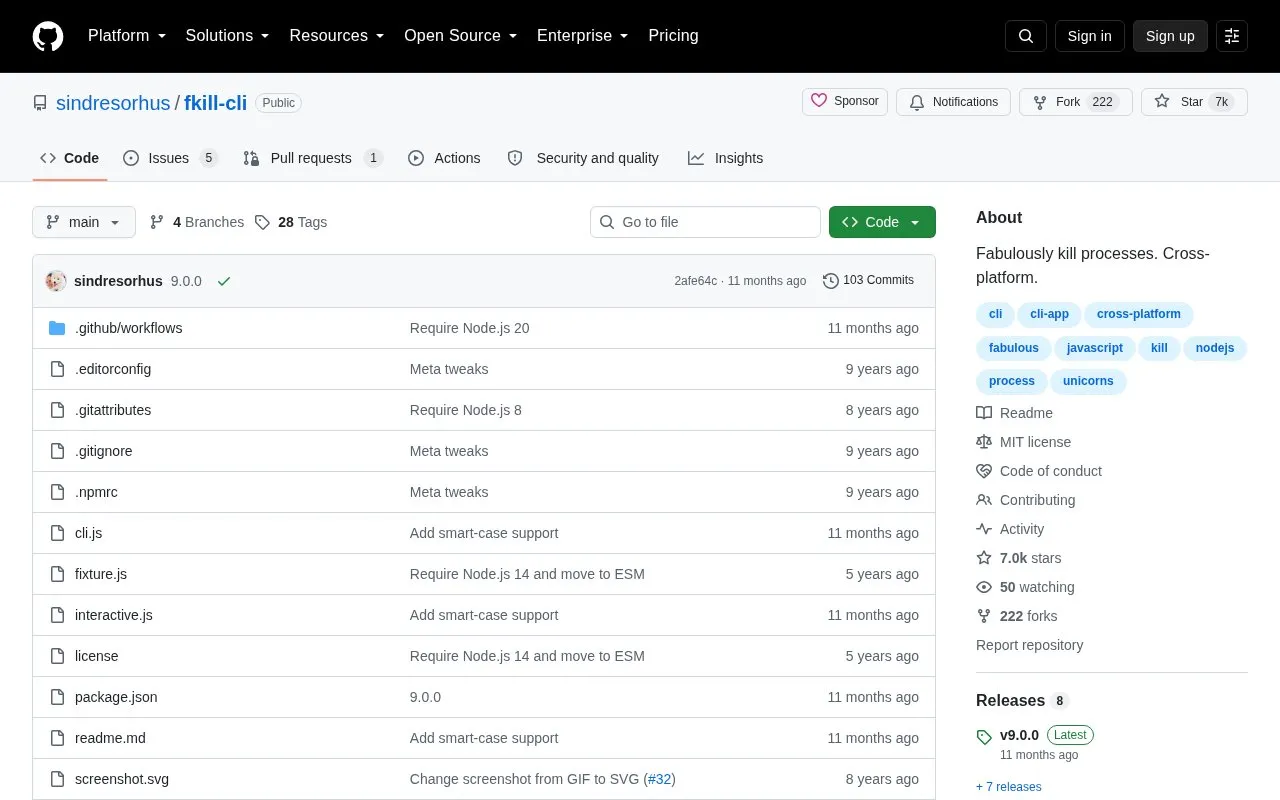
fkill-cli is a command-line tool that ends running processes on macOS, Linux, and Windows. It can target a process by its process ID, by its name, or by a port number written with a leading colon, such as :8080. Running it without arguments opens an interactive interface that supports fuzzy search.
The interactive interface marks processes with high CPU usage and high memory usage using indicator symbols. Name matching is case-insensitive by default, and a case-sensitive option is available. The package is open source under the MIT license and is installed with npm. Pricing information is not stated in the source.
Tools and sites you could use instead, ranked by how closely they match.
witr traces processes, ports, containers, or files back to what started them through command-line and text interfaces.
cpufetch is a command-line tool written in C that displays CPU information.
WinGet is the Windows Package Manager command-line interface, with PowerShell modules and related tools in the project.
Manifest Creator is Microsoft’s command-line tool for creating Windows Package Manager manifests, also known as wingetcreate.
Winfetch displays system information from the command line using a PowerShell utility.
Hok reimplements Scoop as a command-line package manager written in Rust; its repository notes that development is ongoing.
Well-known listings from the same topic.
Tell us and an editor will check it.
Claim the listing and suggest updates yourself. An editor checks every claim first.


