

This collection covers Windows 11 settings and tweaks, with scripts included in the repository.
Open source
24 alternativesCopyQ is a clipboard manager with editing and scripting features, according to its repository description.
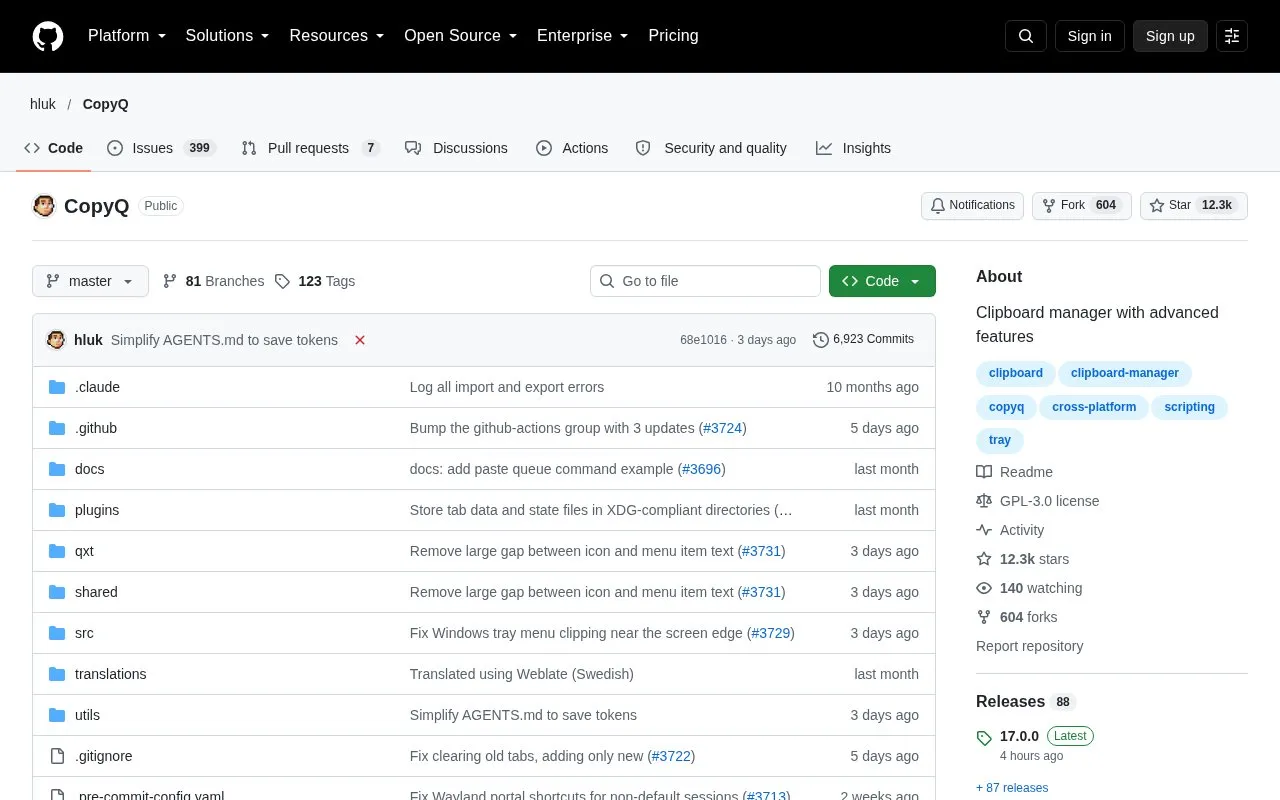
CopyQ is an open source clipboard manager for Linux, Windows, and macOS 13 and later. It monitors the system clipboard and saves copied content, including text, HTML, and images, in customizable tabs. Saved entries can be copied or pasted into any application.
The tool supports sorting, editing, and filtering history items, as well as adding notes and tags. Users can set system-wide keyboard shortcuts, run custom commands, and use a command-line interface and scripting. Clipboard content copied from specified windows or containing specified text can be ignored. Installation methods differ by operating system. The official Ubuntu PPA is no longer maintained, and macOS support depends mainly on the Qt version.
Tools and sites you could use instead, ranked by how closely they match.
This collection covers Windows 11 settings and tweaks, with scripts included in the repository.
This repository collects PowerShell scripts and profile enhancements for common use cases.
This repository collects more than 600 PowerShell scripts for Linux, macOS, and Windows.
Hok reimplements Scoop as a command-line package manager written in Rust; its repository notes that development is ongoing.
Baulk provides a minimal package manager for Windows, according to its repository description.
UniGetUI provides a graphical interface for managing package managers, according to its repository description.
Well-known listings from the same topic.
Tell us and an editor will check it.
Claim the listing and suggest updates yourself. An editor checks every claim first.


