

SmartSystemMenu extends the system menu of Windows windows with custom items, including an information view.
Open source
24 alternativesShell manages Windows File Explorer context-menu items, letting users choose which entries to add.
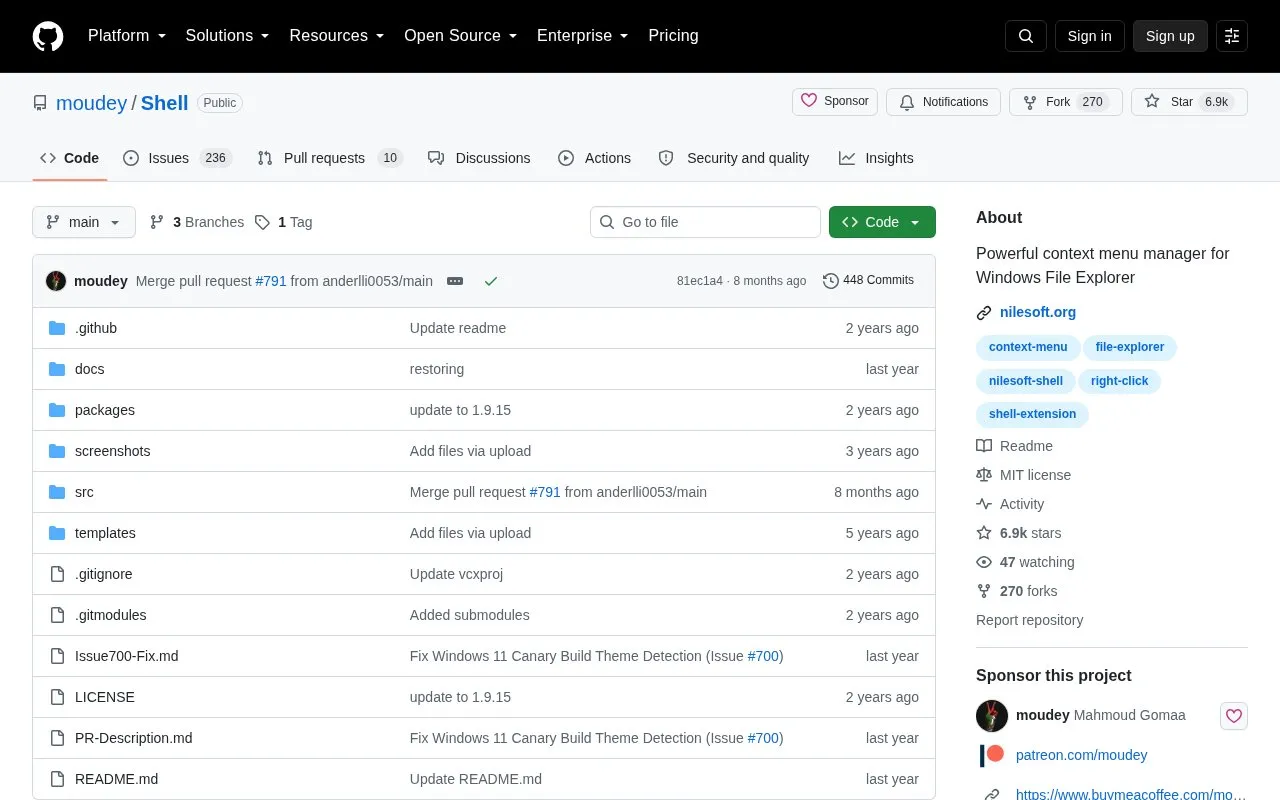
Shell is an open source utility for Windows that manages items in the File Explorer context menu, the menu that opens on right-click. Users can choose which entries to add, create custom commands that open web pages, files, folders, or applications, and modify or remove context menu items added by Windows or third-party software.
The project lists Windows 7, 8, 10, and 11 as requirements, so it does not apply to other operating systems. The repository directs users to nilesoft.org for the latest download and links to online documentation.
Tools and sites you could use instead, ranked by how closely they match.
SmartSystemMenu extends the system menu of Windows windows with custom items, including an information view.
Right Click Windows Magic provides open-source context-menu tools for administrators and power users, implemented with batch and PowerShell.
Explorer Tab Utility adds tab-management functions to Windows 11 File Explorer, including opening windows as tabs and restoring closed tabs.
StartAllBack restores and adjusts Windows 11 taskbar, Start menu, context menu, and File Explorer interface elements.
Use Quick Access Popup as a customizable Windows launcher with a context-menu style layout for accessing selected items quickly.
The Fido PowerShell script downloads Windows or UEFI Shell ISO files and is designed primarily for Rufus.
Well-known listings from the same topic.
Tell us and an editor will check it.
Claim the listing and suggest updates yourself. An editor checks every claim first.


