

Shell manages Windows File Explorer context-menu items, letting users choose which entries to add.
Open source
24 alternativesUse Quick Access Popup as a customizable Windows launcher with a context-menu style layout for accessing selected items quickly.
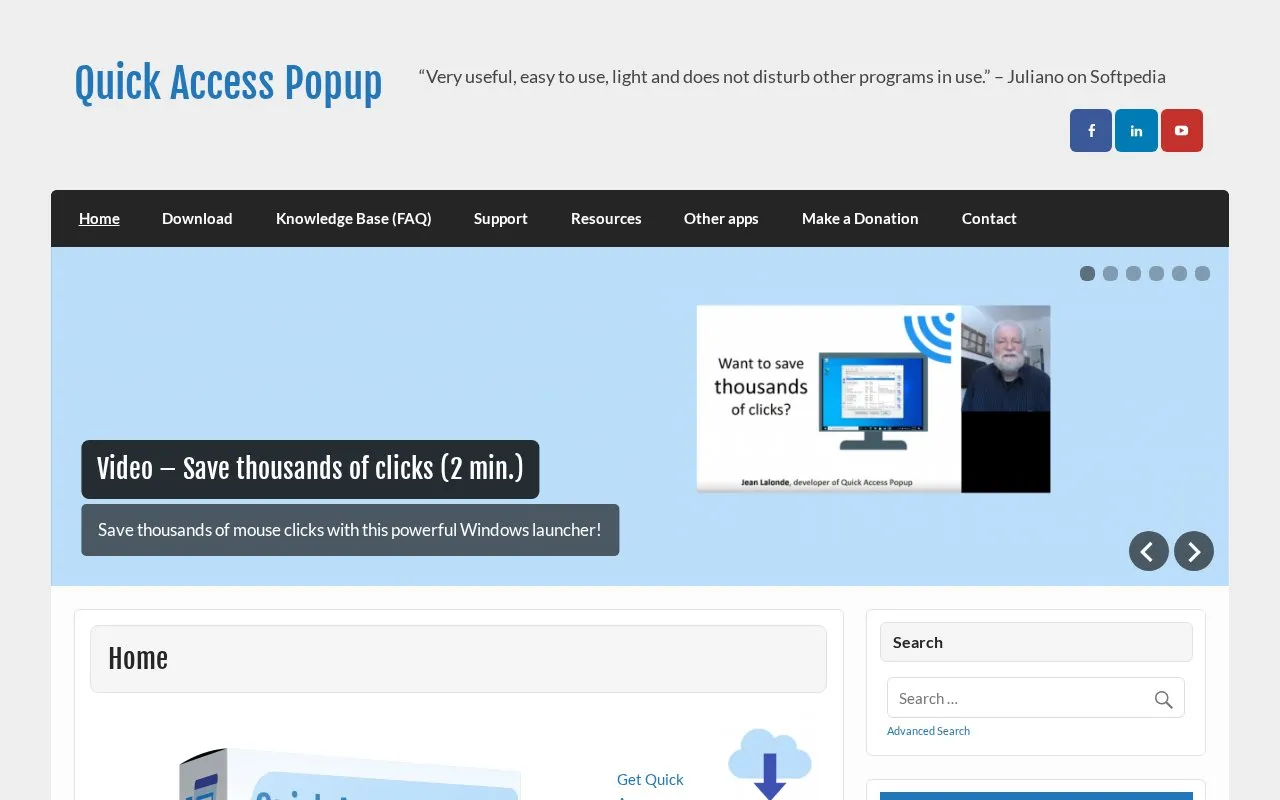
Quick Access Popup is a Windows launcher that opens a customizable, context-menu style popup for starting frequently used items. According to its homepage, the popup can launch folders, documents, applications, web links, and text snippets in one click. The homepage describes the software as free and invites donations.
The software works with Windows Explorer windows, file Open and Save As dialogs, and Console windows such as CMD and PowerShell. It also works with file managers including Directory Opus and Total Commander. The current version supports Windows 7, 8/8.1, 10, and 11, including client and server editions. Users on Windows XP or Vista are directed to Folders Popup, an earlier version. The interface is available in eleven languages, though the homepage states that some translations are incomplete.
Tools and sites you could use instead, ranked by how closely they match.
Shell manages Windows File Explorer context-menu items, letting users choose which entries to add.
Flow Launcher provides quick file search and app launching on Windows, with community-made plugins.
StartAllBack restores and adjusts Windows 11 taskbar, Start menu, context menu, and File Explorer interface elements.
Spencer brings a classic Windows XP-style Start menu to Windows 10 and Windows 11, according to its project page.
SmartSystemMenu extends the system menu of Windows windows with custom items, including an information view.
This repository curates PowerToys Run community plugins and resources for the Windows quick launcher.
Well-known listings from the same topic.
Tell us and an editor will check it.
Claim the listing and suggest updates yourself. An editor checks every claim first.


