
StartAllBack restores and adjusts Windows 11 taskbar, Start menu, context menu, and File Explorer interface elements.
Open Shell
Open-Shell provides Windows utilities for restoring classic interface features, according to its project homepage.
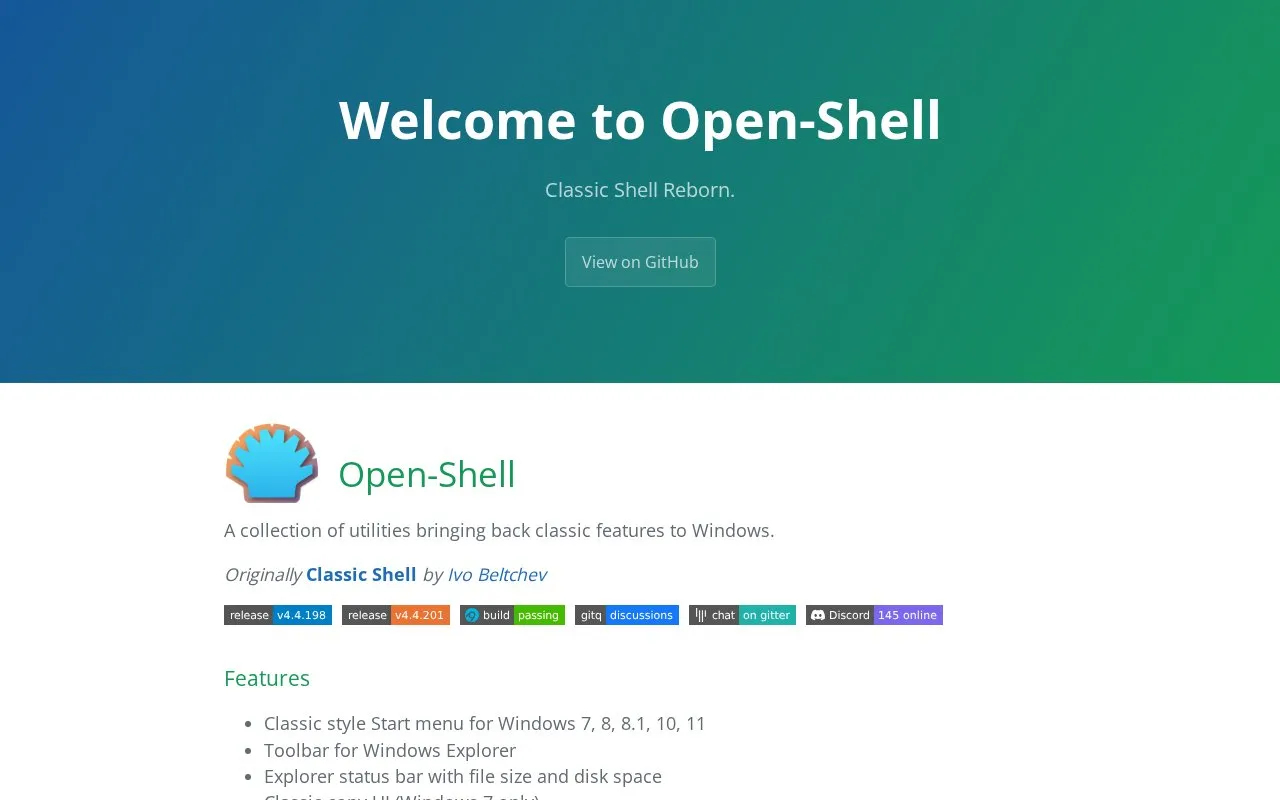
About Open Shell
Open-Shell is a collection of utilities that brings classic interface features back to Windows. It was originally Classic Shell, created by Ivo Beltchev.
The utilities add a classic style Start menu for Windows 7, 8, 8.1, 10 and 11, a toolbar for Windows Explorer, an Explorer status bar showing file size and disk space, and title and status bars for Internet Explorer. A classic copy interface is available on Windows 7 only. Both a latest stable version and a nightly build can be downloaded, and a language DLL can be installed manually for non-English use. Help is offered through issue reports, discussions, a Gitter room and a Discord server.
Key features
- Classic style Start menu for Windows 7, 8, 8.1, 10 and 11
- Toolbar for Windows Explorer
- Explorer status bar showing file size and disk space
- Classic copy user interface, on Windows 7 only
- Title bar and status bar for Internet Explorer
- Language DLL placed in install folder or shared Languages folder
Best for: Windows users who want classic Start menu, Explorer and Internet Explorer elements restored on their system.
Good for
- Covers the Start menu across Windows 7, 8, 8.1, 10 and 11
- Offers both a latest stable version and a nightly build
- Several support channels, including issue reports, discussions, Gitter and Discord
Watch out for
- The classic copy user interface is limited to Windows 7
- Non-English language support requires manually downloading and placing a language DLL
- Homepage lists no pricing information
Open Shell at a glance
- Category
- Software & Utilities › System Utilities
- Type
- Website
- Pricing
- Not confirmed. Check the site
- Platforms
- Web, Windows
- Open source
- Not stated
- Language
- English
- Last checked
- Oct 6, 2026 · Online when checked
- Listed
- Oct 5, 2026
Open Shell alternatives
Tools and sites you could use instead, ranked by how closely they match.
Popular in System Utilities
Well-known listings from the same topic.
Phone Linkmicrosoft.com/windows/sync-across-your-devicesMicrosoft SDmicrosoft.com/en-us/software-downloadPowerToyslearn.microsoft.com/en-us/windows/powertoysWinWorldPCwinworldpc.comGeekUninstallergeekuninstaller.com0Install0install.net


Open Shell FAQ
Which Windows versions does Open-Shell support?
The classic style Start menu is listed for Windows 7, 8, 8.1, 10 and 11. The classic copy user interface is stated as Windows 7 only.
How can I use Open-Shell in a language other than English?
The homepage describes a temporary solution: download the language DLL and place it either in Open-Shell's install folder or in the %ALLUSERSPROFILE%\Open-Shell\Languages folder.
Can I try a development version?
Yes. The download section points to both the latest stable version and a nightly build.
Is something wrong or out of date?
Tell us and an editor will check it.
Own this website?
Claim this listing
Claim the listing and suggest updates yourself. An editor checks every claim first.