
HashMyFiles
HashMyFiles calculates MD5, SHA, and CRC32 hashes for one or more files, according to its utility listing.
About HashMyFiles
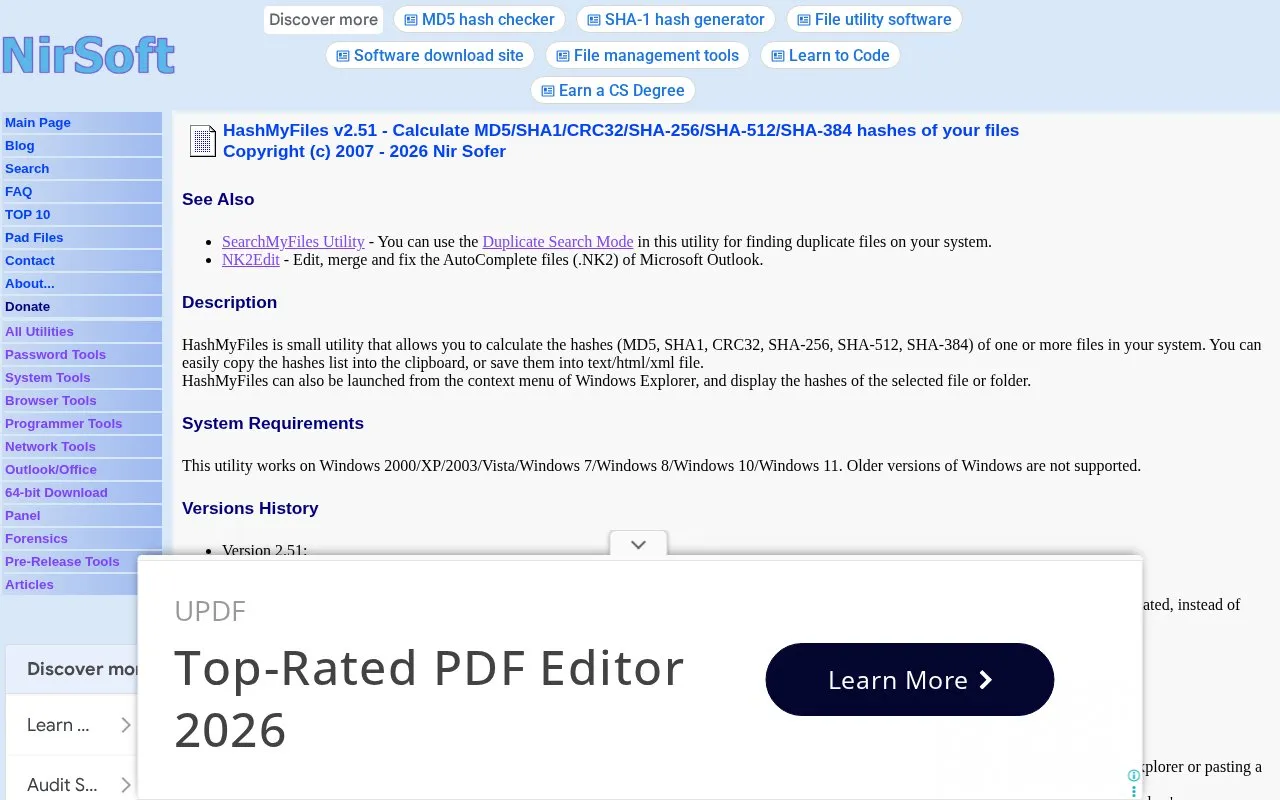
HashMyFiles is a Windows file utility that calculates cryptographic hashes for one or more local files. It supports MD5, SHA1, CRC32, SHA-256, SHA-512, and SHA-384 hash types, and allows users to copy hash lists to the clipboard or save them to text, HTML, or XML files. The tool integrates with Windows Explorer via a context menu for quick hashing of selected files or folders, and includes command-line support for automated workflows. It is compatible with Windows 2000 through Windows 11, with no support for older Windows versions.
Key features
- Calculates MD5, SHA1, CRC32, SHA-256, SHA-512, SHA-384 file hashes
- Copies hash lists to clipboard or saves to text/HTML/XML
- Integrates with Windows Explorer context menu for quick hashing
- Supports command-line options for automated hash generation
- Live hash display shows results as files are processed
- Opens file hashes directly in VirusTotal for security lookup
Best for: It is best suited for Windows users who need to generate file hashes for integrity verification, duplicate detection, or security checks.
Good for
- Supports a wide range of common cryptographic hash algorithms
- Offers both graphical and command-line interfaces for flexibility
- Integrates directly with Windows Explorer for quick context-menu access
Watch out for
- Only compatible with Windows 2000 through Windows 11, no support for older Windows or other operating systems
- VirusTotal lookup feature only works with hash types supported by the VirusTotal service
HashMyFiles at a glance
- Category
- Software & Utilities › File Utilities
- Type
- Website
- Pricing
- Not confirmed. Check the site
- Platforms
- Web, Windows
- Open source
- Not stated
- Last checked
- Oct 6, 2026 · Online when checked
- Listed
- Oct 5, 2026
Guides for File Utilities
Popular in File Utilities
Well-known listings from the same topic.
SDeletelearn.microsoft.com/en-us/sysinternals/downloa…PowerRenamelearn.microsoft.com/en-us/windows/powertoys/po…robocopylearn.microsoft.com/windows-server/administrat…VERTvert.shNanaZipnanazip.orgPhotonphotondev.netlify.app


HashMyFiles FAQ
What hash algorithms does HashMyFiles support?
It supports MD5, SHA1, CRC32, SHA-256, SHA-512, and SHA-384 hashes.
Can I hash files directly from Windows Explorer?
Yes, HashMyFiles integrates with the Windows Explorer context menu for quick access to selected files or folders.
What formats can I export hash results to?
Hash data can be copied to the clipboard or saved to text, HTML, or XML files.
Is something wrong or out of date?
Tell us and an editor will check it.
Own this website?
Claim this listing
Claim the listing and suggest updates yourself. An editor checks every claim first.