

Microsoft Error Lookup Tool explains hexadecimal error codes, with usage instructions provided in Microsoft Learn.
Sysinternals
Microsoft Sysinternals provides a library of Windows utilities, with learning resources, downloads, and support information.
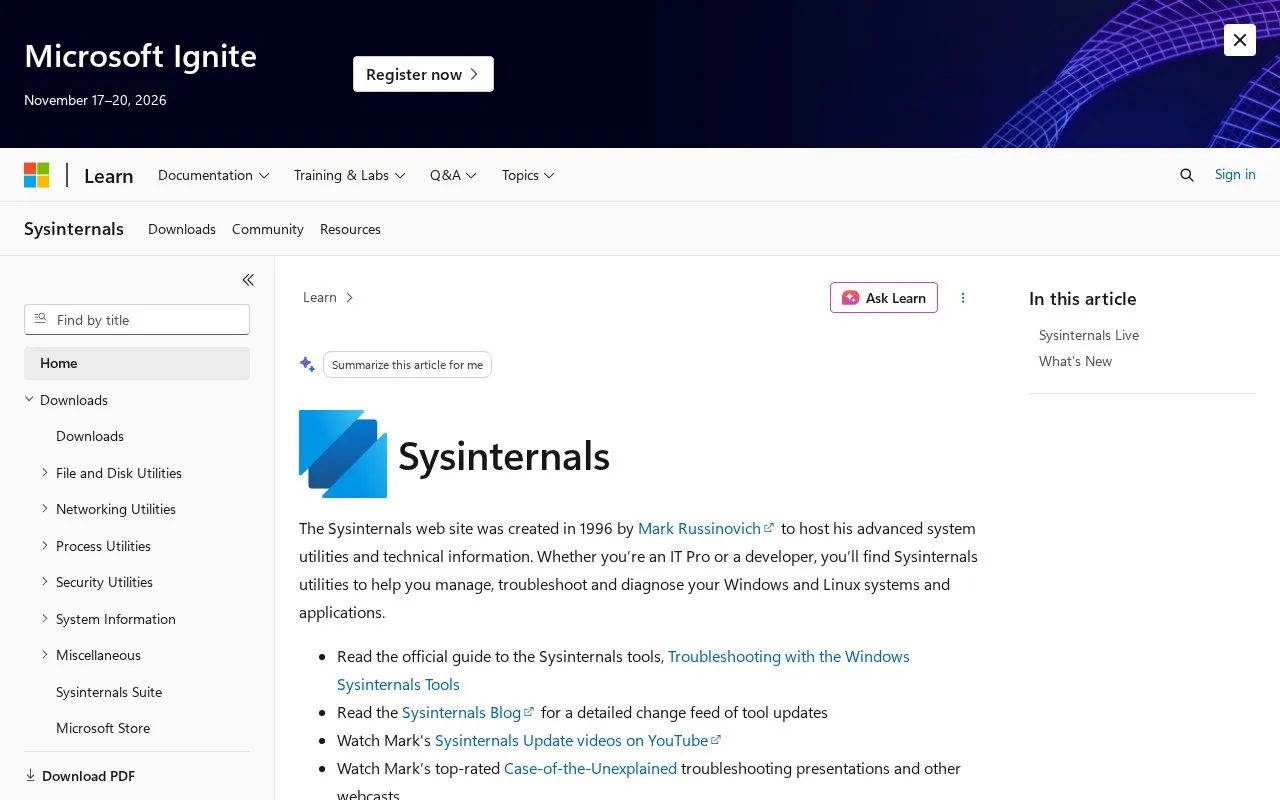
About Sysinternals
Sysinternals provides a library of system utilities to manage, troubleshoot and diagnose Windows and Linux systems and applications. The site includes downloads, learning resources, and support information.
Sysinternals Live allows tools to be run directly from the web without manual download using live.sysinternals.com paths. Listed utilities include Process Monitor for file system, Registry and process activity, Autoruns for startup items, ProcDump for memory dumps, Sysmon for host monitoring, and ZoomIt for screen magnification and annotation.
Key features
- Observe file system, Registry, and process activity with Process Monitor
- Monitor startup items including Windows packaged apps with Autoruns
- Generate memory dumps from running processes with ProcDump
- Run tools directly from the web without downloading via Sysinternals Live
- Manage and connect to Remote Desktop sessions with RDCMan
- Magnify screen and annotate presentations with ZoomIt
Best for: IT professionals and developers who manage, troubleshoot, and diagnose Windows and Linux systems.
Good for
- Covers Windows and Linux systems and applications
- Tools can run directly from the web without manual download
- Provides learning resources including a guide, blog, videos, and forum
Sysinternals at a glance
- Category
- Software & Utilities › System Utilities
- Type
- Website
- Pricing
- Not confirmed. Check the site
- Platforms
- Linux, Web, Windows
- Open source
- Not stated
- Language
- English
- Last checked
- Oct 5, 2026 · Online when checked
- Listed
- Oct 5, 2026
Sysinternals alternatives
Tools and sites you could use instead, ranked by how closely they match.

Microsoft PowerToys bundles Windows utilities such as FancyZones, PowerToys Run, Color Picker, and PowerRename for Windows 10 and 11.
FreePick

Microsoft PowerToys is a collection of Windows utilities for productivity and customization, according to its repository description.
Open source
24 alternativesPopular in System Utilities
Well-known listings from the same topic.
Phone Linkmicrosoft.com/windows/sync-across-your-devicesMicrosoft SDmicrosoft.com/en-us/software-downloadWinWorldPCwinworldpc.comGeekUninstallergeekuninstaller.com0Install0install.netGetDNotegetdnote.com


Sysinternals FAQ
How can I run Sysinternals tools without downloading them?
Use Sysinternals Live by entering live.sysinternals.com/ or \\live.sysinternals.com\tools\ in Windows Explorer, or \\live.sysinternals.com\tools\ in a command prompt. The full directory can be viewed at https://live.sysinternals.com/.
What is Process Monitor used for?
Observing real-time file system, Registry, and process or thread activity.
What is Autoruns used for?
Monitoring startup items, including support for Windows packaged apps.
Is something wrong or out of date?
Tell us and an editor will check it.
Own this website?
Claim this listing
Claim the listing and suggest updates yourself. An editor checks every claim first.