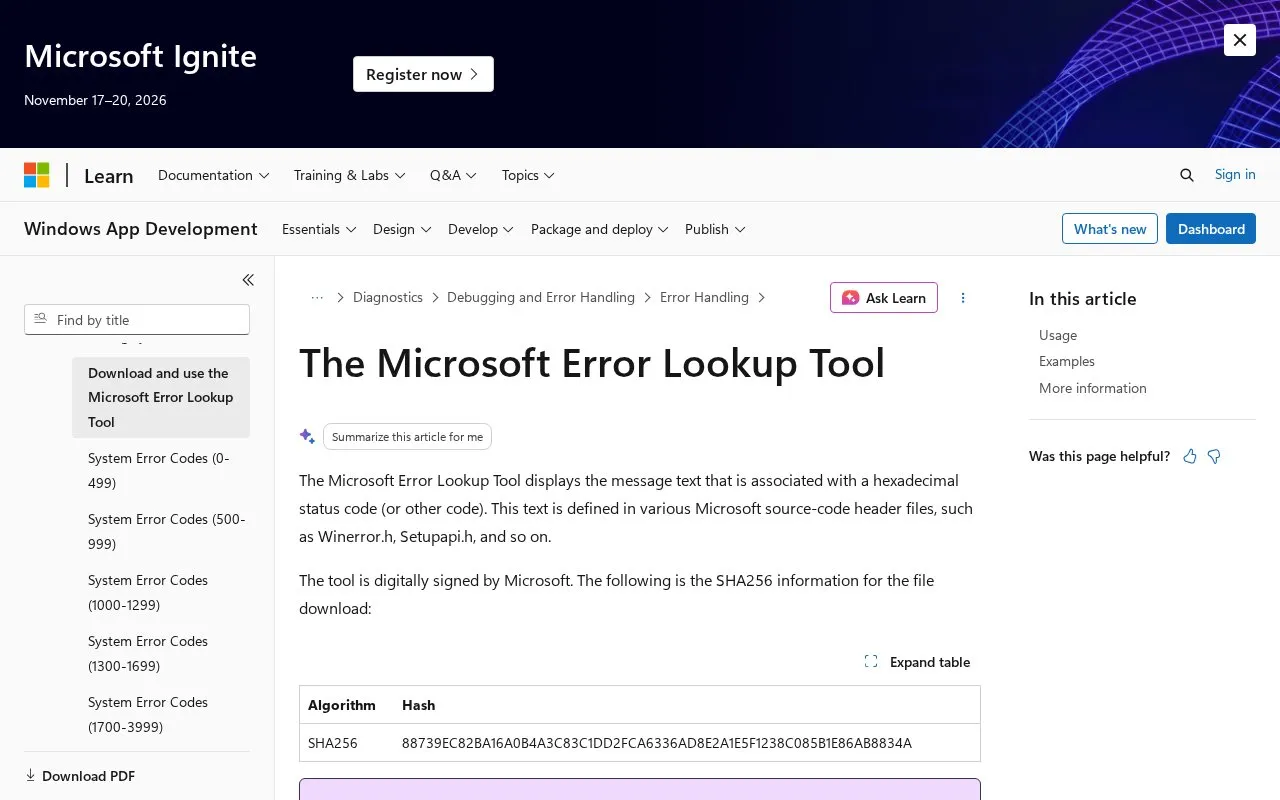
The Microsoft Error Lookup Tool is a downloadable Windows command-line program that displays the message text associated with a hexadecimal status or error code. The message text comes from Microsoft source-code header files such as Winerror.h, Setupapi.h, and ntstatus.h. The tool is digitally signed by Microsoft, and the publisher lists a SHA256 hash for the download so users can check the file.
Users download the executable, place it in a folder, and run it from a Command Prompt window with the code to look up. The page shows examples in which one code returns several matching definitions. The tool reflects the codes known when it was compiled, so newer Windows error codes may not appear. Microsoft advises downloading a newer version or checking its Error Codes reference. Business environments may restrict which files can run, so users should confirm permission before downloading and running it.
Key features
Displays message text for a hexadecimal status or error code
Draws message definitions from Microsoft header files such as Winerror.h
Shows decimal and HRESULT interpretations for some codes in example output
Lists multiple matches when one code is defined in more than one place
Runs from a Windows Command Prompt with the error code as an argument
Digitally signed by Microsoft, with a published SHA256 hash for the download
Best for: Windows administrators, developers, and support staff who need to look up the meaning of numeric error codes from the command line.
Good for
Digitally signed by Microsoft, and the page publishes a SHA256 hash for verification
Does not need to be installed; the downloaded file can be copied to a folder and run
Returns multiple matching definitions when a code appears in more than one source file
Watch out for
Reflects only the codes known when the tool was compiled, so newer codes may be missing
Requires use of a Command Prompt window
Business environments may restrict whether the file can be downloaded or run
Do I need to install the Microsoft Error Lookup Tool?
No. The page states that you do not have to expand or install the downloaded file. You can copy it to a folder and run it from a Command Prompt window.
Why might a newer Windows error code not be found?
The tool decodes most Microsoft error codes as of the date it was compiled. Microsoft recommends downloading a new version from the Microsoft Download Center or checking its Error Codes reference.
Can I run the tool from any Command Prompt?
If you place the file in a folder listed in your operating system's Path environment variable, it will work at any command prompt, according to the page.
Is something wrong or out of date?
Tell us and an editor will check it.
Own this website?
Claim the listing and suggest updates yourself. An editor checks every claim first.