

Deepr provides native Android tools to store, organize, and launch links while testing them.
Open source
18 alternativesBCR-GUI helps manage, organize, and play recordings made by Basic Call Recorder and supported Android ROMs.
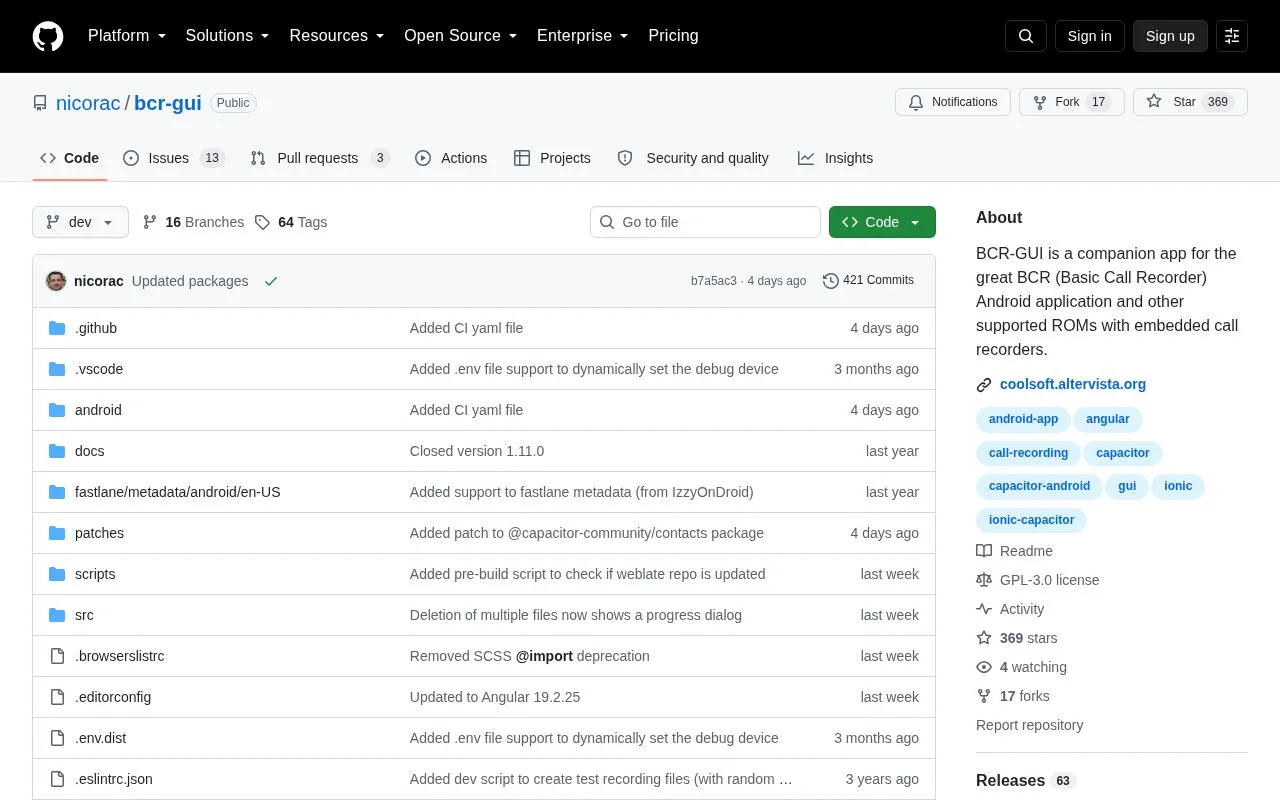
BCR-GUI is an open-source Android app for managing, organizing, and playing back call recordings made by BCR (Basic Call Recorder) and other supported call recorders. It lists recordings in order, plays them directly, and lets users share, delete, or manually edit caller names. It can also create a new contact or search an existing contact using a recording's phone number. For BCR v1.49 or newer, it reads detailed call metadata from a JSON file; otherwise it extracts call data from recording filenames using bundled or custom templates. Non-BCR recorders require selecting the matching filename template in settings.
The app does not need root access and only requests access to the recordings directory via Android SAF dialogs. It does not need Internet access at present, though the source notes this may change if an auto-update feature is added. Contacts permission is optional. BCR-GUI is not available in the Play Store, and it currently lacks note or tag editing and filtering by tags, content, date range, or length.
Tools and sites you could use instead, ranked by how closely they match.
Deepr provides native Android tools to store, organize, and launch links while testing them.
Showly helps users manage movies and TV shows through an Android tracking app.
Fossify File Manager helps users manage files on Android, with its project description specifying no ads.
The Clock app is customizable and open source, with privacy-focused design inspired by the Android Clock application.
RSAF adds a document provider for Android Storage Access Framework backed by rclone, exposing remote files to compatible apps.
Prism File Explorer provides Android file management in a lightweight app with a broad feature set; the repository says active maintenance has ended.
Well-known listings from the same topic.
Tell us and an editor will check it.
Claim the listing and suggest updates yourself. An editor checks every claim first.


