GUI
AYA provides a desktop app for controlling Android devices through Android Debug Bridge.
About GUI
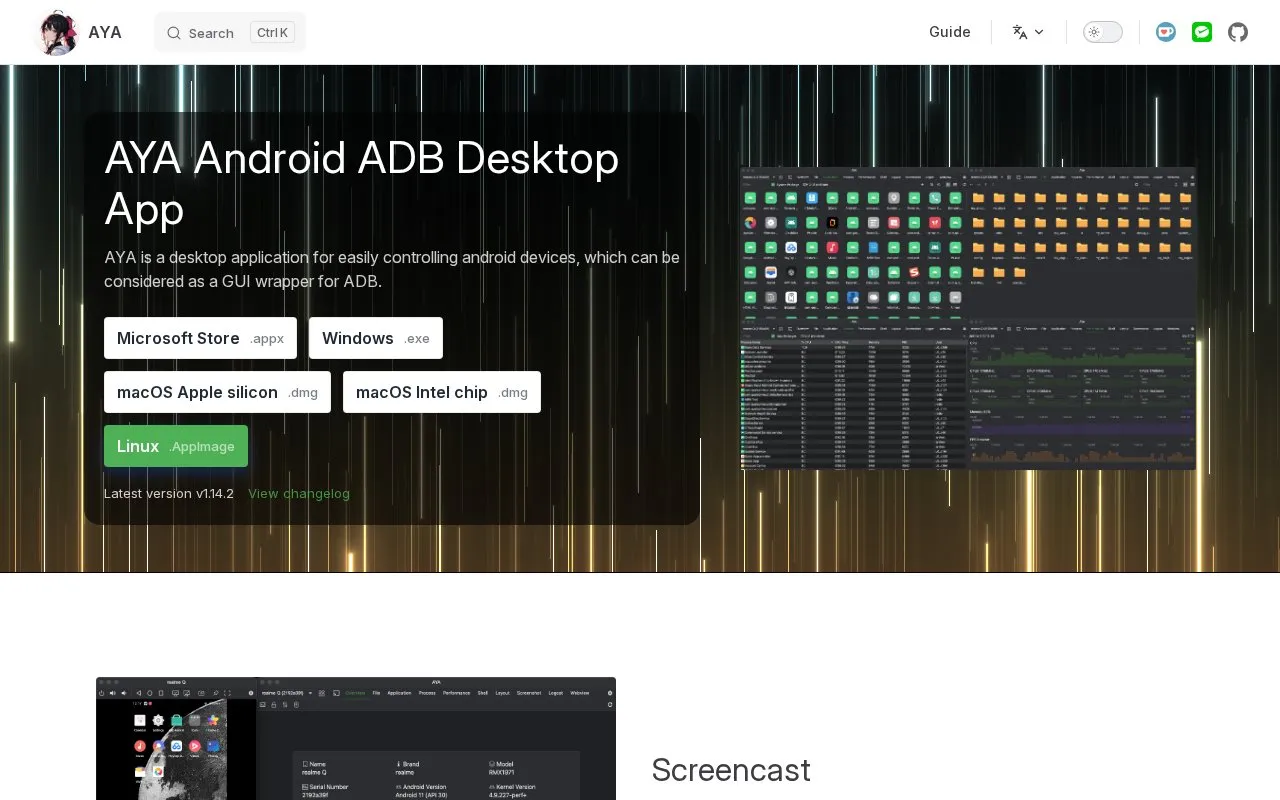
GUI, published under the AYA name, is a desktop application for controlling Android devices. The homepage describes it as a GUI wrapper for Android Debug Bridge (ADB). It provides screencasting with keyboard and mouse control, file browsing and transfer, app installation and management, real-time process and performance views, an ADB shell-style terminal, a layout inspector, screenshots, and a graphical logcat viewer.
Installers are listed for Windows (through the Microsoft Store), macOS on Apple silicon and Intel chips, and Linux as an AppImage. The latest listed version is v1.14.2. The project is not open source, and pricing is not stated. The source does not specify supported Android versions or device setup requirements.
Key features
- High-quality, low-latency screencast with keyboard and mouse control, recording and capture
- Browse device directories, view, upload, and download files
- Install, uninstall, clear data, start, and stop apps, and export APKs
- Real-time CPU, memory, and FPS monitoring
- Terminal with an ADB shell-like experience and multi-session support
- Graphical logcat with level and tag filters and log export
- Provides a graphical interface over ADB for device control
- Offers installers for Windows, macOS, and Linux
GUI at a glance
- Website
- aya.liriliri.io
- Category
- Software & Utilities › System Utilities
- Type
- App
- Pricing
- Not confirmed. Check the site
- Platforms
- Android, Linux, macOS, Web, Windows
- Open source
- Not stated
- Language
- English
- Last checked
- Oct 6, 2026 · Online when checked
- Listed
- Oct 5, 2026
Popular in System Utilities
Well-known listings from the same topic.


GUI FAQ
Is AYA open source?
Which operating systems are supported?
Tell us and an editor will check it.
Claim the listing and suggest updates yourself. An editor checks every claim first.