

GQueues helps teams manage tasks in Google Workspace and track project progress with a board view.
Free trial
24 alternativesGuidejar records a process and converts it into step-by-step guides, interactive walkthroughs, and product demonstrations.
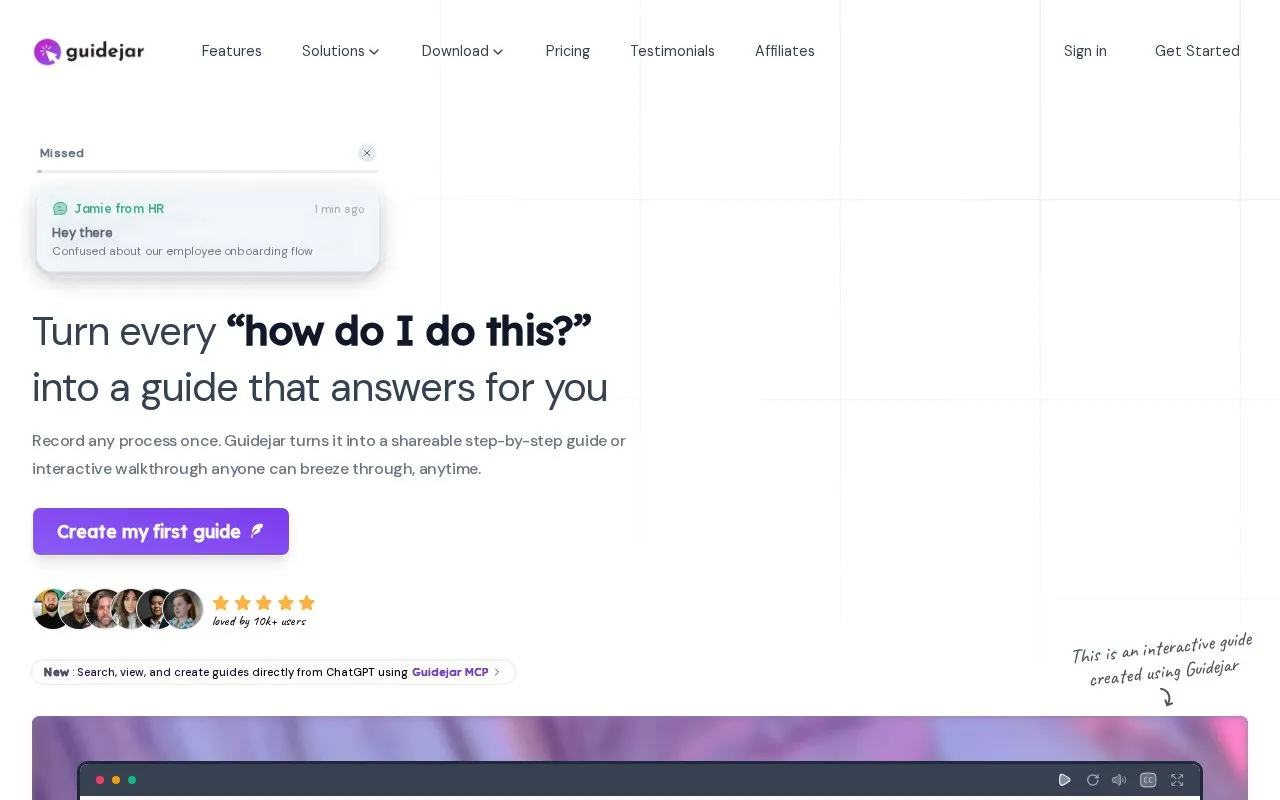
Guidejar is a browser extension and web tool that records a process once and turns it into a step-by-step guide, interactive walkthrough, or product demo. Capture runs from a Chrome extension or desktop app; the resulting guide can be edited with pan-and-zoom effects, blurred details, chapters, branching paths, and brand styling, then shared by link or embedded on a website.
AI features include Nila, a writer that rewrites titles, steps and FAQs in one voice, narration in a chosen voice, translation into 30+ languages with each version kept beside the original, video-to-guide conversion from an uploaded screen recording, and auto-redaction that blurs emails, account numbers and faces in screenshots. Guides can be collected into a branded help center, and Claude, ChatGPT or Grok can create and search guides in a workspace through Guidejar MCP. The site states it is used by 10k+ users and lists teams including DHL, Pfizer and Visma. Pricing is not stated, and the Assist me walkthrough feature is labeled beta.
Tools and sites you could use instead, ranked by how closely they match.
GQueues helps teams manage tasks in Google Workspace and track project progress with a board view.
Kome provides a browser extension for summarizing websites, news, and YouTube videos and bookmarking content.
PromptDrive organizes and shares prompts across ChatGPT, Claude, and Gemini for team collaboration.
MagicPost creates and schedules LinkedIn content, tracks engagement, and provides lead and analytics tools through an official API integration.
PromptFolder helps users save, organize, and discover prompts for ChatGPT, Midjourney, and other AI tools.
Chat AI provides access to multiple AI chat models through web, mobile, and messaging applications.
Well-known listings from the same topic.
Tell us and an editor will check it.
Claim the listing and suggest updates yourself. An editor checks every claim first.


