

Hurl
Hurl lets Windows users choose which browser opens when they click a link.
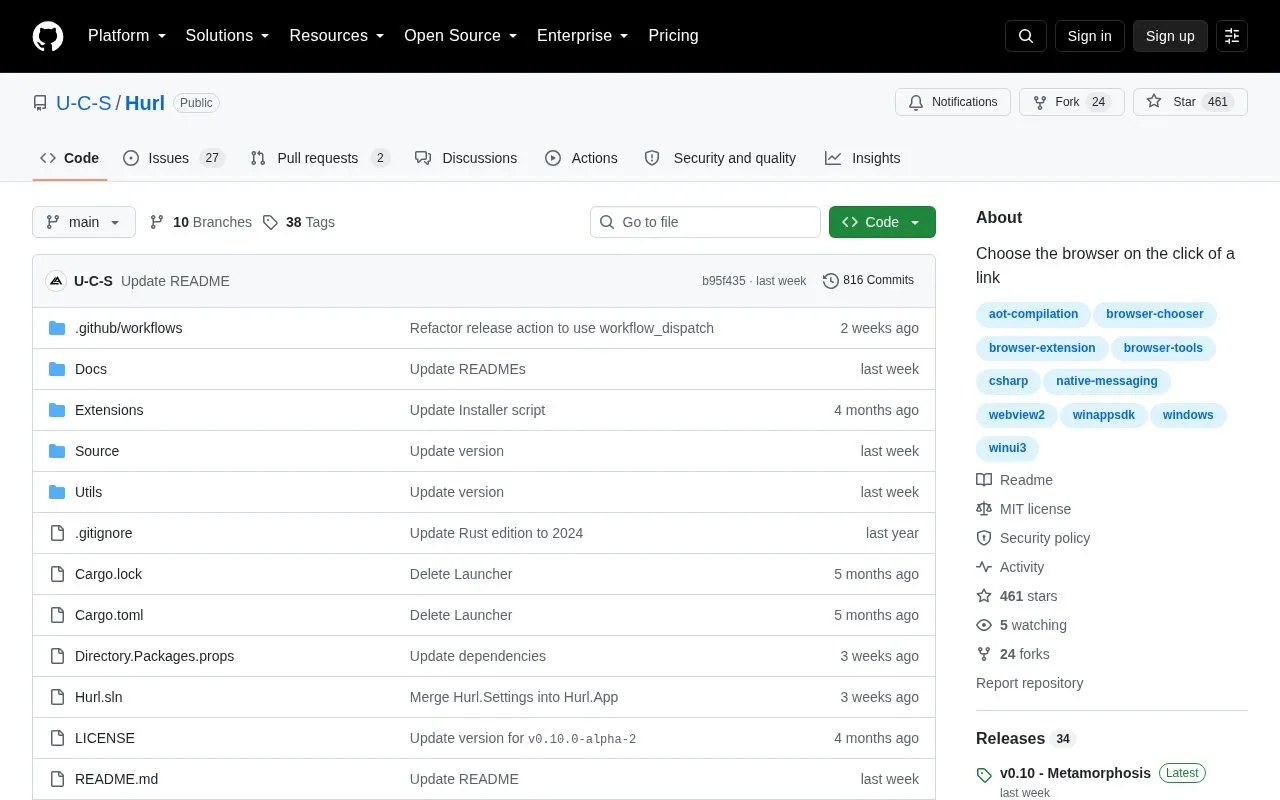
About Hurl
Hurl is an open-source Windows utility that acts as a default browser to let you choose which browser opens a link. It handles links clicked outside of browsers and shows a prompt to select from your installed browsers.
After installing the Hurl installer, you set Hurl as the default handler for HTTP and HTTPS in Windows Settings. You can then manage browsers and behavior in a Settings window, add custom browser configurations with launch arguments, and create rules to open certain links automatically without prompting. It also includes experimental options to preview URLs in a WebView2 window and to send browser tabs to Hurl with a web extension.
Hurl suits Windows users who regularly use more than one browser and want control over each link. Documentation in the repository explains installation, usage, and configuration, and the project notes it is pre-1.0 so updates may introduce breaking changes.
Key features
- Choose browser each time you click a link
- Set as default HTTP/HTTPS handler in Windows
- Add custom browsers with launch arguments
- Create rules to open links automatically
- Manage options in Settings window
- Preview URLs in WebView2 window (experimental)
Best for: Windows users who use multiple browsers and want to pick one per link.
Good for
- Open source under MIT license
- Supports custom browsers with launch arguments
- Rules for automatic browser selection
- Documentation for installation and configuration
Watch out for
- Pre-1.0 and may introduce breaking changes
- Windows only
- Updating recommends uninstalling current version first
Hurl at a glance
- Website
- github.com/U-C-S/Hurl
- Category
- Software & Utilities › Browser Extensions
- Type
- Open-source project
- Pricing
- Not confirmed. Check the site
- Platforms
- Browser extension, Windows
- Open source
- Yes · Source code
- Language
- English
- Last checked
- Oct 5, 2026 · Online when checked
- Listed
- Oct 5, 2026
Guides for Browser Extensions
Hurl alternatives
Tools and sites you could use instead, ranked by how closely they match.

Custom Right-Click Menu adds user-defined links, scripts, stylesheets, and submenus to a browser context menu.
Open source
24 alternatives
Default Bookmark Folder lets users choose the default folder for bookmarks and adds a dedicated icon for bookmarking pages.
Open source
24 alternatives
Allow Right Click re-enables context menus, copying, pasting, and text selection on sites that block those actions, through a browser extension.
Open source
24 alternatives
Peek previews links to documents, videos, music, and supported services when the pointer hovers over them in a webpage.
Open source
24 alternatives
The Quick Copy browser extension helps users copy text from webpages, with the project page linking to its Chrome listing.
Open source
24 alternatives
Re-Start provides a terminal-style browser start page with a task list, quick links, weather summary, and customizable display options.
Open source
24 alternativesPopular in Browser Extensions
Well-known listings from the same topic.
Popupblocker by Joofthanaddons.mozilla.org/firefox/addon/popupblockerallEnhancementscplx.appViolentmonkeyviolentmonkey.github.ioMomentummomentumdash.comMission Controlmission-control.appSession Buddysessionbuddy.com


Hurl FAQ
What is Hurl?
Hurl is a Windows utility that acts as the default browser to let you choose which browser opens a link clicked outside a browser.
How do I set up Hurl after installing?
Set Hurl as the default browser for HTTP and HTTPS in Windows Settings, under Apps > Default apps > Hurl on Windows 11.
Can Hurl open links automatically without asking?
Yes, you can create rules to automatically open matching links in a specific browser without prompting.
Is Hurl open source?
Yes, the repository is available on GitHub under the MIT license and accepts pull requests and feedback.
Is something wrong or out of date?
Tell us and an editor will check it.
Own this website?
Claim this listing
Claim the listing and suggest updates yourself. An editor checks every claim first.