

An Android optical character recognition app based on Tesseract, AndroidOCR brings text recognition to a mobile device.
Open source
24 alternativesImage Toolbox provides Android image editing and processing tools, including cropping, drawing, filters, and OCR.
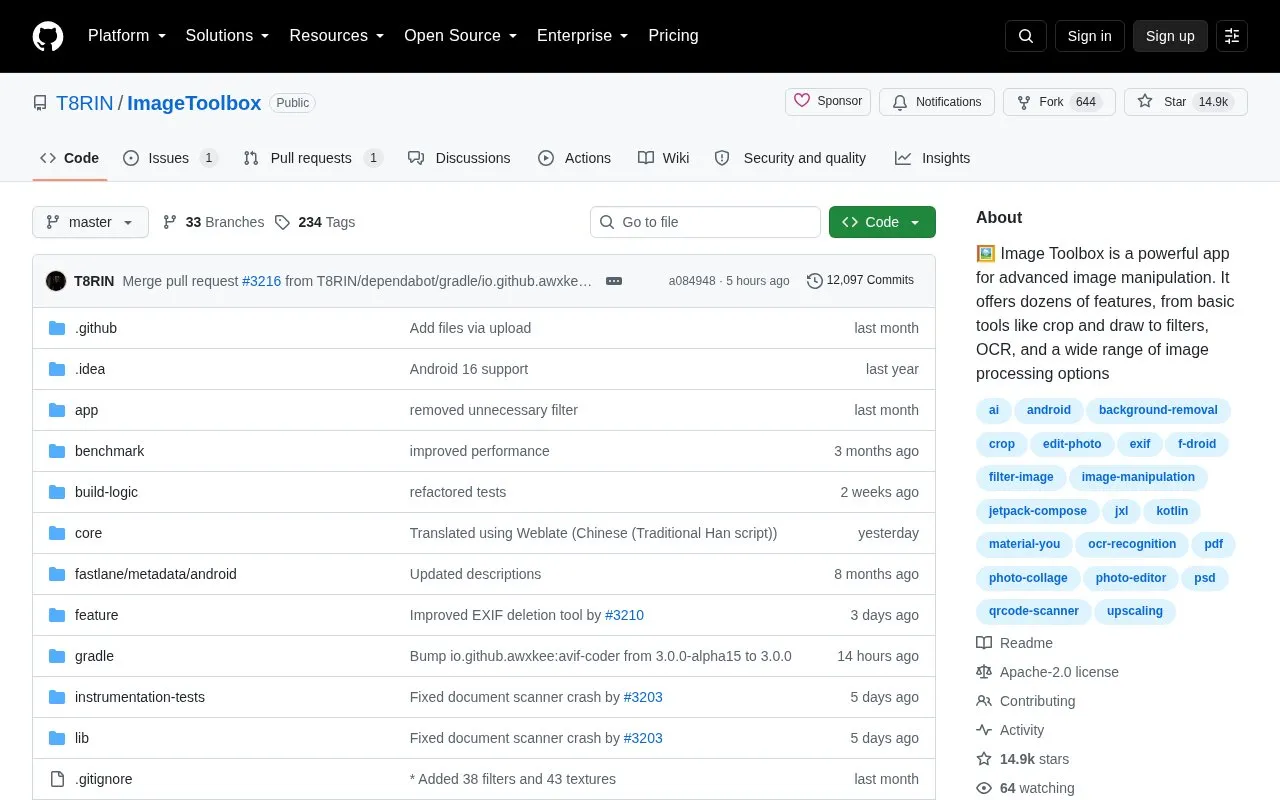
Image Toolbox is an open-source Android app for advanced image manipulation. It provides tools for cropping, drawing, applying filters, editing EXIF data, removing backgrounds, and enhancing images with AI. It supports batch processing and filter chains with over 500 filters, and includes OCR.
The app is distributed in two variants: a FOSS build and a Market build. The FOSS build uses Zxing, ONNX, and OpenCV and omits analytics, Crashlytics, and other Google dependencies. The Market build uses MlKit, includes analytics and Crashlytics, and adds RAR decryption. The app can be downloaded as an APK from Releases or built from source using Gradle.
Tools and sites you could use instead, ranked by how closely they match.
An Android optical character recognition app based on Tesseract, AndroidOCR brings text recognition to a mobile device.
Offline Translator uses Firefox translation models for on-device translation, processing supported text locally on Android.
LogFox reads and exports Android system logs, with filters and crash notifications.
SpamBlocker filters unwanted Android calls and SMS messages, providing controls for blocking communications.
MetaRadar monitors nearby Bluetooth Low Energy devices, with custom filters and notifications for matching device fingerprints.
Fossify Gallery lets users browse photos and videos in an Android gallery app.
Well-known listings from the same topic.
Tell us and an editor will check it.
Claim the listing and suggest updates yourself. An editor checks every claim first.


