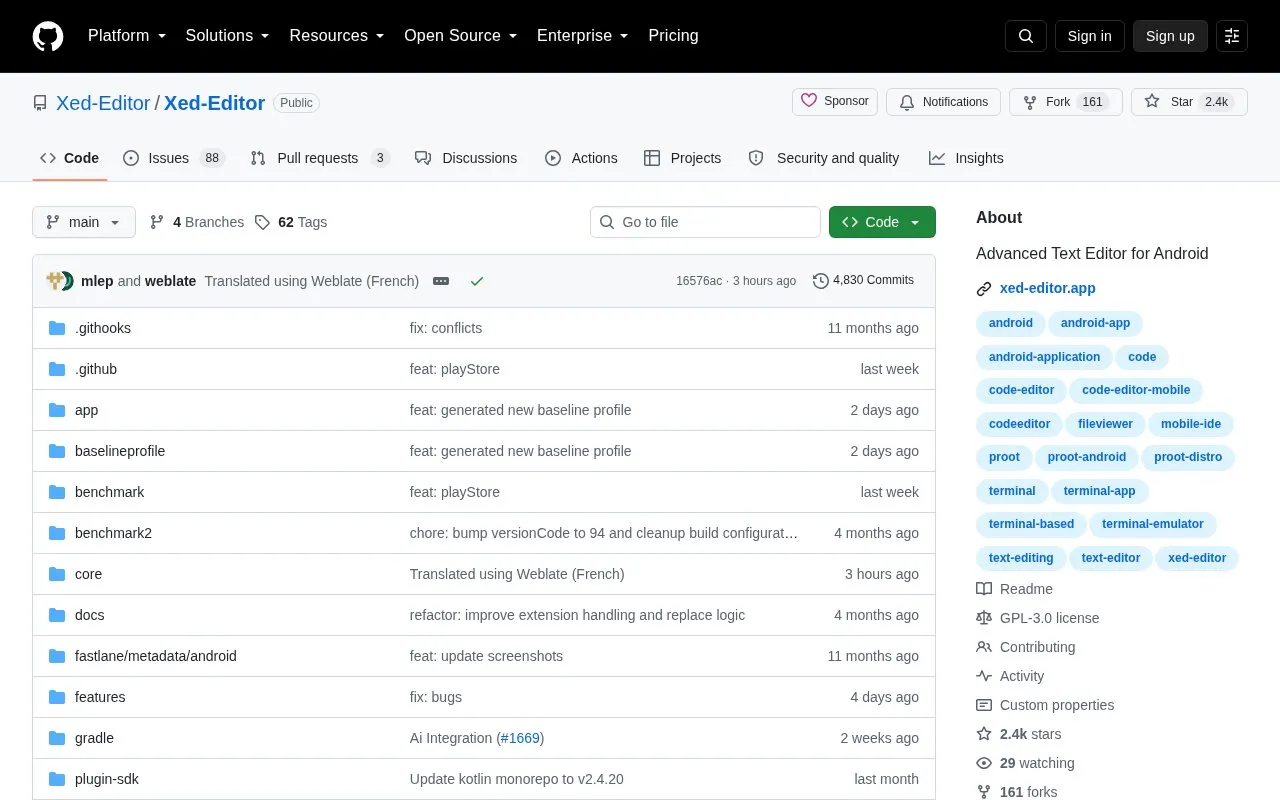
Xed-Editor is an open source text editor for Android devices. It is designed for editing code and text files and includes syntax highlighting, LSP-powered code intelligence, a built-in terminal, support for extensions, and project-wide tools.
The project is distributed in two build flavors. The community flavor is the default. It includes the extensions module and downloads the terminal's Ubuntu rootfs from the network. The Google Play flavor excludes the extension store, bundles the terminal rootfs, and supports arm64-v8a devices only. Known pricing is unknown.
Key features
Syntax highlighting for code and text files on Android
LSP-powered code intelligence
Built-in terminal
Extensions, including an extension store in the community flavor
Fast project-wide tools for editing
Separate community and Google Play build flavors
Best for: Android users who want an open source editor for code and text files with a built-in terminal.
Good for
Open source and licensed under GPL-3.0
Source code can be built locally or with Docker
Contributors can help with development and translations through Weblate
Watch out for
The Google Play flavor's bundled terminal supports arm64-v8a devices only
The Google Play flavor excludes the extension store
The community flavor downloads the terminal rootfs from the network
The community flavor, which is the default, includes the extensions module. The Google Play flavor, with application ID com.rk.axion, excludes the extension store.
How can I build the app without installing the Android SDK?
If you do not have the Android SDK or JDK 21 installed, you can build the project in a Docker container using the command DOCKER_BUILDKIT=1 docker build --target export-stage --output ./out . The debug APK is then written to out/community/debug/app-community-debug.apk.
Does the built-in terminal work on every Android device?
Not in the Google Play flavor. That flavour supports arm64-v8a devices only and shows an error dialog on other ABIs. The community flavor downloads the matching rootfs from the network.
Is something wrong or out of date?
Tell us and an editor will check it.
Own this website?
Claim the listing and suggest updates yourself. An editor checks every claim first.