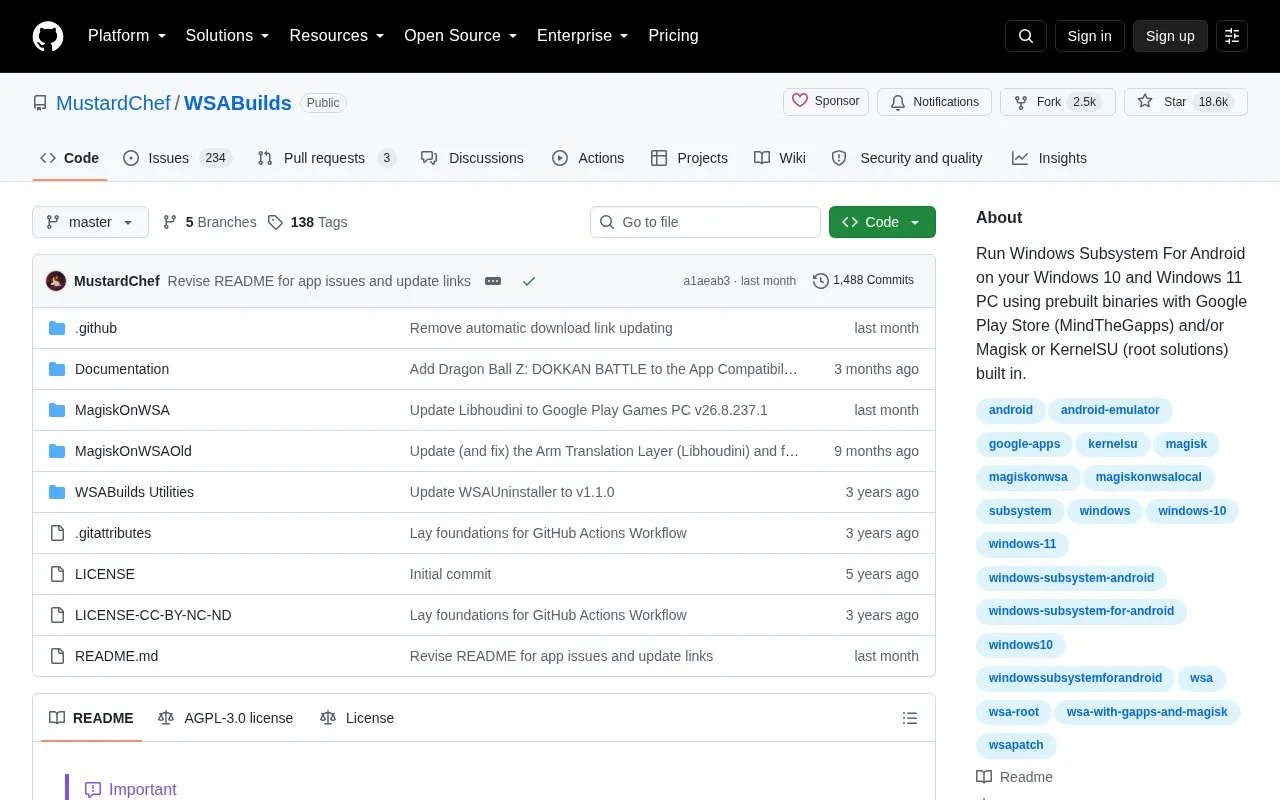
WSABuilds is an open source GitHub repository that provides prebuilt binaries for running Windows Subsystem for Android (WSA) on Windows 10 and Windows 11 PCs. Builds can include the Google Play Store (through MindTheGapps) and/or Magisk or KernelSU root solutions, and some are published without Google apps. The repository also includes a MagiskOnWSA project, utilities, and a GitHub issues tracker for reporting problems.
The project lists specific requirements. Windows 11 needs build 22000.526 or higher, and Windows 10 needs 22H2 (10.0.19045.2311) or higher. The source recommends 16 GB of RAM, with 8 GB as the minimum, and at least 10 GB free on the C: drive, which must be an NTFS partition. Builds that include GApps have been reported to crash on Windows 11 builds after June 2025, and the maintainer states that fixes are in progress. Intel HD Graphics 530 and older GPUs, and some Nvidia GPUs, are reported to cause startup or graphics problems. Custom or modified Windows installations may also have issues. The readme advises creating a backup before making changes.
Key features
Prebuilt WSA binaries for Windows 10 and Windows 11 PCs
Optional built-in Google Play Store through MindTheGapps
Optional built-in Magisk or KernelSU root solutions
Builds with NoGApps in the archive name exclude Google Play Store and Services
Includes a MagiskOnWSA project folder and WSABuilds Utilities folder
Issue tracking and community discussion through GitHub and a Discord server
Best for: Windows 10 or 11 users with compatible hardware who want to run Android apps and are comfortable with manual setup and troubleshooting.
Good for
Open source repository with publicly visible files and issue discussions
Offers several build options, including with or without Google apps and with root tools
Publishes detailed hardware, Windows version, and storage requirements
Watch out for
Builds containing GApps have been reported to crash on Windows 11 builds after June 2025, and fixes are still in progress
Intel HD Graphics 530 and older and some Nvidia GPUs are reported to cause startup or graphics problems
WSA can only be installed on an NTFS partition, not exFAT, and needs at least 10 GB free on C:
The readme lists Windows 11 build 22000.526 or higher and Windows 10 22H2 build 10.0.19045.2311 or higher. It says Windows 10 20H1 build 10.0.19041.264 or higher may also work, and that some older Windows 10 builds may need the KB5014032 and KB5022834 updates.
What should I do if apps stop working after an update?
The readme advises creating a backup first, then updating to the latest LTS release linked in the repository. If apps still fail, it suggests clearing app data and cache, reinstalling the apps, or performing a clean install. It also suggests using builds labeled NoGApps as a workaround.
How much RAM and storage are needed?
The source gives 8 GB of RAM as the minimum and 16 GB as recommended, and notes that 4 to 6 GB is not recommended. It requires at least 10 GB free on the system drive (C:), and recommends a solid-state drive instead of a hard disk drive.
Is something wrong or out of date?
Tell us and an editor will check it.
Own this website?
Claim the listing and suggest updates yourself. An editor checks every claim first.