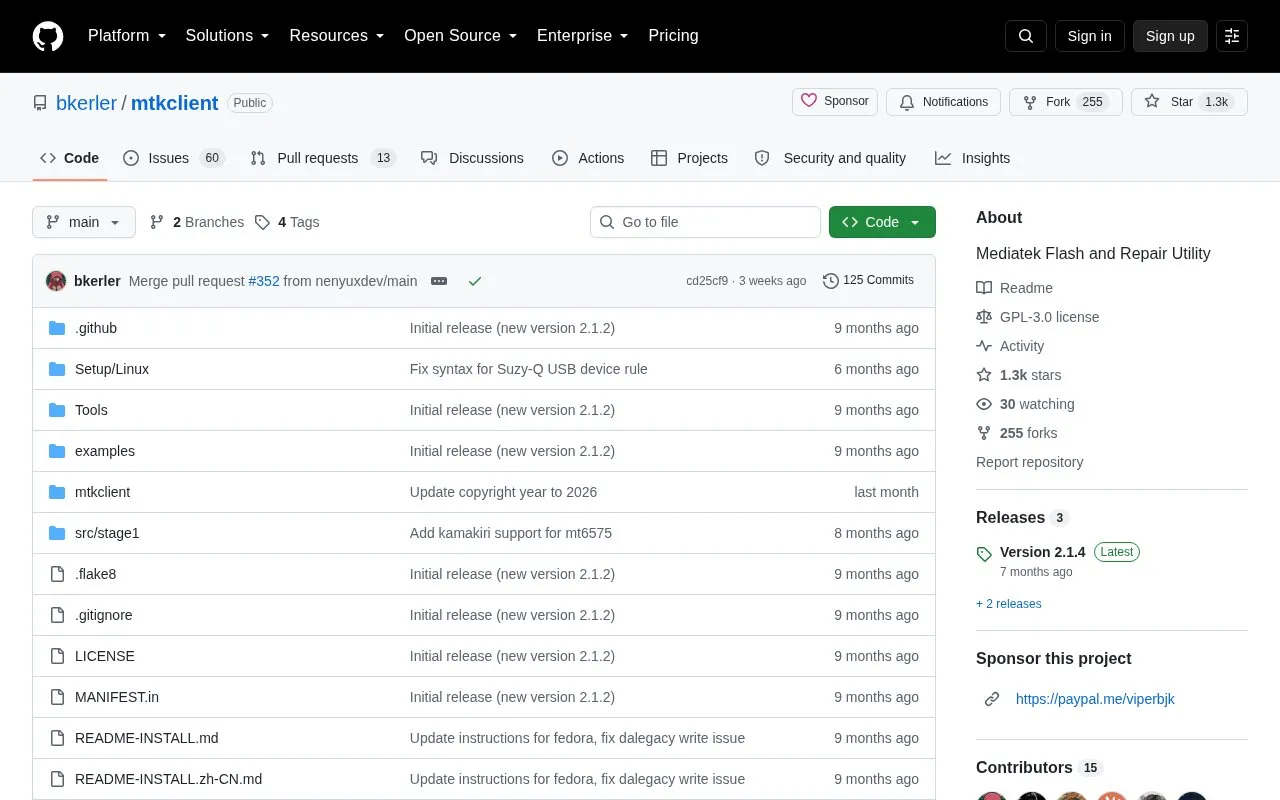
MTKClient is an open source utility for MediaTek-based devices, covering exploitation, flash reading and writing, and repair tasks. It runs on Linux and Windows and is written in Python, with command-line scripts, a GUI, API scripts, and TCP/IP client and server components in the repository. Installation notes and usage instructions are provided separately for Linux, macOS and Windows, including an automated Windows installer and a LiveDVD image based on Ubuntu 22.04 LTS.
Key features
Read and write flash on MediaTek devices
Enter BROM mode via key combination and USB connection
Loader option and preloader mode for V6 protocol chipsets
Command-line, GUI, API and TCP/IP variants included
Debug mode writes console log to log.txt
Configurable chip details and USB VID/PID detection
Best for: Developers, repair technicians and advanced users who need to flash, read or repair MediaTek-based Android devices.
Good for
Open source under GPL-3.0 with 1.3k stars and 258 forks
Available for both Linux and Windows, with a LiveDVD option
Provides GUI, API and TCP/IP tools alongside command-line scripts
Watch out for
Windows use requires the stock MediaTek port and the usbdk driver
Linux needs a patched kernel when using old kamakiri, except for read/write flash
V6 chipsets such as MT6781 and MT6983 require a loader file and preloader mode
With the mtk script running, power the device off, press and hold volume up plus power or volume down plus power, connect the phone, and release the buttons once the tool detects it.
What is different for V6 chipsets?
Chipsets including MT6781, MT6789, MT6855, MT6886, MT6895, MT6983 and MT8985 use a new V6 protocol with a patched bootrom. You must use the --loader option with a proper loader from the Loaders/V6 directory and use preloader mode; bootrom will not work. On some devices preloader is deactivated but can be reactivated by running "adb reboot edl".
How do I report a problem?
Run the mtk tool with --debugmode; the log is written to log.txt, and you should send logs and full console details.
Is something wrong or out of date?
Tell us and an editor will check it.
Own this website?
Claim the listing and suggest updates yourself. An editor checks every claim first.