

This Krita plugin adds image generation, inpainting, and outpainting to painting and editing workflows, with optional text prompts.
Open source
24 alternativesIMGUpscaler enlarges images online and offers tools to increase resolution and sharpen details for print, ecommerce, and social media.
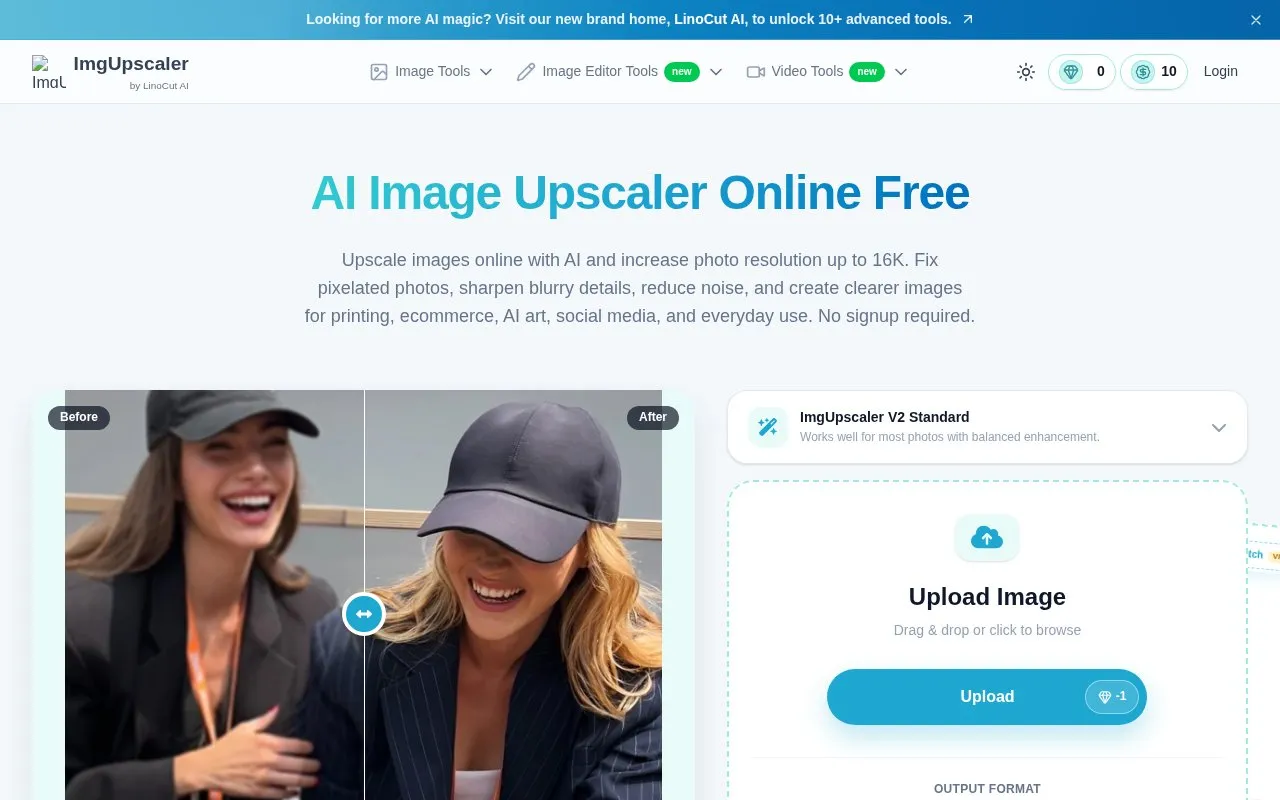
IMGUpscaler is a browser-based AI image upscaler that enlarges photos and graphics while attempting to keep details natural. It offers upscaling up to 16K, presets for general photos, portraits, objects, scenery, pets, and text, and output in PNG, JPG, or WEBP. The homepage says no signup is required. A batch mode handles 2–20 images and is listed under a VIP option. Related tools cover photo enhancement, sharpening, old photo restoration, and text enhancement in images.
Tools and sites you could use instead, ranked by how closely they match.
This Krita plugin adds image generation, inpainting, and outpainting to painting and editing workflows, with optional text prompts.
ImgUpscaler enlarges photos by 2x or 4x and describes options for improving clarity for web, print, and creative work.
Well-known listings from the same topic.
Tell us and an editor will check it.
Claim the listing and suggest updates yourself. An editor checks every claim first.


