

Final2x provides image super-resolution on Windows, macOS, and Linux, with options to use built-in or custom models.
Open source
24 alternativesIOGraphica turns mouse movements during everyday computer use into a visual artwork.
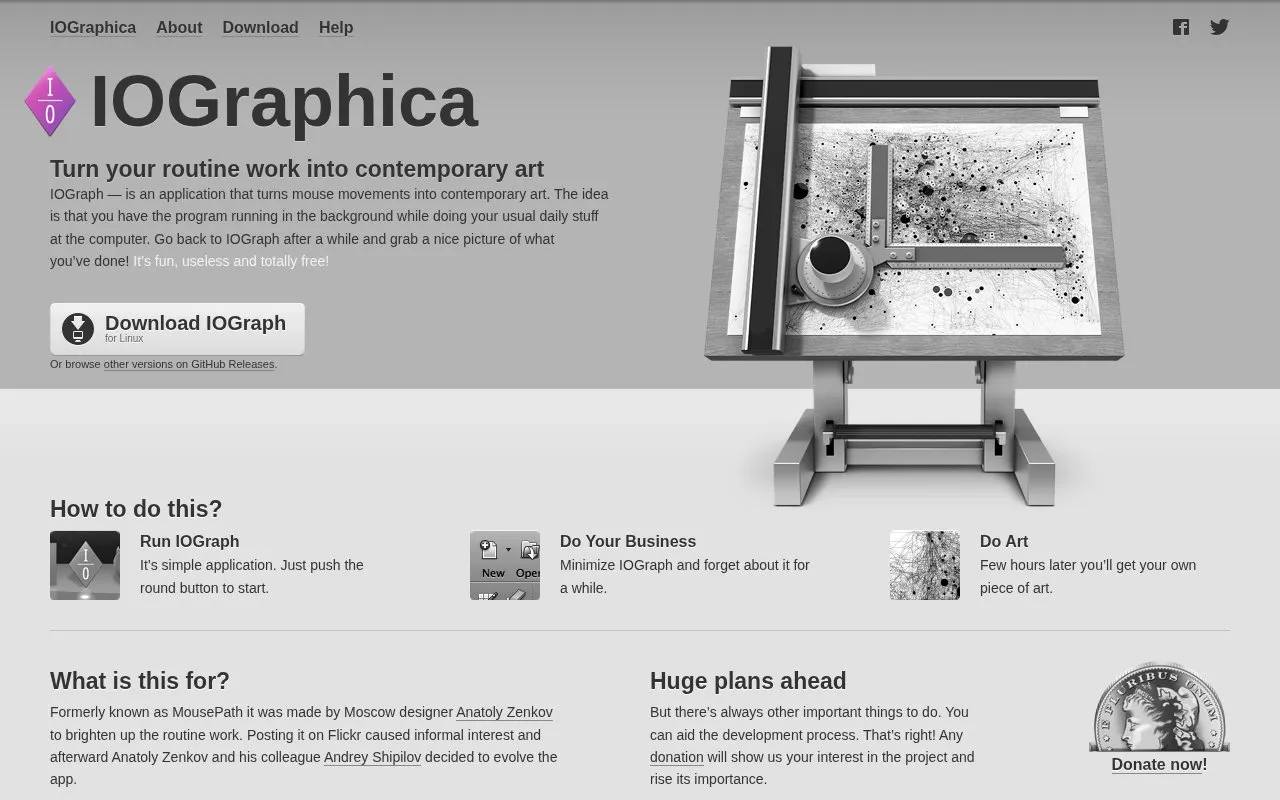
IOGraphica is the website for IOGraph, a desktop application that records mouse movements during everyday computer use and turns them into a single image. The user starts the program with one button, minimizes it, and continues normal work. After a few hours, the app produces a picture of the mouse paths, which the user can save and share. The homepage describes the app as free. The application is listed for macOS, and the homepage also links to other versions on GitHub.
The output shows only mouse movement and idle time. Lines represent movement, and dots and circles around them show how long the mouse stayed still. The developers state that the app does not track clicks outside its own window. Commercial use of the generated images requires written permission from the developers. The homepage says higher-resolution output is planned for future versions but is not yet available.
Tools and sites you could use instead, ranked by how closely they match.
Final2x provides image super-resolution on Windows, macOS, and Linux, with options to use built-in or custom models.
PhotoDemon is a free, portable photo editor, with stable and nightly downloads and source code available on GitHub.
FontVibe turns text into visual artwork using AI font effects, with more than 120 styles and PNG or JPG downloads.
Well-known listings from the same topic.
Tell us and an editor will check it.
Claim the listing and suggest updates yourself. An editor checks every claim first.


