

Jupytext
Jupytext lets users represent Jupyter notebooks as Markdown documents or Julia, Python, and R scripts.
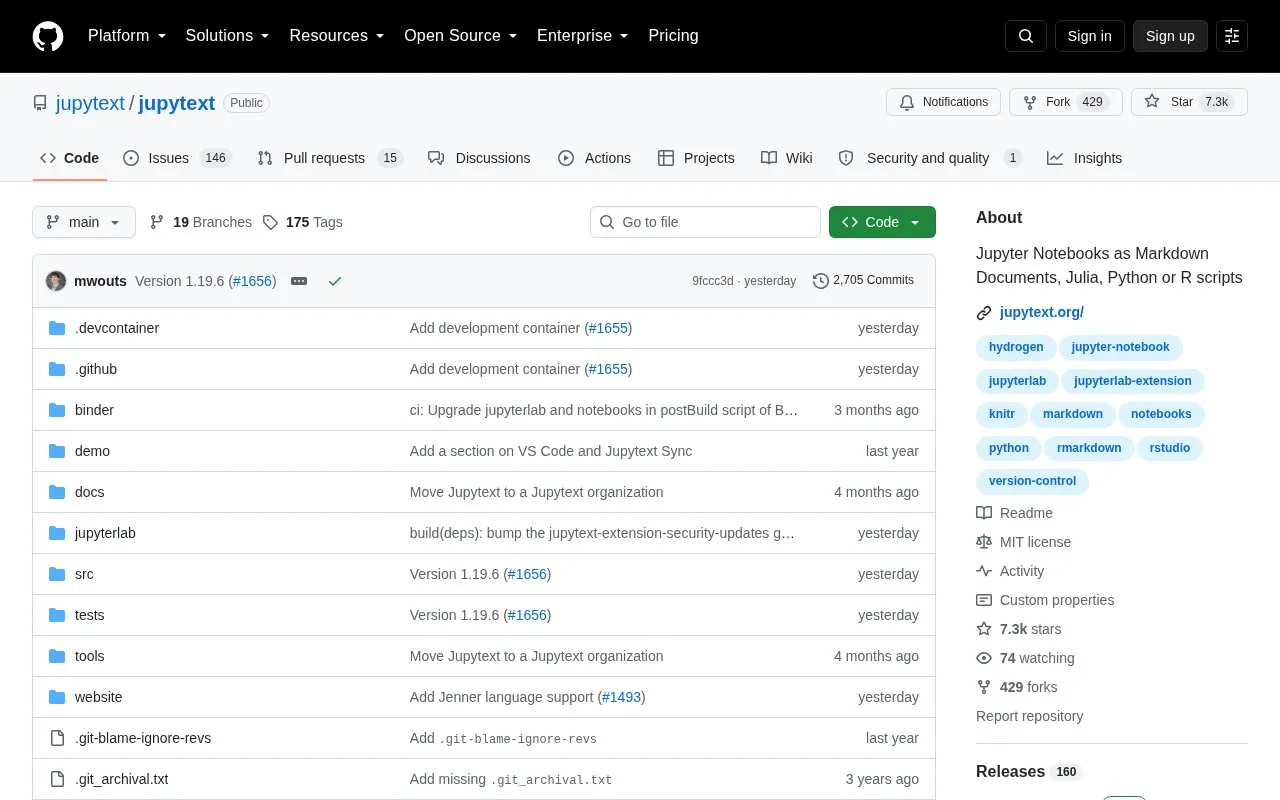
About Jupytext
Jupytext is an open source tool that represents Jupyter notebooks as plain text files. It supports Markdown documents as well as Julia, Python, and R scripts, including the percent format for code-oriented notebooks and Markdown variants such as MyST, Quarto, and Pandoc for documentation-oriented work.
With Jupytext you can open .py and .md files as notebooks in JupyterLab, edit notebooks in an IDE, and keep text versions under version control for clear diffs. It supports paired notebooks, where an .ipynb file and a text file hold the same content, and provides command-line options to set formats, sync paired files, convert between formats, and pipe notebooks to tools. Installation is through pip or conda in the Python environment used for Jupyter.
Jupytext suits Jupyter users who work with version control, edit notebooks outside Jupyter, or need to share notebook inputs as regular text files.
Key features
- Save Jupyter notebooks as Markdown documents
- Save notebooks as Python, Julia, or R scripts
- Pair .ipynb files with text versions for syncing
- Open .py and .md files as notebooks in JupyterLab
- Convert and sync notebooks using command-line commands
Best for: Jupyter users who edit notebooks in an IDE and track them with version control benefit most.
Good for
- Plain text format works with version control diffs
- Supports Markdown and Julia, Python, and R scripts
- Works in JupyterLab and from the command line
Watch out for
- Text notebooks store inputs only; outputs are not saved
Jupytext at a glance
- Website
- github.com/mwouts/jupytext
- Category
- Development › Developer Tools
- Type
- Open-source project
- Pricing
- Not confirmed. Check the site
- Open source
- Yes · Source code
- Language
- English
- Last checked
- Oct 5, 2026 · Online when checked
- Listed
- Oct 5, 2026
Guides for Developer Tools


Jupytext alternatives
Tools and sites you could use instead, ranked by how closely they match.

Julia-language backend combined with the Jupyter interactive environment.
Open source
24 alternatives
anywidget makes reusable widgets easier to build for notebooks and interactive applications.
Open source
24 alternatives
CluGen implements an algorithm for generating multidimensional clusters in Julia.
Open source
24 alternativesJupyter Widgets provides interactive Python objects for notebook interfaces, including controls such as sliders and text boxes.

Python developers can use Zipline’s event-driven library to backtest algorithmic trading strategies.
Open source
24 alternatives
emcee provides a Python toolkit for affine-invariant Markov chain Monte Carlo sampling.
Open source
24 alternativesPopular in Developer Tools
Well-known listings from the same topic.
AppDevToolsappdevtools.comCommand Not Foundcommand-not-found.comTestFlighttestflight.apple.com/join/A8GwCnq8Sourcegraphabout.sourcegraph.comProject Wallaceprojectwallace.comCarbon Calculatorwebsitecarbon.com


Jupytext FAQ
What is Jupytext used for?
It represents Jupyter notebooks as Markdown documents or as Julia, Python, or R scripts, which can be edited in an IDE and tracked with version control.
How do you install Jupytext?
Install it with pip install jupytext or conda install jupytext -c conda-forge in the Python environment used for Jupyter, then restart the JupyterLab server.
What are paired notebooks in Jupytext?
They are two files, such as .ipynb and .py, that contain the same notebook in different formats. Edits to the text file can be reloaded in Jupyter, and the .ipynb file is updated on save.
Can Jupytext be used from the command line?
Yes. It can set formats, sync paired files, convert between formats, and pipe a notebook to other tools.
Is something wrong or out of date?
Tell us and an editor will check it.
Own this website?
Claim this listing
Claim the listing and suggest updates yourself. An editor checks every claim first.