

IJulia
Julia-language backend combined with the Jupyter interactive environment.
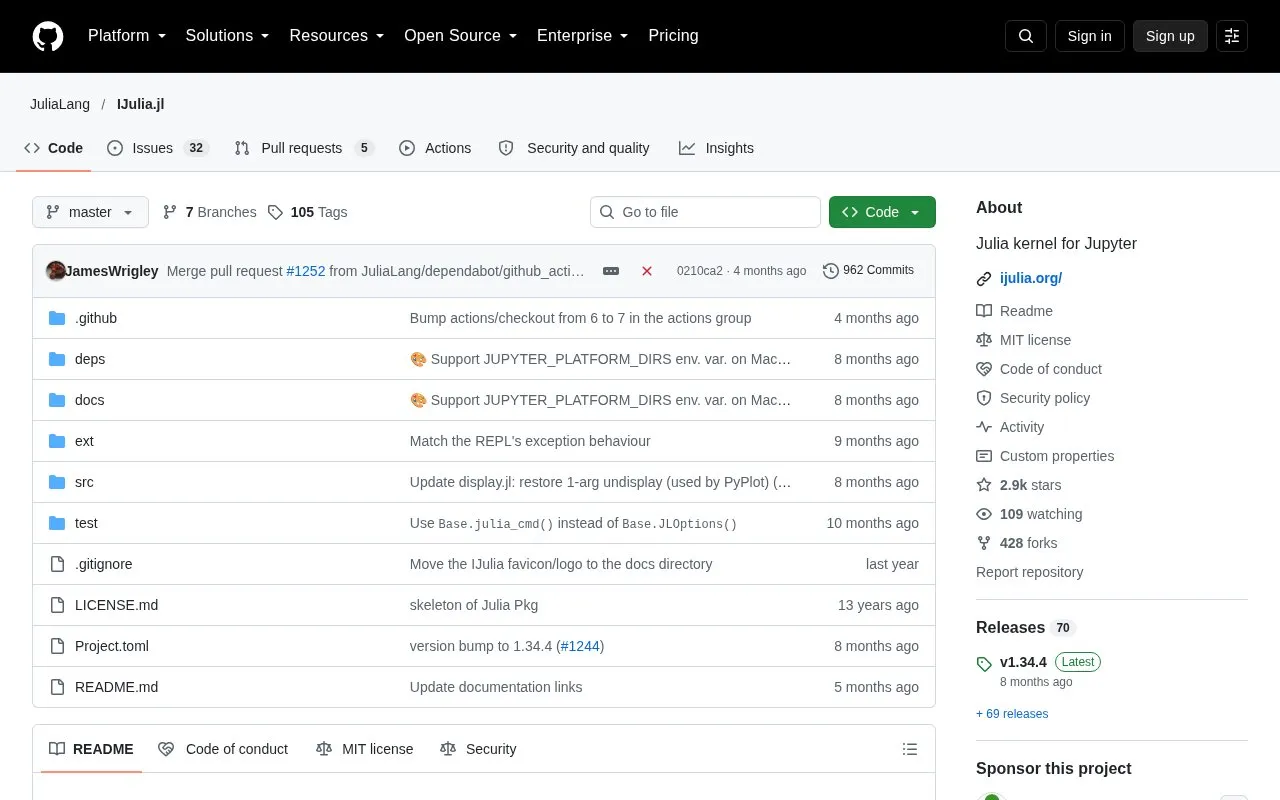
About IJulia
IJulia is a Julia-language backend for the Jupyter interactive environment, which is also used by IPython. It is a Jupyter language kernel that lets users run Julia code in Jupyter notebooks, documents that combine code, formatted text, math, and multimedia in a single file. It works with the classic Jupyter Notebook, JupyterLab, and the nteract notebook desktop.
Installation is done from the Julia REPL with the package manager. If Python and Jupyter are already installed, the install adds a kernel specification that tells Jupyter how to launch Julia. Otherwise, the notebook() function can have IJulia install a minimal Python and Jupyter distribution through Conda.jl and Miniconda, kept private to Julia. The source notes that IJulia should generally be installed in Julia's global package environment unless a custom kernel specifies another environment. The project is open source under the MIT license.
Key features
- Runs Julia code in Jupyter notebooks that combine code, text, math, and multimedia
- Works with classic Jupyter Notebook, JupyterLab, and the nteract notebook desktop
- Adds a kernel specification to an existing Python and Jupyter installation
- Can install a private Python and Jupyter distribution using Conda.jl and Miniconda
- The notebook() function launches the IJulia notebook in a browser
- Notebooks can be reused in other Julia code through the NBInclude package
Best for: Julia programmers who want to work in Jupyter-style notebooks that combine code, formatted text, and math.
Good for
- Open source under the MIT license
- Supports several notebook interfaces, including JupyterLab
- Notebooks can be reused in other Julia code via NBInclude
Watch out for
- Installation should generally go in Julia's global package environment unless a custom kernel specifies another one
- The first run of notebook() prompts to install Jupyter, which uses Conda.jl and Miniconda
- Advanced installation options, such as using a specific Jupyter installation, are described only in the documentation
IJulia at a glance
- Category
- Development › Developer Tools
- Type
- Open-source project
- Pricing
- Not confirmed. Check the site
- Open source
- Yes · Source code
- Language
- English
- Last checked
- Oct 6, 2026 · Online when checked
- Listed
- Oct 5, 2026
Guides for Developer Tools


IJulia alternatives
Tools and sites you could use instead, ranked by how closely they match.

Jupytext lets users represent Jupyter notebooks as Markdown documents or Julia, Python, and R scripts.
Open source
24 alternatives
Reinforcement learning algorithms can be evaluated with Gym4ReaL, a Gymnasium-based suite of realistic environments.
Open source
24 alternatives
anywidget makes reusable widgets easier to build for notebooks and interactive applications.
Open source
24 alternatives
CluGen implements an algorithm for generating multidimensional clusters in Julia.
Open source
24 alternatives
GPT-Migrate helps move a codebase from one programming language or framework to another.
Open source
24 alternatives
Segment Chinese text with jieba, a Python package for natural language processing.
Open source
24 alternativesPopular in Developer Tools
Well-known listings from the same topic.
AppDevToolsappdevtools.comCommand Not Foundcommand-not-found.comTestFlighttestflight.apple.com/join/A8GwCnq8Sourcegraphabout.sourcegraph.comProject Wallaceprojectwallace.comCarbon Calculatorwebsitecarbon.com


IJulia FAQ
How is IJulia installed?
From the Julia REPL, press ] to enter package mode and run add IJulia. If Python and Jupyter are already installed, this also installs a kernel specification that lets Jupyter launch Julia.
Can IJulia be used without an existing Jupyter installation?
Yes. Running using IJulia and then notebook() prompts for whether to install Jupyter. Accepting uses Conda.jl to install a minimal Python and Jupyter distribution, via Miniconda, that is private to Julia and not in the PATH.
Which notebook interfaces does IJulia work with?
IJulia works with the classic Jupyter Notebook, JupyterLab, and the nteract notebook desktop, which has its own installation instructions for IJulia.
Is something wrong or out of date?
Tell us and an editor will check it.
Own this website?
Claim this listing
Claim the listing and suggest updates yourself. An editor checks every claim first.