

Anywidget
anywidget makes reusable widgets easier to build for notebooks and interactive applications.
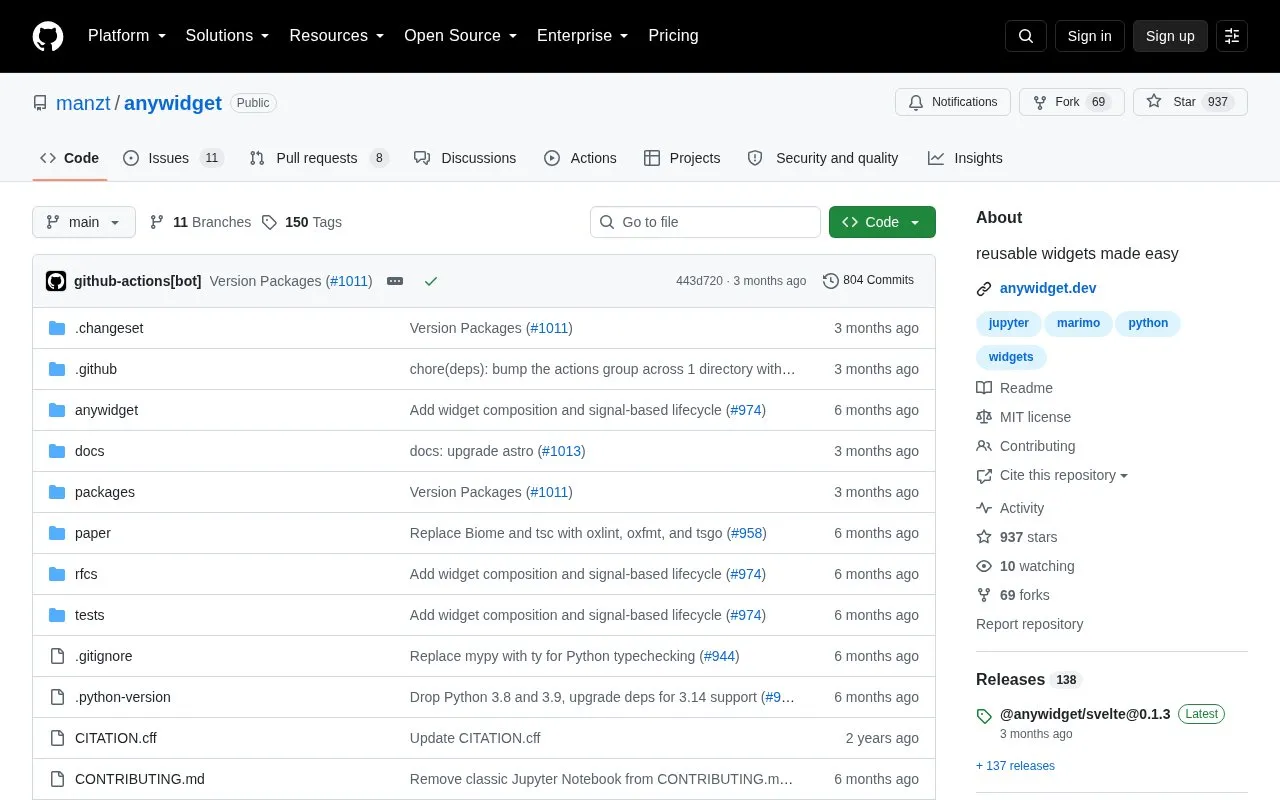
About Anywidget
Anywidget is an open-source specification and toolkit for authoring reusable web-based widgets for interactive computing environments. It lets developers define widget front-end code in JavaScript or CSS files (or inline), sync state between JavaScript and Python through traitlets, and prototype directly in .ipynb or .py files. Widgets can be published to PyPI like other Python packages and run in Jupyter, JupyterLab, Google Colab, VSCode, marimo and other environments, with hot module replacement during development.
Beyond the primary Python package, the project provides companion tooling, including client type declarations, a Vite plugin, React and Svelte bridges, a CLI for bootstrapping new projects, a Deno Jupyter kernel backend and a signals bridge. Support is handled through Discord and GitHub Discussions.
Key features
- Build custom Jupyter Widgets without cookiecutter templates
- Publish widgets to PyPI as ordinary Python packages
- Prototype widgets inside .ipynb or .py files
- Run widgets in Jupyter, JupyterLab, Colab, VSCode and marimo
- Develop with instant hot module replacement
- Companion packages add React, Svelte, Vite, Deno and CLI tooling
Best for: Python developers who want to build and share reusable interactive widgets across notebook and interactive computing environments.
Good for
- Released under the MIT license and openly developed on GitHub
- Widget state can be shared between JavaScript and Python via traitlets
- Companion tooling extends the core package to React, Svelte, Vite and Deno
Anywidget at a glance
- Website
- github.com/manzt/anywidget
- Category
- Development › Developer Tools
- Type
- Open-source project
- Pricing
- Not confirmed. Check the site
- Open source
- Yes · Source code
- Language
- English
- Last checked
- Oct 6, 2026 · Online when checked
- Listed
- Oct 5, 2026
Guides for Developer Tools


Anywidget alternatives
Tools and sites you could use instead, ranked by how closely they match.
anywidget makes it easier to create reusable widgets for Jupyter notebooks and related tools.
Jupyter Widgets provides interactive Python objects for notebook interfaces, including controls such as sliders and text boxes.

Jupytext lets users represent Jupyter notebooks as Markdown documents or Julia, Python, and R scripts.
Open source
24 alternatives
Julia-language backend combined with the Jupyter interactive environment.
Open source
24 alternatives
Jupyter Notebook combines live code, equations, explanatory text, visualizations, and interactive computing in a web platform.

Python developers can use Zipline’s event-driven library to backtest algorithmic trading strategies.
Open source
24 alternativesPopular in Developer Tools
Well-known listings from the same topic.
AppDevToolsappdevtools.comCommand Not Foundcommand-not-found.comTestFlighttestflight.apple.com/join/A8GwCnq8Sourcegraphabout.sourcegraph.comProject Wallaceprojectwallace.comCarbon Calculatorwebsitecarbon.com


Anywidget FAQ
How is anywidget installed?
It is available on PyPI with pip install "anywidget[dev]" and on conda-forge with conda install -c conda-forge anywidget.
Which environments can run anywidget-based widgets?
The project lists Jupyter, JupyterLab, Google Colab, VSCode, marimo and others.
Where can developers get help or contribute?
Support is available through the project's Discord or by opening a GitHub Discussion; a Contributors Guide covers getting started.
Is something wrong or out of date?
Tell us and an editor will check it.
Own this website?
Claim this listing
Claim the listing and suggest updates yourself. An editor checks every claim first.