

Keep It Shot
Keep It Shot uses AI to name screenshots and create an offline keyword index for finding them on a Mac.
About Keep It Shot
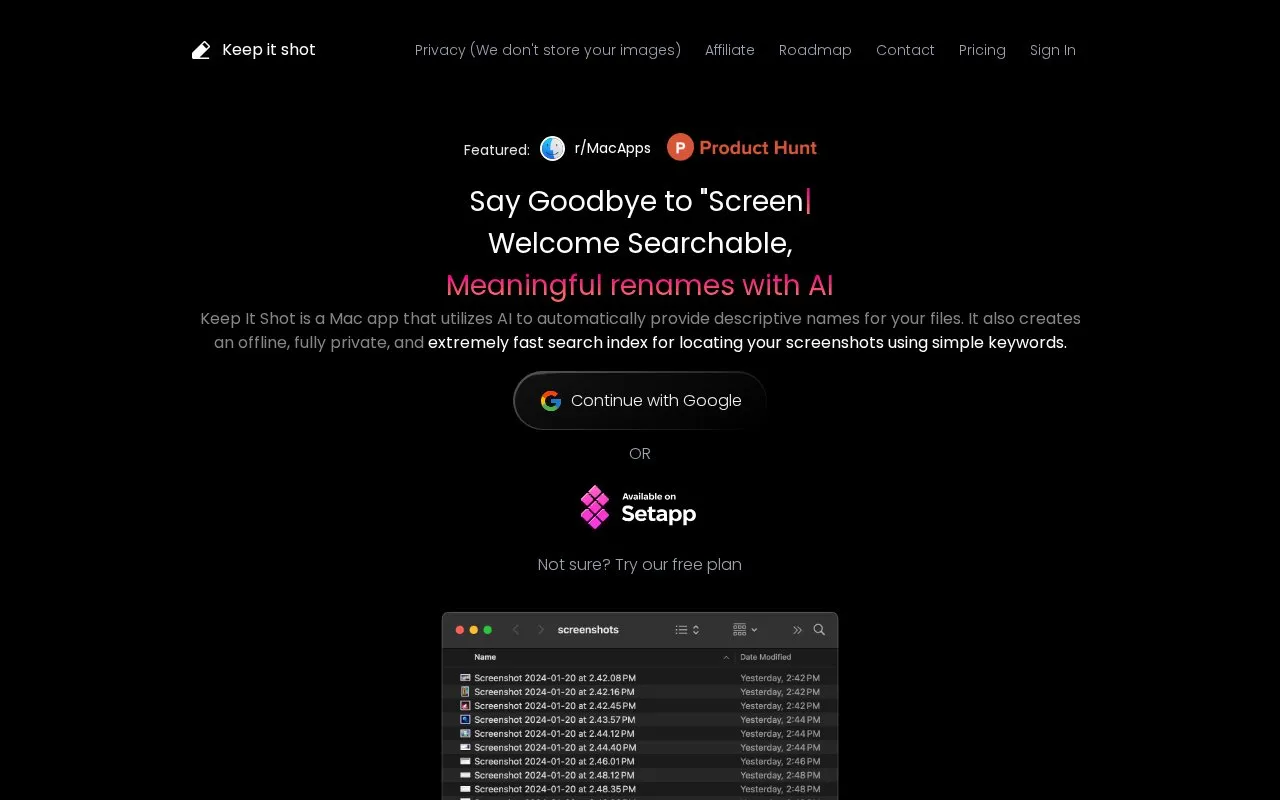
Keep It Shot is a Mac app that uses AI to assign descriptive names to screenshots and other media files. For each rename request it generates a new name, OCR text, a short description, and keywords, then builds a local index so files can be found with keywords.
It supports batch renaming with a progress bar, user-defined renaming preferences, automatic renaming when new screenshots are created, and one-click revert to original names. The site states it does not store images, and mentions a free plan and a macOS download.
Key features
- AI-generated descriptive names for screenshots and media files
- Batch rename files with progress tracking
- Auto-rename new screenshots as they are created
- Revert renamed files to original names in one click
- Keyword search over local index with OCR and descriptions
- Custom renaming preferences
Best for: Mac users who take many screenshots and want to rename and locate them by keyword.
Good for
- Local index supports keyword search using OCR, descriptions, and keywords
- Original filenames can be restored with a single click
- New screenshots can be renamed automatically based on user preferences
Keep It Shot at a glance
- Website
- keepitshot.com
- Category
- Software & Utilities › File Utilities
- Type
- Online tool
- Pricing
- Not confirmed. Check the site
- Platforms
- macOS, Web
- Open source
- Not stated
- Last checked
- Oct 5, 2026 · Online when checked
- Listed
- Oct 5, 2026
Guides for File Utilities
Popular in File Utilities
Well-known listings from the same topic.
SDeletelearn.microsoft.com/en-us/sysinternals/downloa…PowerRenamelearn.microsoft.com/en-us/windows/powertoys/po…robocopylearn.microsoft.com/windows-server/administrat…VERTvert.shNanaZipnanazip.orgPhotonphotondev.netlify.app


Keep It Shot FAQ
Does Keep It Shot store my images?
According to the site, it does not store images and creates a local search index.
Can I undo renames?
Yes, you can revert back to the original names with a single click.
Can new screenshots be renamed automatically?
Yes, you can define renaming preferences and automate renaming upon new screenshot creation.
Is something wrong or out of date?
Tell us and an editor will check it.
Own this website?
Claim this listing
Claim the listing and suggest updates yourself. An editor checks every claim first.