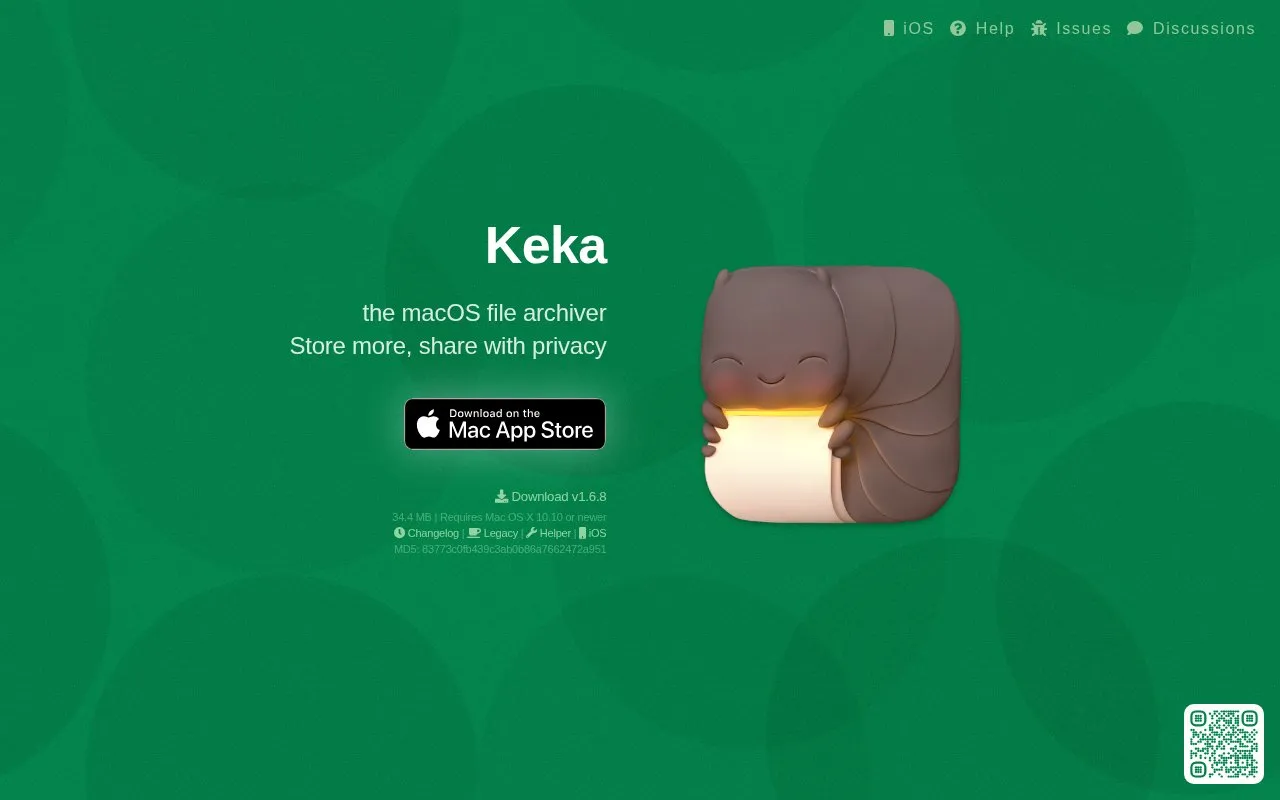
Keka is a file archiver for macOS that creates and extracts compressed archives. It supports drag-and-drop compression from the Dock icon or app window, password setting for 7z and Zip files, and splitting large archives into smaller pieces that expand to the original file.
It can create formats including 7Z, ZIP, TAR, GZIP, DMG and ISO, and can extract additional formats including RAR, ZIPX, EXE, CAB and MSI. It is offered through the Mac App Store and as direct downloads, including older releases for older Mac OS X versions.
Key features
Create archives in 7Z, ZIP, TAR, GZIP, BZIP2, XZ and more
Extract RAR, ZIPX, EXE, CAB, MSI and other formats
Compress files by dragging them to the Dock icon
Set passwords for 7z files with AES-256 specification
Split large archives into smaller pieces
Offer direct downloads including versions for older macOS releases
Best for: Mac users who need to compress, extract, and split archive files.
Good for
Handles many creation and extraction formats in one tool
Works from the Dock with drag and drop
Includes password option for 7z and Zip archives
Watch out for
Only for macOS
Zip encryption uses the legacy Zip 2.0 specification


 8 sites


