

Hide selected parts of YouTube’s interface with toggles in this browser extension.
Open source
24 alternativesThis cross-browser plugin hides selected YouTube interface features associated with extended viewing.
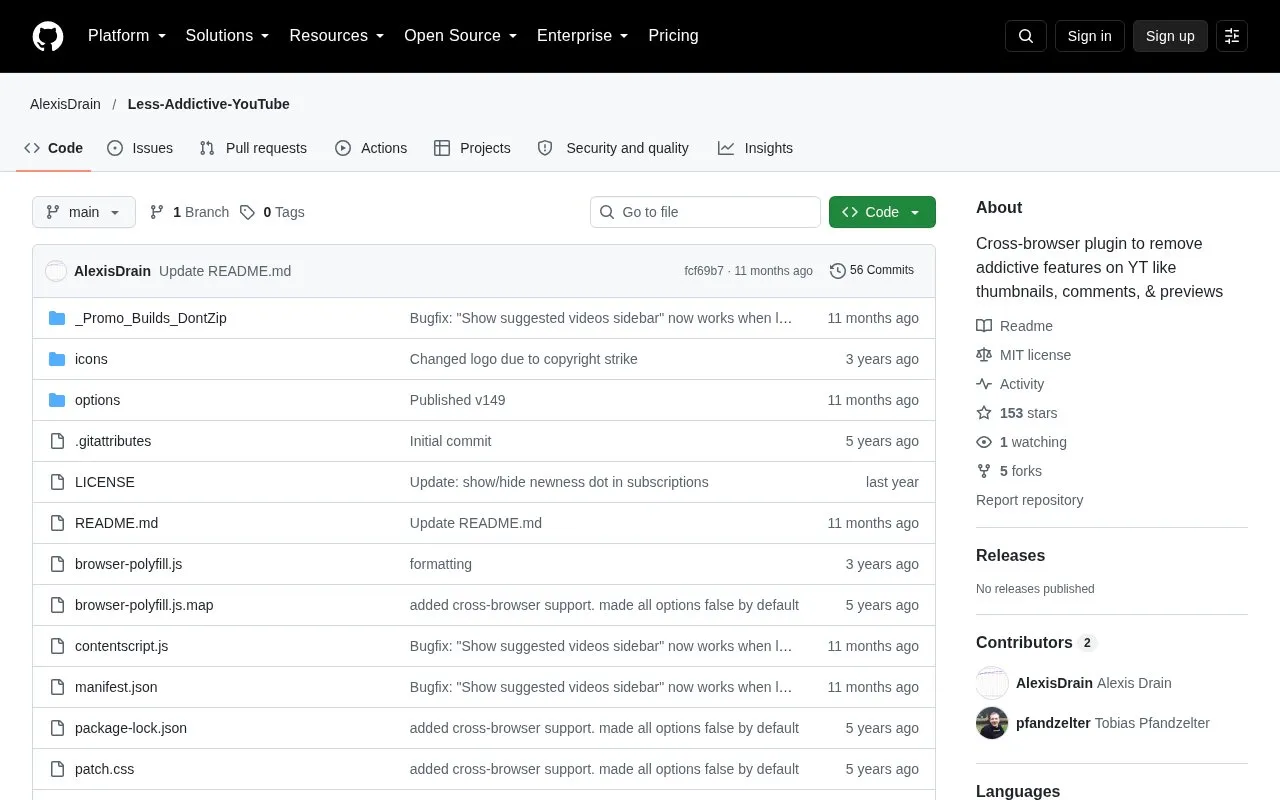
Less Addictive YouTube is a cross-browser browser extension that hides selected YouTube interface elements. Users can choose which elements to hide or show, including thumbnails and video previews, the recommended videos sidebar, comments, the recommended videos end screen when autoplay is off, and videos on the front page and subscription page.
The project is open source under the MIT license and is distributed through the Chrome Web Store and Firefox Add-ons. Its changelog shows that features have sometimes stopped working after YouTube updates and were then repaired. One known issue is that pressing "V" in fullscreen to hide suggested videos also adds a gradient and removes the progress bar. The developer has stated that fixing this would be too invasive to YouTube's code, and the workaround is to press "V" again.
Tools and sites you could use instead, ranked by how closely they match.
Hide selected parts of YouTube’s interface with toggles in this browser extension.
Watch YouTube Shorts through the normal desktop interface with this Chromium and Firefox extension.
This browser extension removes distracting YouTube elements to help users focus while watching videos.
YouTube No Translation keeps video titles, descriptions, and audio in their original language in a web browser.
A browser extension that fast-forwards long pauses between sentences, including while watching lectures.
YouTube LiveChat Flusher adds scrolling bullet-style messages to YouTube Live, similar to chat overlays on NicoNico and Bilibili.
Well-known listings from the same topic.
Tell us and an editor will check it.
Claim the listing and suggest updates yourself. An editor checks every claim first.


