
Kando provides a cross-platform, open-source pie menu for launching applications, running keyboard macros, and opening files.
MacroRecorder
Macro Recorder captures mouse and keyboard actions for replay on Windows and macOS.
About MacroRecorder
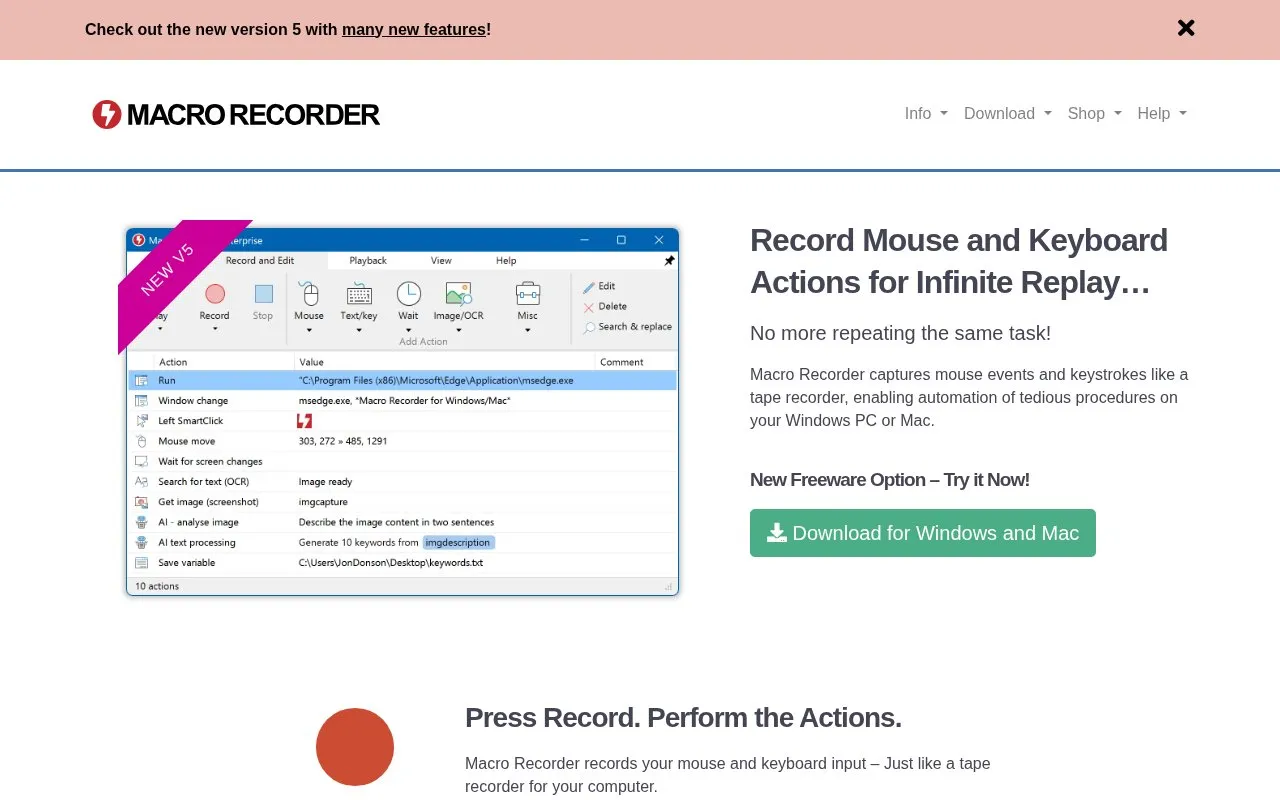
Macro Recorder records mouse and keyboard input on Windows and Mac for later replay. The workflow is Record to capture actions, Stop to review and edit in the built-in macro editor, and Play to repeat the recording when needed. A freeware download for Windows and Mac is offered.
It locates clicks by the visual area around the click rather than fixed coordinates, and it tracks and restores window positions and sizes during playback. It can also extract on-screen text with OCR, read barcode and QR code data, extract text from webpages, automate screenshots, and work with external AI models including self-hosted options. Team sharing and hotkey or text-shortcut triggers are described as using the separate PhraseExpress product.
Key features
- Records mouse movements, clicks, scroll actions and keyboard input
- Edits recordings in built-in macro editor
- Locates click targets by visual context, not fixed coordinates
- Restores window positions and sizes during playback
- Extracts on-screen text with OCR, including from bitmaps
- Works with external AI models including self-hosted options
Best for: People on Windows or Mac who want to automate repetitive mouse and keyboard tasks without programming.
Good for
- No programming or scripting language required; uses an interface
- Finds click targets by visual context when targets shift, without static waits
- Consolidates mouse movements between clicks into single actions for editing
Watch out for
- Network sharing and hotkey or text-shortcut triggers are described as requiring PhraseExpress
MacroRecorder at a glance
- Website
- macrorecorder.com
- Category
- Software & Utilities › System Utilities
- Type
- Website
- Pricing
- Not confirmed. Check the site
- Platforms
- Web, Windows
- Open source
- Not stated
- Language
- English
- Last checked
- Oct 5, 2026 · Online when checked
- Listed
- Oct 5, 2026
MacroRecorder alternatives
Tools and sites you could use instead, ranked by how closely they match.
Popular in System Utilities
Well-known listings from the same topic.
Phone Linkmicrosoft.com/windows/sync-across-your-devicesMicrosoft SDmicrosoft.com/en-us/software-downloadPowerToyslearn.microsoft.com/en-us/windows/powertoysWinWorldPCwinworldpc.comGeekUninstallergeekuninstaller.com0Install0install.net


MacroRecorder FAQ
How do I create and replay a macro?
Press Record and perform the mouse and keyboard actions, press Stop to review and edit in the built-in macro editor, then press Play to repeat it as needed.
Do I need to know programming to use it?
No. The site describes it as no-code automation where tasks are performed through the interface without learning a scripting language.
How does playback find where to click?
It uses the visual area around the recorded click rather than fixed coordinates, scans the desktop for that area, and pauses until the target is found.
Is something wrong or out of date?
Tell us and an editor will check it.
Own this website?
Claim this listing
Claim the listing and suggest updates yourself. An editor checks every claim first.