

WezTerm offers a cross-platform terminal emulator and multiplexer written in Rust.
Mintty
Mintty provides a terminal emulator for Cygwin, MSYS, MSYS2, WSL, and related projects.
About Mintty
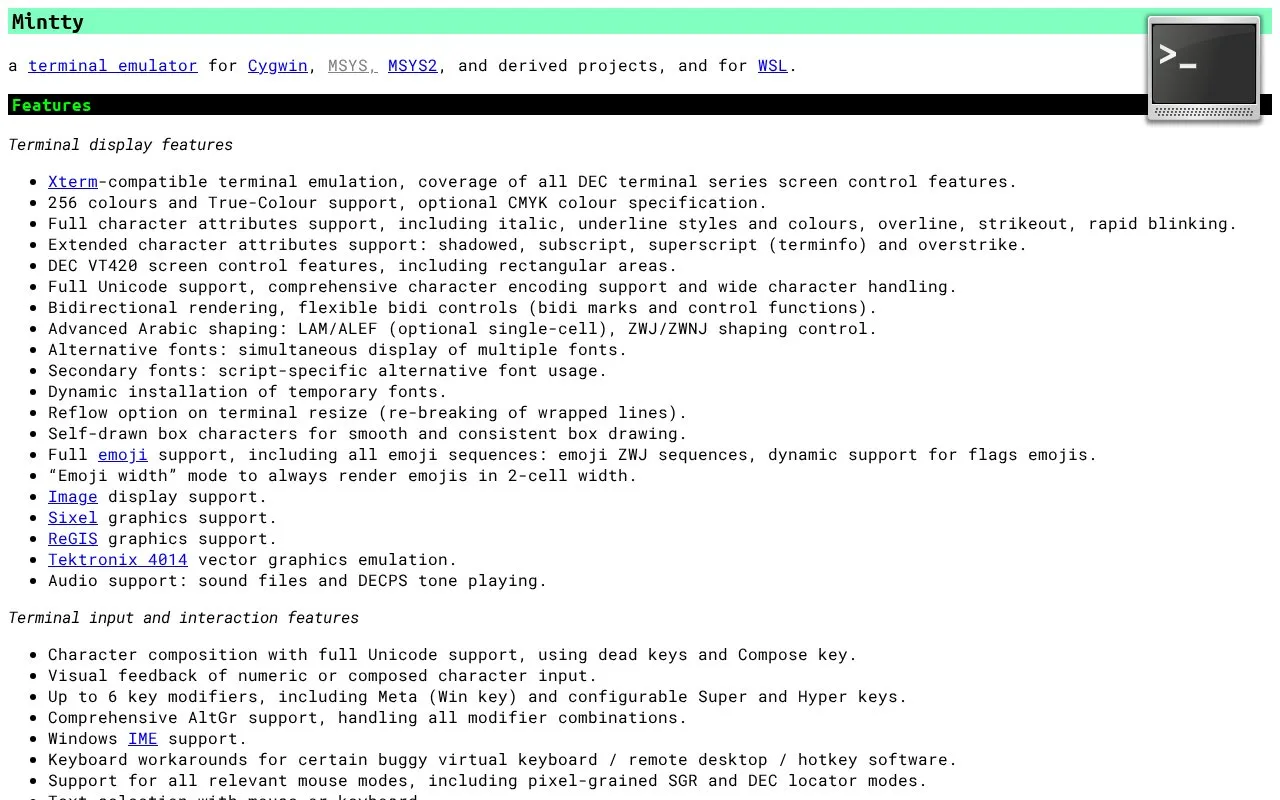
Mintty is a terminal emulator for Cygwin, MSYS, MSYS2, and related projects, and it can also be used with WSL. It provides Xterm-compatible terminal emulation with support for 256-colour and true-colour display, Unicode and emoji, and graphics formats such as Sixel and ReGIS. It also offers virtual tabs, theme files, and text and mouse handling options.
The homepage states that Mintty works on Windows versions from Windows XP onward and lists tested combinations from Windows 2000 through Windows 11. It notes that Windows console programs can have interworking problems when run in pseudo terminal (pty) mode, particularly with character sets. Cygwin 3.1.0 addresses this on Windows 10 through the ConPTY API.
Key features
- Xterm-compatible emulation with DEC terminal screen control features
- 256-colour and true-colour support
- Full Unicode and emoji support, including ZWJ sequences
- Sixel and ReGIS graphics support, plus image display
- Theme files with an optional distinct theme for dark mode
- Virtual tabs with a tab bar and session switcher
Best for: Windows users of Cygwin, MSYS, MSYS2, or WSL who want a terminal emulator with broad display and input support.
Good for
- Stores options in a text file and makes no registry entries.
- Supports Sixel, ReGIS, and image display for terminal graphics.
- Includes Windows IME support and comprehensive AltGr handling.
Watch out for
- Windows console programs can have interworking problems in pty mode, most notably with character sets.
- The ConPTY-based fix described on the homepage applies to Cygwin 3.1.0 on Windows 10.
Mintty at a glance
- Website
- mintty.github.io
- Category
- Software & Utilities › System Utilities
- Type
- Website
- Pricing
- Not confirmed. Check the site
- Platforms
- Web
- Open source
- Not stated
- Last checked
- Oct 6, 2026 · Online when checked
- Listed
- Oct 5, 2026
Mintty alternatives
Tools and sites you could use instead, ranked by how closely they match.

This repository collects terminal emulators, according to its title and description.
Popular in System Utilities
Well-known listings from the same topic.
Phone Linkmicrosoft.com/windows/sync-across-your-devicesMicrosoft SDmicrosoft.com/en-us/software-downloadPowerToyslearn.microsoft.com/en-us/windows/powertoysWinWorldPCwinworldpc.comGeekUninstallergeekuninstaller.com0Install0install.net


Mintty FAQ
Which Windows versions does Mintty support?
The homepage says Mintty works on all Windows versions from Windows XP onwards. It lists tested combinations from Windows 2000 through Windows 11.
Where can I find the available command-line options?
Running mintty with the --help option shows a summary of command-line options. The Cygwin package also includes a manual page, accessible with man mintty.
Where are Mintty settings stored?
Settings can be given as command-line options or in a configuration file. The homepage states that options are stored in a text file and that no registry entries are used.
Is something wrong or out of date?
Tell us and an editor will check it.
Own this website?
Claim this listing
Claim the listing and suggest updates yourself. An editor checks every claim first.