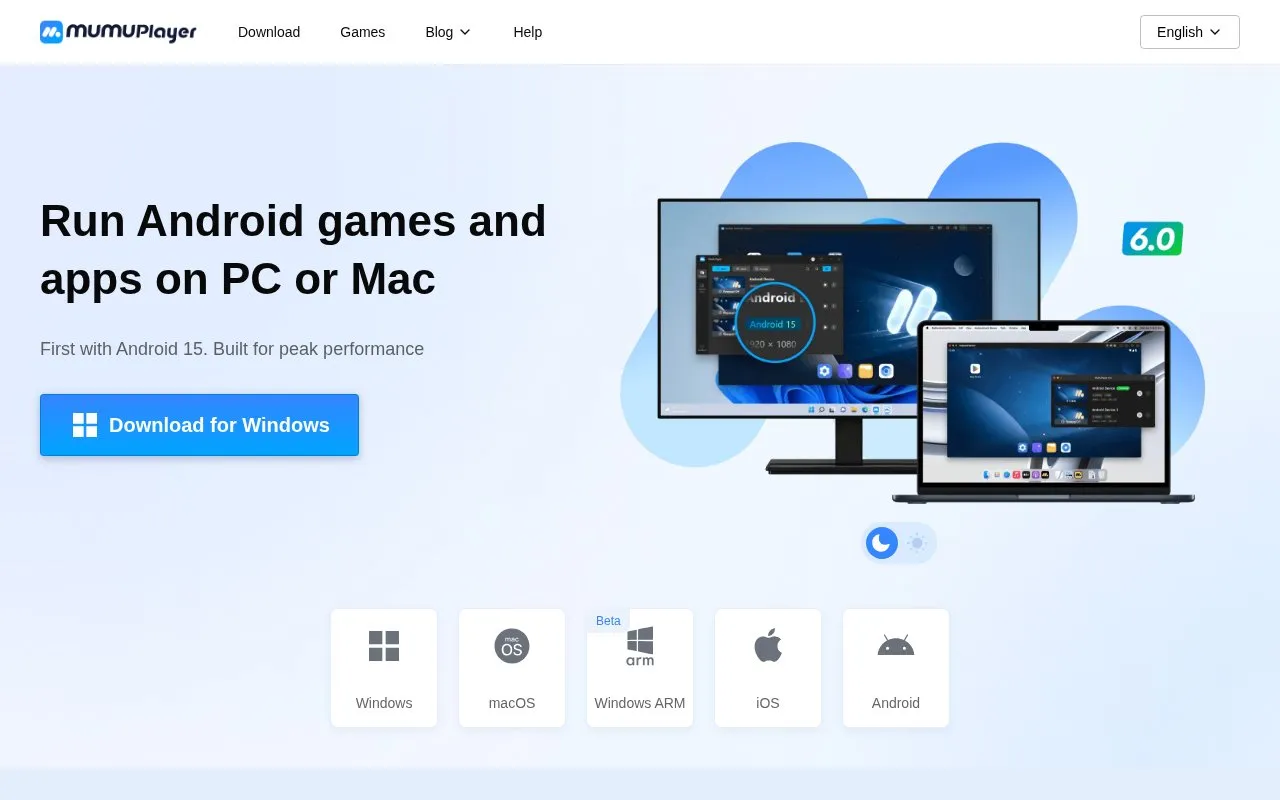
MuMuPlayer runs Android games and apps on Windows PCs and Macs, including Apple Silicon Macs and Windows on ARM. It supports Android 12 and Android 15, can run multiple instances at once, and provides keyboard, mouse, joystick, and Mac touchpad controls.
On Windows it lists recommended requirements such as Windows 7 or above with DirectX 11.0 or OpenGL 4.x, a VT-enabled CPU, and dedicated graphics. On Mac, untried devices get a 7-day trial activated by logging in, after which a subscription purchase or renewal is required.
Key features
Runs Android games and apps on Windows and macOS
Supports Android 12 and Android 15 emulator instances
Runs multiple emulator instances at the same time
Keyboard, mouse, joystick and Mac touchpad controls
Manual installation of APK, APKS and XAPK files
Custom shared folder path with emulator restart
Best for: People who want to play Android mobile games on a PC or Mac using keyboard, mouse, or gamepad controls.
Good for
Available for Windows, Windows on ARM, and macOS
Supports both Android 12 and Android 15 instances
Provides tutorials for VT, controls, display, and shared folders
Watch out for
Lists specific recommended Windows hardware, including VT-enabled CPU and GTX 950 or above graphics
Mac use on untried devices is limited to a 7-day trial before subscription purchase or renewal
How do I use a keyboard and mouse to play mobile games?
After starting the game, press F12 to show or hide the control scheme, then use the keyboard icon in the emulator window to customize or switch schemes.
How do I enable high FPS?
Open the [...] menu, go to Device Settings > Display > FPS Settings, and set a value above 60 FPS, up to 240 FPS.
How do I change the shared folder path?
Open [...] > More Tool > Shared Folder > Change the Shared Folder path, select a folder, then restart the emulator for the change to take effect.
Is something wrong or out of date?
Tell us and an editor will check it.
Own this website?
Claim the listing and suggest updates yourself. An editor checks every claim first.