

Remove image and video backgrounds, then compare results from multiple cutout models with BG Bye.
neoSVG
neoSVG generates SVG graphics from text and vectorizes images using its AI models.
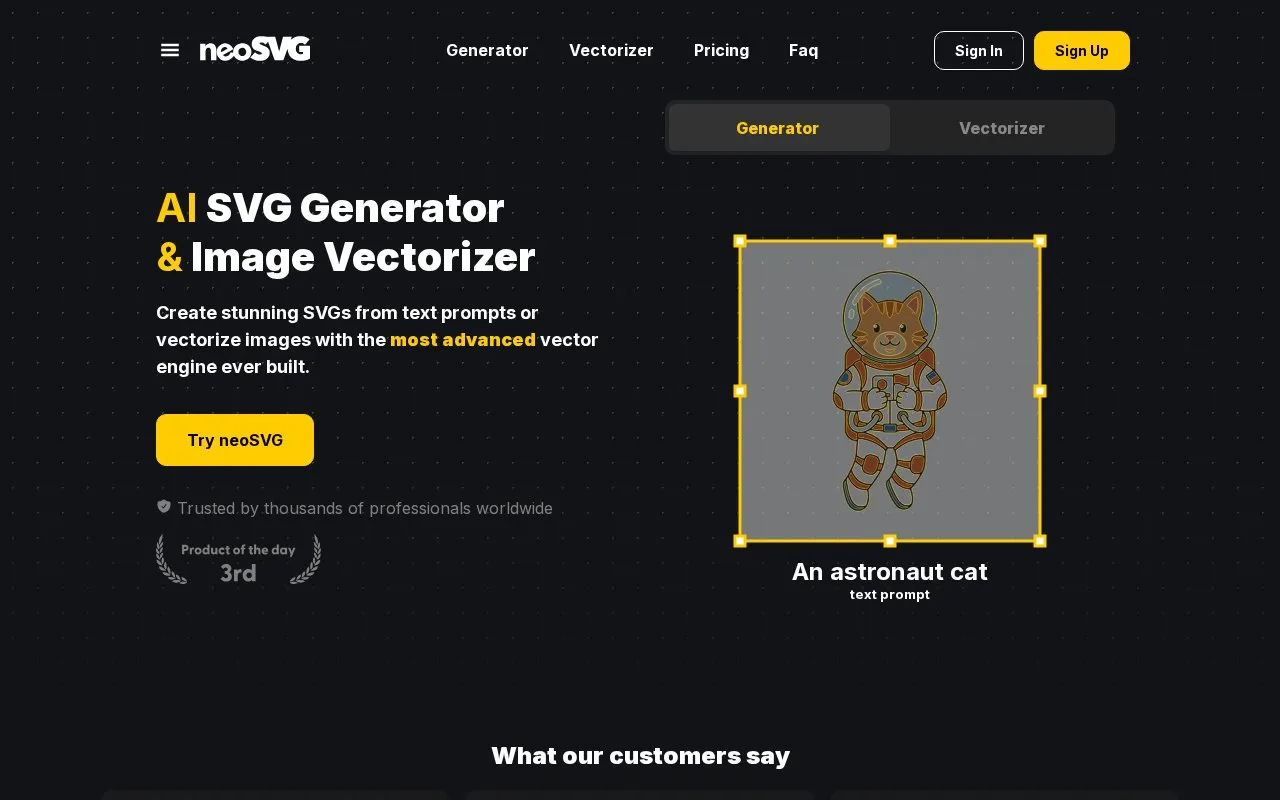
About neoSVG
neoSVG is a web-based AI tool that creates SVG vector graphics from text prompts and converts raster images into SVG files. Its generator outputs native SVG code, with paths, shapes, and geometric regions, rather than flat pixel images. Its vectorizer reconstructs shapes, colors, and curves from an input image to produce SVG files that the site describes as clean and editable.
The service offers three AI model tiers: Base for fast, accurate work on standard graphics, Pro for finer detail and path accuracy, and Ultra, the flagship model, for the most detailed output. Ultra is not available on free accounts by default and requires a paid subscription. Free users can preview rendered results in the web interface, but raw SVG downloads and exports require a paid plan. Paid subscribers receive commercial rights to generated and vectorized content. Paid plans use monthly credit allowances. Pricing details are not confirmed in this entry.
Key features
- Generates SVG graphics from text prompts
- Vectorizes uploaded images into SVG files
- Three AI model tiers: Base, Pro, and Ultra
- Outputs standard SVG code instead of flattened raster images
- Outputs can be imported and edited in professional vector editors
- Paid subscriptions include commercial rights to generated and vectorized content
Best for: Designers and professionals who need editable SVG graphics for client work, print, or web use and are willing to use a paid plan.
Good for
- Produces standard SVG code that can be edited in professional vector software
- Offers both text-to-SVG generation and image vectorization in one service
- Provides three model tiers so users can choose between speed and detail
Watch out for
- Ultra is not available on free accounts by default
- Free users can preview results but cannot download raw SVG files
- Commercial rights apply only to users with an active paid subscription
neoSVG at a glance
- Website
- neosvg.com
- Category
- Design & Creative › Image Creation & Editing
- Type
- Website
- Pricing
- Not confirmed. Check the site
- Platforms
- Web
- Open source
- Not stated
- Language
- English
- Last checked
- Oct 6, 2026 · Online when checked
- Listed
- Oct 5, 2026
neoSVG alternatives
Tools and sites you could use instead, ranked by how closely they match.
SVGStud.io generates and edits SVG graphics with AI and offers semantic search for vector designs.

Remove blank space around an SVG by dropping, uploading, or pasting the graphic into SVGCrop.

This browser-based batch image processor converts formats, compresses images, adds watermarks, resizes, rotates, crops, and renames files.

Build and preview SVG filters with SVGFilterBuilder, then save a filter or create a new one.
AutoTracer is a free online image vectorizer that converts JPEG, GIF and PNG raster images into EPS, SVG, AI and PDF vector graphics.
Free
24 alternativesPopular in Image Creation & Editing
Well-known listings from the same topic.
Canvacanva.comGIMPgimp.orgGreenScreenMemesgreenscreenmemes.comMeme Townmeme.townKRESKA.artkreska.artPixelartVillagepixelartvillage.com


neoSVG FAQ
Can I edit the SVG files after they are generated?
Yes. Because neoSVG generates standard SVG code instead of flattened raster images, the output can be imported into professional vector editors, where nodes, Bézier curves, and colors can be adjusted.
Are the generated SVGs cleared for commercial use?
Users with an active paid subscription receive commercial rights for generated and vectorized content, according to the site's FAQ. The FAQ lists uses such as client projects, merchandise, websites, and digital products.
Is the Ultra model available on the free plan?
No. Ultra is not available on free accounts by default. The site states that users must subscribe to a paid plan to access it.
Is something wrong or out of date?
Tell us and an editor will check it.
Own this website?
Claim this listing
Claim the listing and suggest updates yourself. An editor checks every claim first.