

Photopea is a browser-based image editor for photos, layered PSD files and vector graphics. It offers free use with ads and paid Premium accounts that remove ads.
Freemium
24 alternativesRemove blank space around an SVG by dropping, uploading, or pasting the graphic into SVGCrop.
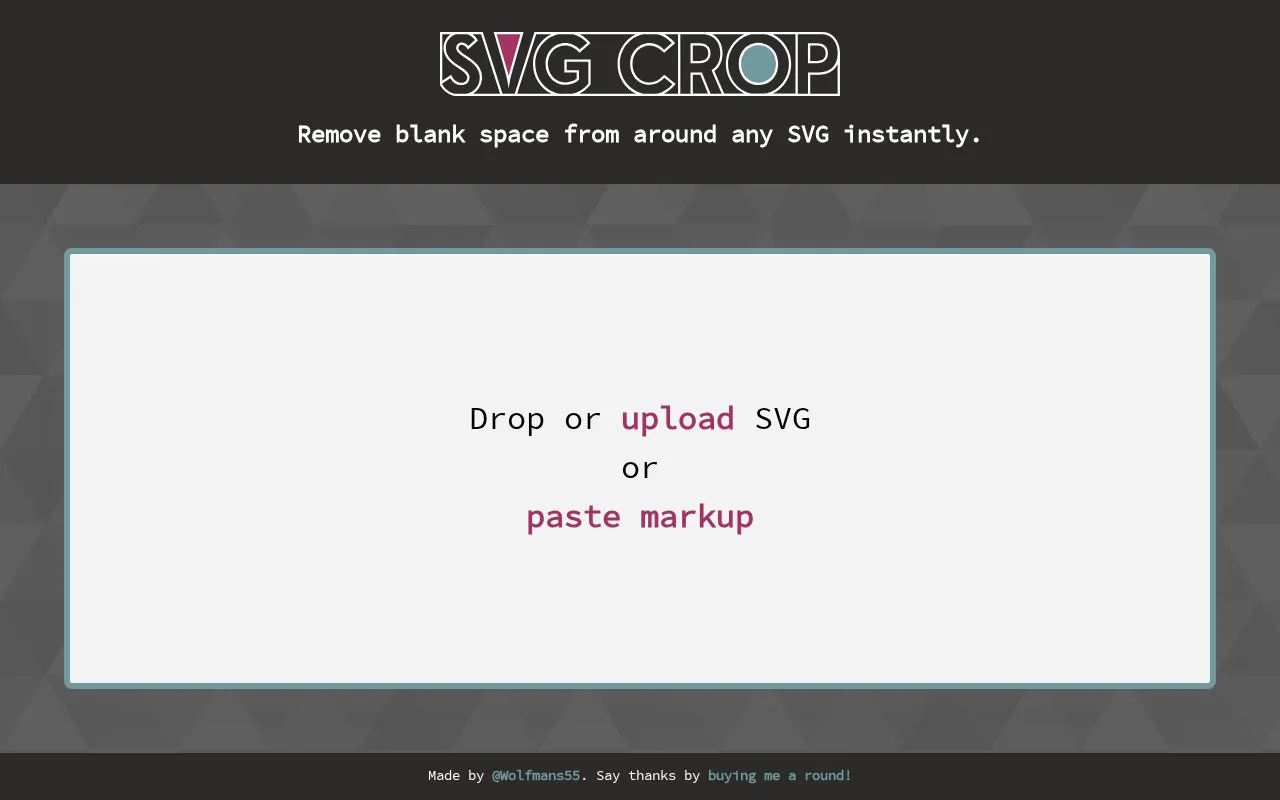
SVGCrop is a lightweight web-based tool built for editing SVG (Scalable Vector Graphics) files. Its core function is to remove excess blank space surrounding SVG graphics, serving as a focused solution for a common SVG formatting task. Users can process their SVG files in three ways: dragging and dropping the file directly into the tool interface, uploading it from a local device, or pasting raw SVG code into the tool. The cropping process runs instantly, with no complex steps or advanced editing options to navigate. The tool is suited for web designers, front-end developers, graphic creators, and anyone who works with SVG files and needs to quickly clean up unnecessary whitespace around their graphics without using full-featured design software.
Tools and sites you could use instead, ranked by how closely they match.
Photopea is a browser-based image editor for photos, layered PSD files and vector graphics. It offers free use with ads and paid Premium accounts that remove ads.
neoSVG generates SVG graphics from text and vectorizes images using its AI models.
This browser-based batch image processor converts formats, compresses images, adds watermarks, resizes, rotates, crops, and renames files.
Build and preview SVG filters with SVGFilterBuilder, then save a filter or create a new one.
SVG graphics can be edited in Method Draw, an open-source vector editor that runs in a web browser.
AutoTracer is a free online image vectorizer that converts JPEG, GIF and PNG raster images into EPS, SVG, AI and PDF vector graphics.
Well-known listings from the same topic.
Tell us and an editor will check it.
Claim the listing and suggest updates yourself. An editor checks every claim first.


