
GLORP converts raster pixel art into optimized SVG files while preserving clean edges and colors, according to its project page.
Free
24 alternativesThis online tool enlarges pixel art up to 20 times while preserving sharp edges, with support for PNG, JPEG, GIF, and WebP.
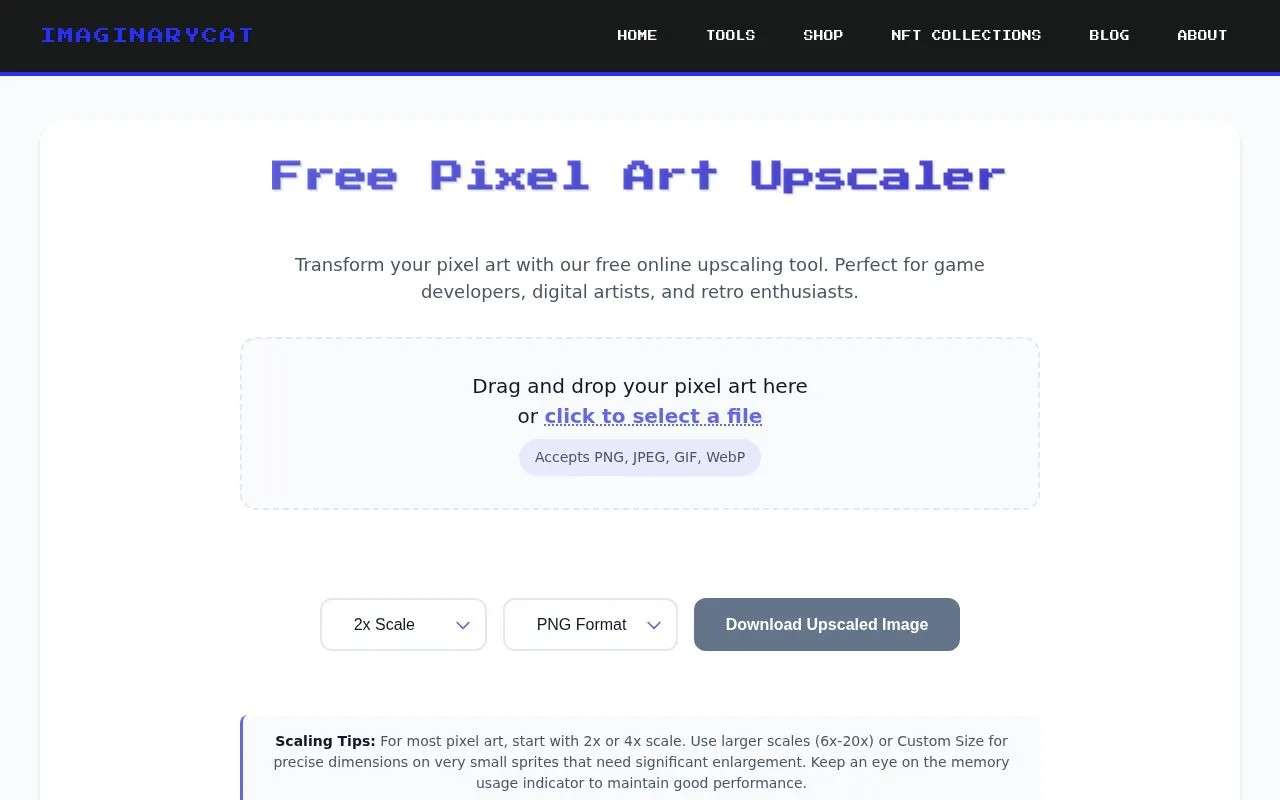
This online tool enlarges pixel art using nearest-neighbor scaling to keep edges sharp. It accepts PNG, JPEG, GIF, and WebP uploads and offers 2x, 4x, 6x, 10x, and 20x presets plus custom dimensions with an aspect ratio lock.
Downloads are available in PNG, JPEG, WebP, and SVG. Inputs are limited to 10,000 pixels in width or height, and the site advises keeping results under 50 million total pixels, with a memory indicator to flag performance issues.
Tools and sites you could use instead, ranked by how closely they match.
GLORP converts raster pixel art into optimized SVG files while preserving clean edges and colors, according to its project page.
AutoTracer is a free online image vectorizer that converts JPEG, GIF and PNG raster images into EPS, SVG, AI and PDF vector graphics.
Convert PNG, JPG, or WebP images into SVG in the browser with Vectorize Image.
Ezgif edits animated GIFs and images and can create, convert, crop, resize, reverse, and optimize GIF, WebP, and APNG files.
Convert bitmap images such as PNG, JPG, WebP, and GIF into SVG vector graphics with svgco.
Pixel Art Village converts images and photos into pixel art through a free online tool.
Well-known listings from the same topic.
Tell us and an editor will check it.
Claim the listing and suggest updates yourself. An editor checks every claim first.


