

GLORP converts raster pixel art into optimized SVG vector files, with a desktop app and a web version listed on its project page.
Glorp
GLORP converts raster pixel art into optimized SVG files while preserving clean edges and colors, according to its project page.
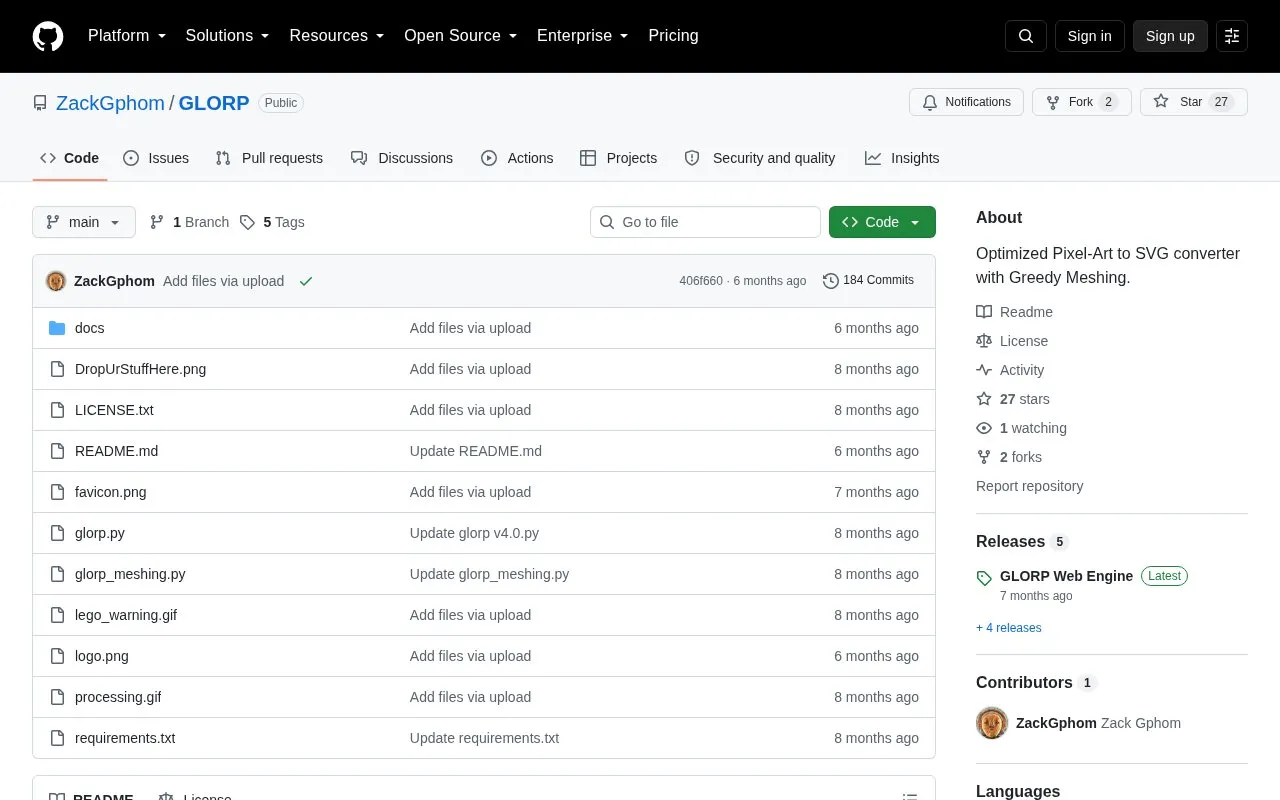
About Glorp
GLORP is a desktop application built with Python and PySide6 that converts raster pixel art into SVG vector files. It is listed on GitHub and also offers a web version at glorp.art that runs without installation. A Windows desktop version is available for local processing.
You can add images by button or drag and drop, hover to preview them, choose an output folder, and select a conversion mode. Monolith mode merges adjacent pixels of the same color into compact path elements for smaller, editable SVGs. Lego mode creates one 1x1 rect per pixel, and WebP mode exports a lossless raster file with transparency preserved. Batch conversion runs in a separate thread so the interface stays responsive.
It suits pixel artists, indie developers, and UI designers who need sharp scaling for print items or web use. Input should be native-resolution PNGs with hard edges and nearest-neighbor scaling. It is not intended for photographs, gradients, blurred images, or anti-aliased illustrations.
Key features
- Converts raster pixel art to optimized SVG files
- Monolith mode merges same-color pixels into paths
- Lego mode creates one rect per pixel
- Lossless WebP export with transparency preserved
- Batch processing with drag-and-drop input
- Hover previews and threaded conversion
Best for: Pixel artists, indie developers, and UI designers who need scalable SVG versions of pixel art.
Good for
- Preserves crisp edges and color accuracy
- Monolith mode produces smaller, editable SVG output
- Batch processing keeps interface responsive
- Web version works without installation
Watch out for
- Not suitable for photos, gradients or blurred images
- Lego mode can create large, slow files
- Limited to 1,000,000 pixels per image
Glorp at a glance
- Website
- github.com/ZackGphom/GLORP
- Category
- Design & Creative › Image Creation & Editing
- Type
- Open-source project
- Pricing
- Free
- Platforms
- Windows
- Open source
- Not stated
- Language
- English
- Last checked
- Oct 5, 2026 · Online when checked
- Listed
- Oct 5, 2026
Glorp alternatives
Tools and sites you could use instead, ranked by how closely they match.
This online tool enlarges pixel art up to 20 times while preserving sharp edges, with support for PNG, JPEG, GIF, and WebP.
Free
24 alternativesAutoTracer is a free online image vectorizer that converts JPEG, GIF and PNG raster images into EPS, SVG, AI and PDF vector graphics.
Free
24 alternatives
Pixel Art Village converts images and photos into pixel art through a free online tool.
Free
24 alternatives
Convert animated GIFs into animated SVGs with FrameSVG through its web app, command-line tool, or Python library.
Open source
24 alternatives
Ezgif edits animated GIFs and images and can create, convert, crop, resize, reverse, and optimize GIF, WebP, and APNG files.
Popular in Image Creation & Editing
Well-known listings from the same topic.
Canvacanva.comGIMPgimp.orgMeme Townmeme.townGreenScreenMemesgreenscreenmemes.comKRESKA.artkreska.artVHS-Enginevhs-engine.netlify.app


Glorp FAQ
What does GLORP do?
It converts raster pixel art into SVG vector files with preserved edges, colors and transparency. It also exports lossless WebP files.
What is the difference between Monolith and Lego modes?
Monolith merges adjacent same-color pixels into compact path elements for smaller files. Lego creates an individual 1x1 rect for each pixel, which results in larger files.
What kind of images work best with GLORP?
Native-resolution PNGs with hard edges, RGBA transparency and nearest-neighbor scaling. Photos, gradients, blurred images and anti-aliased illustrations are not intended for conversion.
How can I access GLORP?
You can use the web version at glorp.art without installation, download the Windows desktop version, or run glorp.py with Python 3.10+, PySide6 and Pillow.
Is something wrong or out of date?
Tell us and an editor will check it.
Own this website?
Claim this listing
Claim the listing and suggest updates yourself. An editor checks every claim first.