

Convert bitmap images such as PNG, JPG, WebP, and GIF into SVG vector graphics with svgco.
Vector Magic
Convert bitmap images into SVG, EPS, PDF, AI, or DXF vector files with Vector Magic online or in its desktop app.
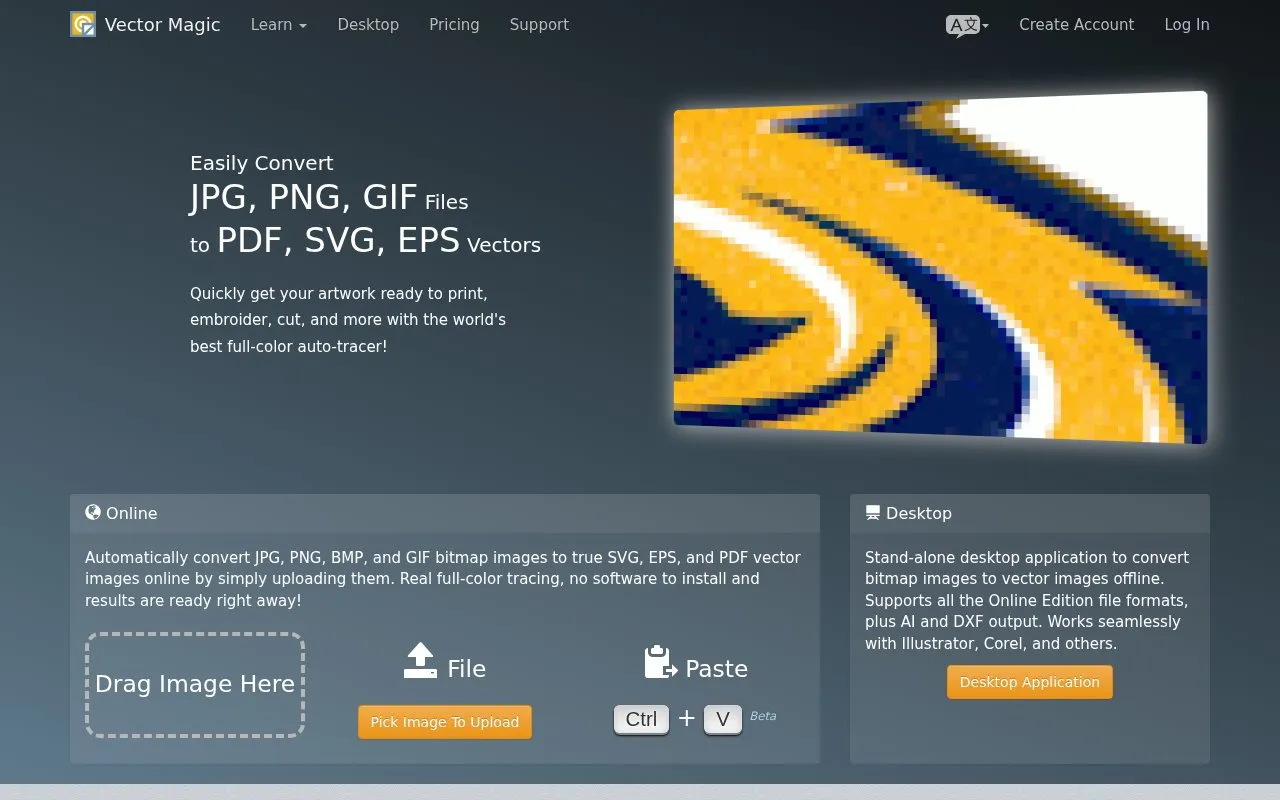
About Vector Magic
Vector Magic converts bitmap images, such as JPG, PNG, BMP, and GIF files, into vector files. It redraws each image as shapes such as curves and lines, which can be scaled without losing quality. Output is available as SVG, EPS, and PDF through the web tool. The desktop app also produces AI and DXF files.
The tool automatically chooses tracing settings for each uploaded image. Users can review the result, adjust settings, and edit shapes in the same tool. Online uploads are limited to images up to 1 megapixel.
Key features
- Converts JPG, PNG, BMP, and GIF bitmap images into vector files
- Exports SVG, EPS, and PDF files from the web tool
- Exports AI and DXF files in the desktop edition
- Automatically selects tracing settings based on the uploaded image
- Pixel-style editor for removing, joining, and separating shapes
- Lets users choose a detail level for JPG tracing and a color palette
Best for: Designers and print, embroidery, or cutting workflows that need logos, icons, or scanned artwork as scalable vector files.
Good for
- Automatic settings allow an uploaded image to be traced without manual setup
- Transparency from PNG files is preserved in SVG and PDF output
- Traces underlying shapes rather than embedding the original pixels
Watch out for
- Online uploads are limited to images up to 1 megapixel
- AI and DXF output is listed only for the desktop edition
Vector Magic at a glance
- Website
- vectormagic.com
- Category
- Design & Creative › Image Creation & Editing
- Type
- Online tool
- Pricing
- Not confirmed. Check the site
- Platforms
- Web
- Open source
- Not stated
- Language
- English
- Last checked
- Oct 6, 2026 · Online when checked
- Listed
- Oct 5, 2026
Vector Magic alternatives
Tools and sites you could use instead, ranked by how closely they match.

GLORP converts raster pixel art into optimized SVG vector files, with a desktop app and a web version listed on its project page.
AutoTracer is a free online image vectorizer that converts JPEG, GIF and PNG raster images into EPS, SVG, AI and PDF vector graphics.
Free
24 alternatives
Tilda Vector edits SVG files and vector images online for free in a browser without signup or subscription.

Photopea is a browser-based image editor for photos, layered PSD files and vector graphics. It offers free use with ads and paid Premium accounts that remove ads.
Freemium
24 alternatives
Ezgif edits animated GIFs and images and can create, convert, crop, resize, reverse, and optimize GIF, WebP, and APNG files.
Popular in Image Creation & Editing
Well-known listings from the same topic.
Canvacanva.comGIMPgimp.orgMeme Townmeme.townGreenScreenMemesgreenscreenmemes.comKRESKA.artkreska.artPixelartVillagepixelartvillage.com


Vector Magic FAQ
Which image formats can be uploaded?
JPG, PNG, BMP, and GIF images up to 1 megapixel can be uploaded.
Which output formats are available?
The result is delivered in SVG, EPS, and PDF formats. The desktop edition also produces AI and DXF files.
Can the traced result be edited?
Yes. Users can review the result, tweak the settings, and edit shapes within the same tool.
Is something wrong or out of date?
Tell us and an editor will check it.
Own this website?
Claim this listing
Claim the listing and suggest updates yourself. An editor checks every claim first.