
Create vector graphics in a browser without signing up or subscribing with Provector.
Tilda
Tilda Vector edits SVG files and vector images online for free in a browser without signup or subscription.
About Tilda
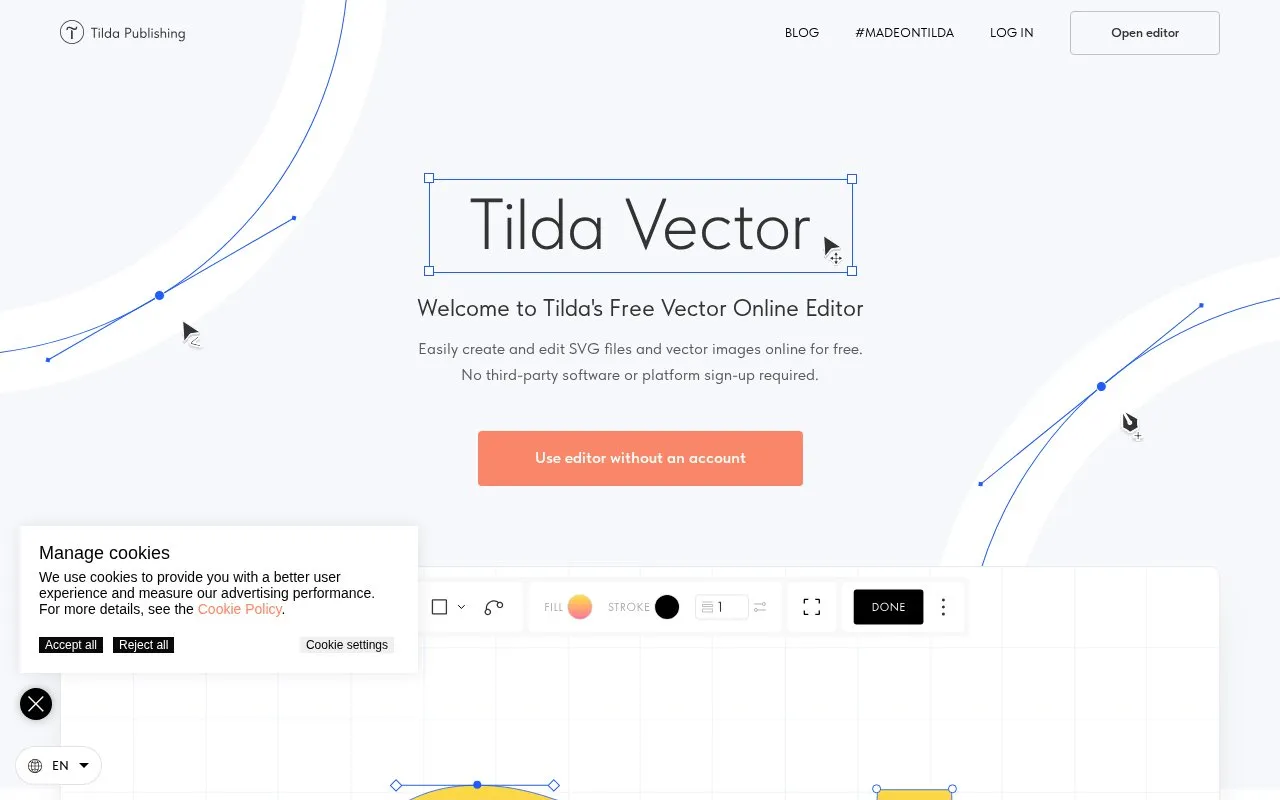
Tilda Vector is a free online editor for creating and editing SVG files and vector images in a web browser. The homepage says it can be used without an account, and it describes no subscription or software download. Users can start a new vector by drawing with the tools, or open an existing SVG file with the Open button.
The editor covers drawing with straight, curved, and freehand lines, editing shapes and endpoints, and managing layers and export bounds through a Viewbox setting. The homepage also notes that Zero Block, a separate Tilda product, includes the same vector tools. Pricing is not confirmed beyond the homepage's description of the editor as free.
Key features
- Draw tool for straight and curved lines, with closed or open shapes
- Freehand tool that converts drawn strokes into vector lines
- Select tool to change fill, stroke color, and stroke width
- Bend tool for adjusting the shape and endpoints of drawn lines
- Basic shapes with vertex count and ratio settings for angled shapes
- Layers panel to reorder, rename, hide, and lock layers
Best for: People who need to create or adjust simple SVG files and vector graphics in a browser without installing software.
Good for
- The homepage states that an account is not required to use the editor.
- Existing SVG files can be opened and edited directly in the browser.
- Snap to pixels and a pixel grid help with alignment at higher zoom levels.
Watch out for
- The pixel grid is visible only at zoom levels over 600%.
- The Bend tool changes only the shape of an element; changing its appearance requires the Select tool.
- The homepage says it uses cookies to measure advertising performance; other cookies can be configured.
Tilda at a glance
- Website
- tilda.cc/lp/vector
- Category
- Design & Creative › Image Creation & Editing
- Type
- Online tool
- Pricing
- Not confirmed. Check the site
- Platforms
- Web
- Open source
- Not stated
- Language
- English
- Last checked
- Oct 6, 2026 · Online when checked
- Listed
- Oct 5, 2026
Tilda alternatives
Tools and sites you could use instead, ranked by how closely they match.

Photopea is a browser-based image editor for photos, layered PSD files and vector graphics. It offers free use with ads and paid Premium accounts that remove ads.
Freemium
24 alternatives
Convert bitmap images into SVG, EPS, PDF, AI, or DXF vector files with Vector Magic online or in its desktop app.

Edit vector graphics and AI files in a browser with Vectorpea, an online vector editor.

Create, edit, and export SVG graphics as SVG or PNG with this browser-based vector editor.

GLORP converts raster pixel art into optimized SVG vector files, with a desktop app and a web version listed on its project page.
Popular in Image Creation & Editing
Well-known listings from the same topic.
Canvacanva.comGIMPgimp.orgGreenScreenMemesgreenscreenmemes.comMeme Townmeme.townKRESKA.artkreska.artPixelartVillagepixelartvillage.com


Tilda FAQ
Do I need an account to use the editor?
The homepage says you can use the editor without an account.
Can I edit an existing SVG file?
Yes. Click Open to upload an SVG file and edit it in the editor.
Where can I find the list of keyboard shortcuts?
Click the three dots in the toolbar, then select Shortcuts to view the full list.
Is something wrong or out of date?
Tell us and an editor will check it.
Own this website?
Claim this listing
Claim the listing and suggest updates yourself. An editor checks every claim first.