

Create, edit, and export SVG graphics as SVG or PNG with this browser-based vector editor.
Vectorpea
Edit vector graphics and AI files in a browser with Vectorpea, an online vector editor.
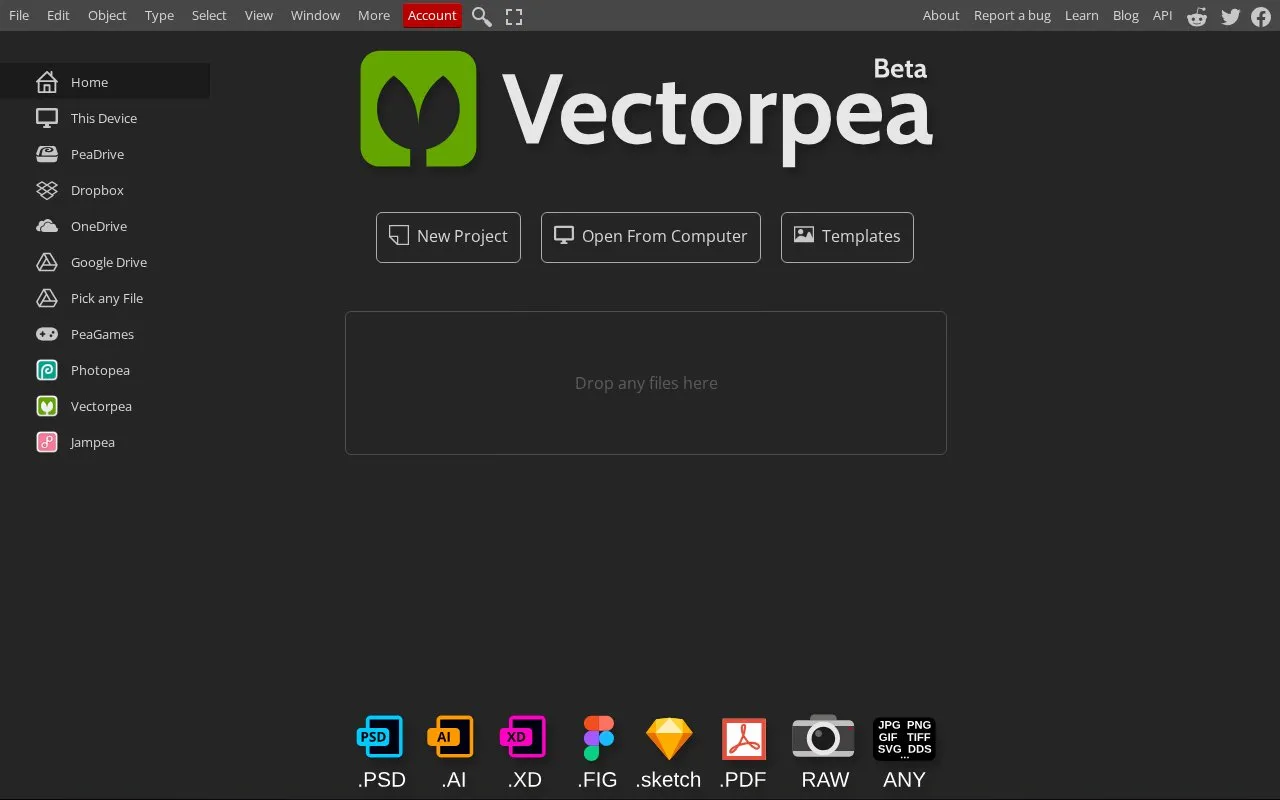
About Vectorpea
Edit vector graphics and AI files in a browser with Vectorpea, an online vector editor.
Vectorpea is an online tool in our Image Creation & Editing collection, part of the Design & Creative directory. It runs in your web browser, so there's nothing to install.
People usually find Vectorpea when they’re looking for svg, graphics, and vector graphics.
Not quite what you need? Close alternatives include FreeSVGEditor, Provector, and AutoTracer — compare them below.
Vectorpea at a glance
- Website
- vectorpea.com
- Category
- Design & Creative › Image Creation & Editing
- Type
- Online tool
- Pricing
- Not confirmed. Check the site
- Platforms
- Web
- Open source
- Not stated
- Last checked
- Oct 5, 2026 · Online when checked
- Listed
- Oct 5, 2026
Vectorpea alternatives
Tools and sites you could use instead, ranked by how closely they match.
Create vector graphics in a browser without signing up or subscribing with Provector.
AutoTracer is a free online image vectorizer that converts JPEG, GIF and PNG raster images into EPS, SVG, AI and PDF vector graphics.
Free
24 alternativesSVGStud.io generates and edits SVG graphics with AI and offers semantic search for vector designs.

Convert bitmap images such as PNG, JPG, WebP, and GIF into SVG vector graphics with svgco.

Draw vector artwork with shapes, gradients and layers in Vector Paint's browser-based editor.
Popular in Image Creation & Editing
Well-known listings from the same topic.
Canvacanva.comGIMPgimp.orgGreenScreenMemesgreenscreenmemes.comMeme Townmeme.townKRESKA.artkreska.artPixelartVillagepixelartvillage.com


Vectorpea FAQ
What is Vectorpea?
Edit vector graphics and AI files in a browser with Vectorpea, an online vector editor.
Can I use Vectorpea in my browser?
Yes. Vectorpea works on the web, so you can use it from any modern browser without installing anything.
What is Vectorpea used for?
People use Vectorpea for svg, graphics, and vector graphics, within our image creation & editing category.
Is Vectorpea working?
vectorpea.com responded when checked on Oct 5, 2026. Its current availability has not been confirmed.
What are the best alternatives to Vectorpea?
Popular alternatives to Vectorpea include FreeSVGEditor, Provector, AutoTracer, and SVGStud.io. We list 12+ options matched by topic, tags and features.
Is something wrong or out of date?
Tell us and an editor will check it.
Own this website?
Claim this listing
Claim the listing and suggest updates yourself. An editor checks every claim first.