
Use Gifsicle from the command line to work with animated GIFs, with source code and documentation available.
Frame Svg
Convert animated GIFs into animated SVGs with FrameSVG through its web app, command-line tool, or Python library.
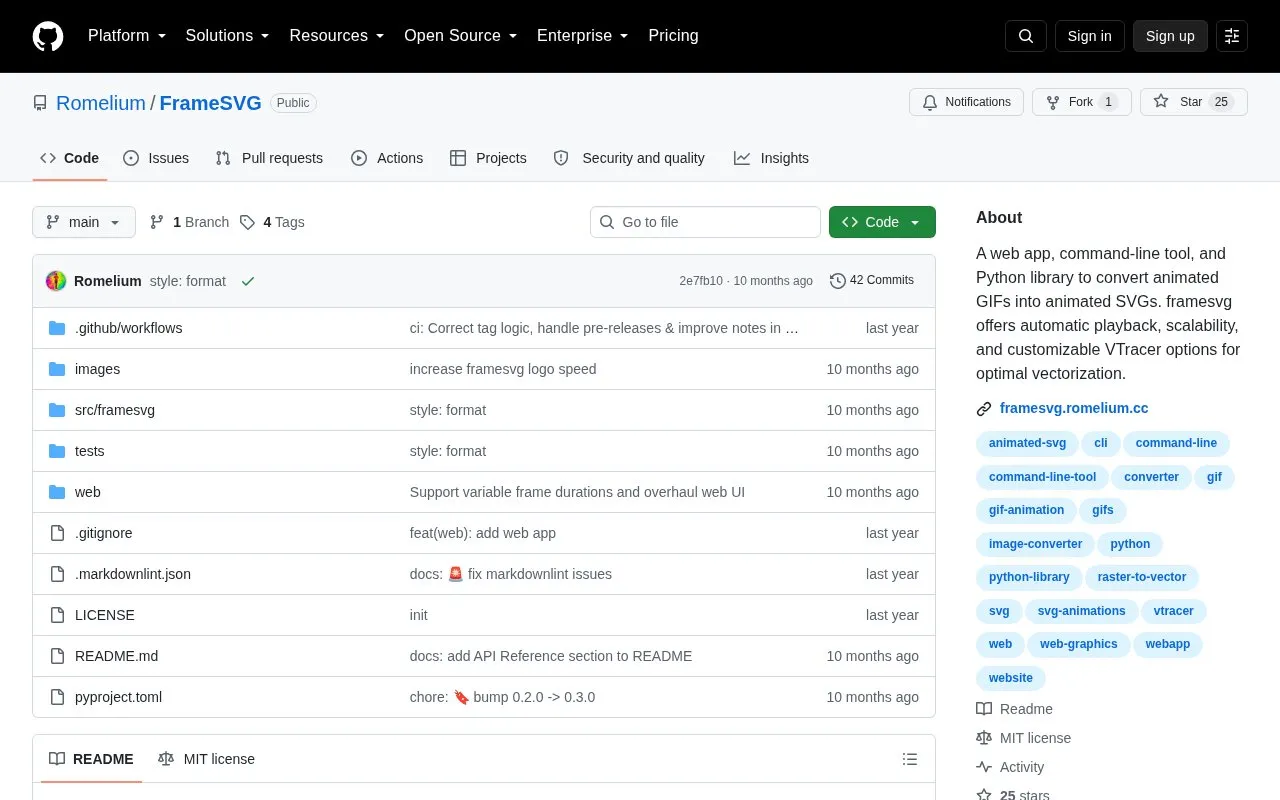
About Frame Svg
FrameSVG converts animated GIFs into animated SVG files. It is available as a web app, a command-line tool, and a Python library. It uses VTracer for raster-to-vector conversion, so the output is vector graphics rather than an embedded GIF. The generated SVGs play automatically in browsers and image viewers and can be scaled without loss. The project is open source and is described as suited to readmes, documentation, and web graphics.
The conversion can be tuned through VTracer options that control speckle filtering, smoothing, and color precision. Lower color precision and higher speckle filtering produce smaller files but less detail. The binary color mode makes bright colors transparent. Frame timing from the source GIF is preserved, and the frame rate can be set manually with the --fps option.
Key features
- Converts animated GIFs into vector SVG output rather than embedded raster images
- Generated SVGs play automatically in browsers and image viewers
- Preserves the duration of each frame from the original GIF
- Adjustable VTracer options for speckle filtering, smoothing, and color precision
- Binary color mode that makes bright colors transparent
- Available as a web app, command-line tool, and Python library
Best for: People who need animated graphics as scalable SVG files for readmes, documentation, or web pages, especially those comfortable with command-line tools or Python.
Good for
- Produces true vector output that scales without being an embedded raster image
- Text-based SVG files can load faster than GIFs when served with Gzip or Brotli compression
- Offers three access methods: web app, command-line tool, and Python library
Watch out for
- Binary color mode turns all bright colors transparent
- Smaller files come from less detail, so quality and file size must be balanced
- Faster loading depends on the SVG being served with Gzip or Brotli compression
Frame Svg at a glance
- Website
- github.com/Romelium/FrameSVG
- Category
- Design & Creative › Image Creation & Editing
- Type
- Open-source project
- Pricing
- Not confirmed. Check the site
- Open source
- Yes · Source code
- Language
- English
- Last checked
- Oct 6, 2026 · Online when checked
- Listed
- Oct 5, 2026
Frame Svg alternatives
Tools and sites you could use instead, ranked by how closely they match.

Ezgif edits animated GIFs and images and can create, convert, crop, resize, reverse, and optimize GIF, WebP, and APNG files.

Perfect Freehand provides drawing tools for creating pressure-sensitive freehand lines.
Open source
24 alternatives
Use Provector to create vector illustrations with its lightweight drawing interface.
FreeOpen source
24 alternatives
AI Draw converts photos into contour line art and lets users customize and download the result as an SVG.

Use ImageMagick, an open-source suite, to create, edit, convert, and display images in over 200 formats.
Popular in Image Creation & Editing
Well-known listings from the same topic.
Canvacanva.comGIMPgimp.orgGreenScreenMemesgreenscreenmemes.comMeme Townmeme.townKRESKA.artkreska.artPixelartVillagepixelartvillage.com


Frame Svg FAQ
How do I install only the command-line tool?
Use pipx install framesvg. The README says pipx installs the command-line tool in an isolated environment.
Can I get the SVG output as a string in Python?
Yes. The gif_to_animated_svg function reads a GIF file and returns the animated SVG content as a string.
What frame rate does the output use?
The --fps option sets the animation speed. If it is not set, the output uses the frame delays from the GIF, and falls back to 10 if none are available.
Is something wrong or out of date?
Tell us and an editor will check it.
Own this website?
Claim this listing
Claim the listing and suggest updates yourself. An editor checks every claim first.