

Convert animated GIFs into animated SVGs with FrameSVG through its web app, command-line tool, or Python library.
Open source
24 alternativesUse ImageMagick, an open-source suite, to create, edit, convert, and display images in over 200 formats.
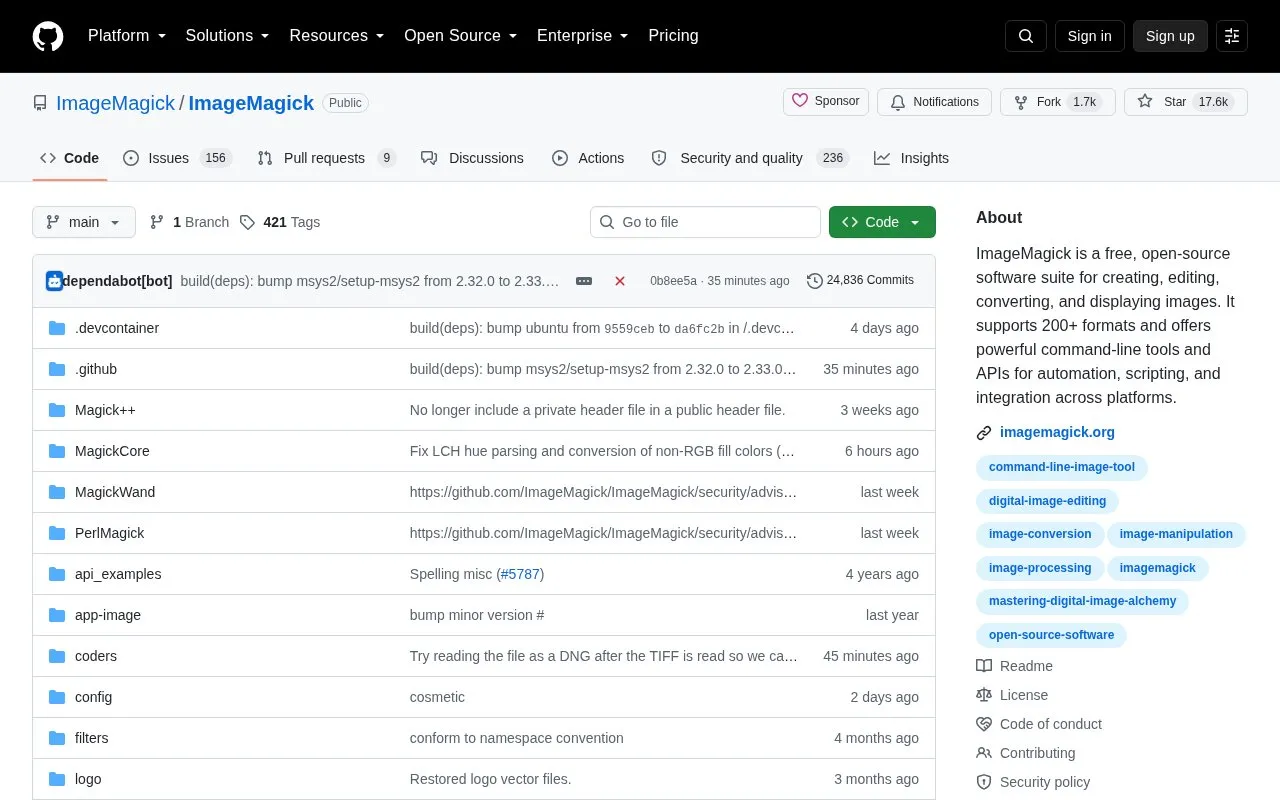
ImageMagick is a software suite for creating, editing, converting, and displaying bitmap images. It supports a wide range of file formats, including JPEG, PNG, GIF, TIFF, and PDF, and the project describes it as free and open source. The suite is written in C and is used in web development, graphic design, video editing, scientific research, medical imaging, and astronomy.
The main way to use it is through a command-line interface for image processing tasks, along with APIs for adding its features to other software. Its scripting support can run image manipulation pipelines automatically, which is useful for large batches or recurring tasks. The project advises creating a security policy that fits the local environment before use, and provides a validation tool for checking that policy.
Tools and sites you could use instead, ranked by how closely they match.
Convert animated GIFs into animated SVGs with FrameSVG through its web app, command-line tool, or Python library.
Use Gifsicle from the command line to work with animated GIFs, with source code and documentation available.
ImageMagick provides an open-source suite for creating, editing, converting, and manipulating images in more than 200 formats.
This browser-based batch image processor converts formats, compresses images, adds watermarks, resizes, rotates, crops, and renames files.
Pixel Art Village converts images to pixel art in a browser, with palette controls, dithering, and support for common image formats.
Well-known listings from the same topic.
Tell us and an editor will check it.
Claim the listing and suggest updates yourself. An editor checks every claim first.


