

Pixel Art Village converts images and photos into pixel art through a free online tool.
Free
24 alternativesPixel Art Village converts images to pixel art in a browser, with palette controls, dithering, and support for common image formats.
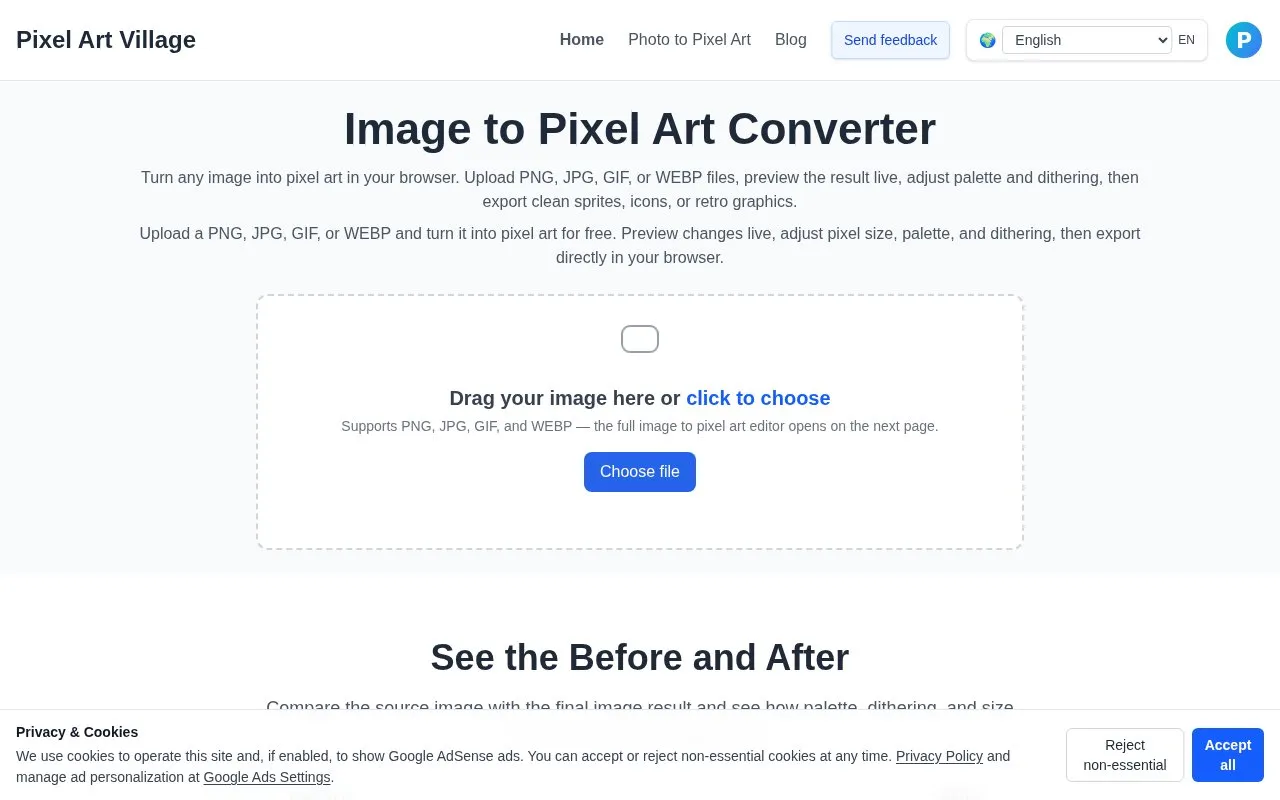
Pixel Art Village is a web tool that converts existing PNG, JPG, GIF, and WEBP images into pixel art in the browser. Users upload an image, adjust pixel size, palette, and dithering, and export the result as PNG, JPEG, or WebP for sprites, icons, UI art, or retro graphics.
The site describes its converter as rule-based rather than AI-driven, so the user controls the source image, palette, and pixel settings directly. Uploads are limited to 10 MiB, and images larger than 2200 px on the longest edge are resized before conversion. According to the site, processing happens in the browser and images stay on the device unless the user chooses to share them.
Tools and sites you could use instead, ranked by how closely they match.
Pixel Art Village converts images and photos into pixel art through a free online tool.
Pixel It converts an image into pixel art, with controls for pixel size and color palettes, including grayscale output.
ImageMagick provides an open-source suite for creating, editing, converting, and manipulating images in more than 200 formats.
Create 88x31 pixel buttons in a browser editor with controls for layers, palettes and project files.
Image Mage applies visual styles to source photos, with controls for effects such as pixel art, comic-style output, and color changes.
Palettum matches image, GIF, and video pixels to a custom palette, with palette import and export and transparency preservation.
Well-known listings from the same topic.
Tell us and an editor will check it.
Claim the listing and suggest updates yourself. An editor checks every claim first.


