
Image Mage applies visual styles to source photos, with controls for effects such as pixel art, comic-style output, and color changes.
Free
11 alternativesPixel It converts an image into pixel art, with controls for pixel size and color palettes, including grayscale output.
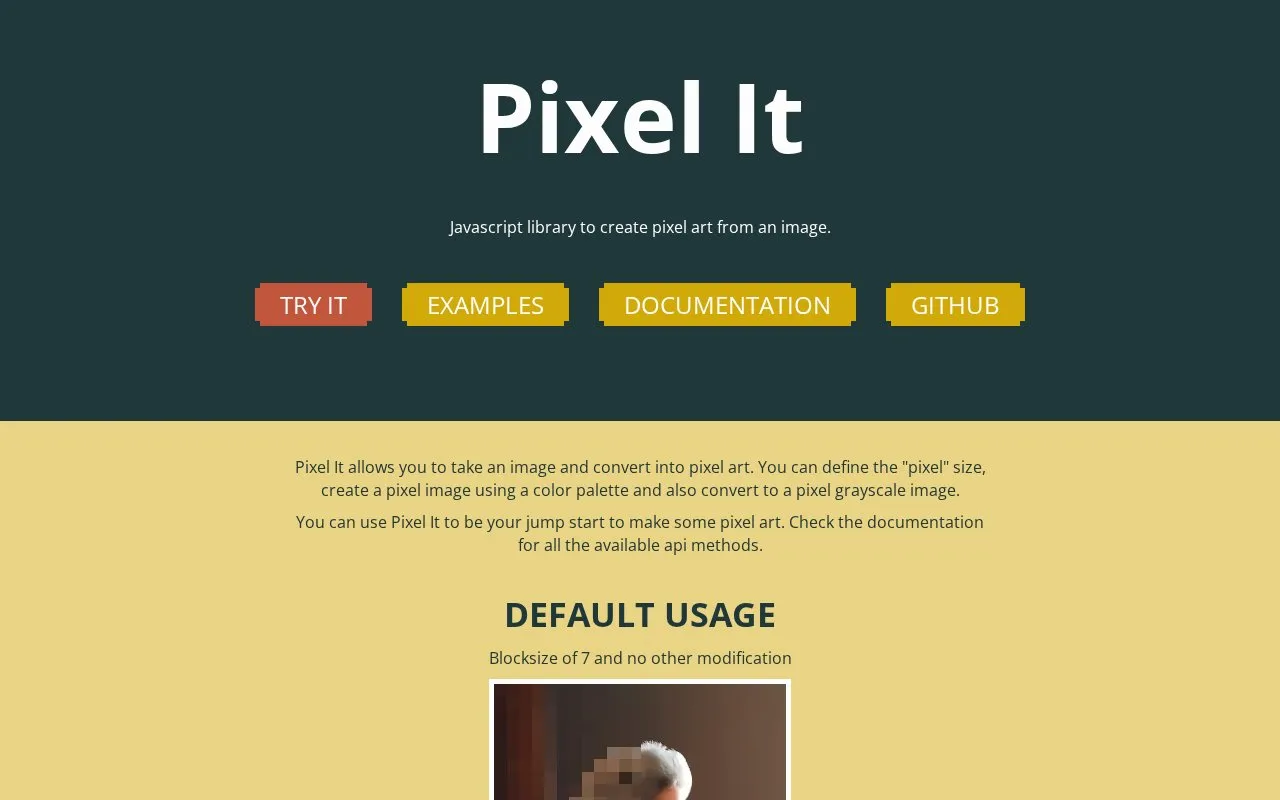
Pixel It converts an uploaded image into pixel art. Users set the pixel block size and can apply a color palette or convert the image to grayscale. The homepage describes a live demo where users can upload an image, adjust these settings, and download the result. Output size can be limited with maximum height and width settings.
The site also documents a JavaScript library, pixelit.js, for developers. It requires an image element and a canvas element with the id pixelitcanvas. Methods include draw, pixelate, convertGrayscale, convertpalette, and saveImage, and the pixelation scale ranges from 0 to 50. The page notes that the order in which chained methods are applied can change the final image. Pricing is not stated, and the project is not listed as open source.
Tools and sites you could use instead, ranked by how closely they match.
Image Mage applies visual styles to source photos, with controls for effects such as pixel art, comic-style output, and color changes.
Create 88x31 pixel buttons in a browser editor with controls for layers, palettes and project files.
Pixel Art Village converts images to pixel art in a browser, with palette controls, dithering, and support for common image formats.
Pixellate lets users set a grid size and create a pixelated image, with controls to save the result and install the app as a PWA.
Sora's Pixel Converter turns images into retro pixel art with palettes, dialog styles, effects, and PNG or video export.
An open-source bitmap painting application for pixel art, indexed palettes and animation work.
Well-known listings from the same topic.
Tell us and an editor will check it.
Claim the listing and suggest updates yourself. An editor checks every claim first.


