
Glitch Image Generator creates and saves images using visual glitch effects and color blend modes.
TailBlend
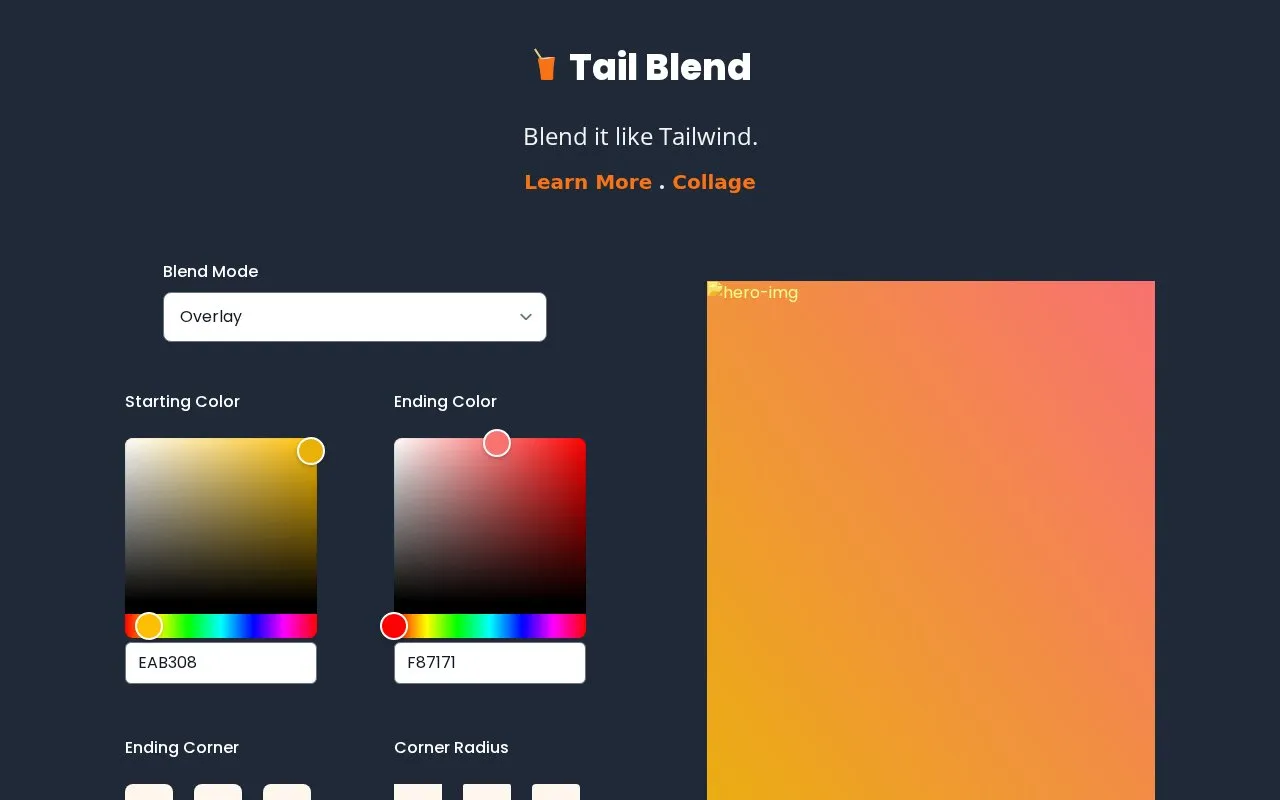
TailBlend blends uploaded images using selectable blend modes, color settings, crop controls, and image export options.
About TailBlend
TailBlend blends uploaded images using selectable blend modes, color settings, crop controls, and image export options.
TailBlend is a website in our Image Creation & Editing collection, part of the Design & Creative directory. It runs in your web browser, so there's nothing to install.
Not quite what you need? Close alternatives include GlitchyImage, Vervette, and AutoCropper — compare them below.
TailBlend at a glance
- Website
- tailblend.vercel.app
- Category
- Design & Creative › Image Creation & Editing
- Type
- Website
- Pricing
- Not confirmed. Check the site
- Platforms
- Web
- Open source
- Not stated
- Language
- English
- Last checked
- Oct 6, 2026 · Online when checked
- Listed
- Oct 5, 2026
TailBlend alternatives
Tools and sites you could use instead, ranked by how closely they match.
Paint with fluid dynamics in Vervette, a browser sandbox with brush settings and animation controls.

AutoCropper detects and crops multiple photos from a scan, with options to straighten and split the images online.

Comicory generates comic strips, manga, and comic books with editable panels and export options.

Turn code into shareable images with Ray, choosing syntax colors and window appearance before export.

Image Mage applies visual styles to source photos, with controls for effects such as pixel art, comic-style output, and color changes.
Free
11 alternativesPopular in Image Creation & Editing
Well-known listings from the same topic.
Canvacanva.comGIMPgimp.orgGreenScreenMemesgreenscreenmemes.comMeme Townmeme.townKRESKA.artkreska.artPixelartVillagepixelartvillage.com


TailBlend FAQ
What is TailBlend?
TailBlend blends uploaded images using selectable blend modes, color settings, crop controls, and image export options.
Can I use TailBlend in my browser?
Yes. TailBlend works on the web, so you can use it from any modern browser without installing anything.
Is TailBlend working?
tailblend.vercel.app responded when checked on Oct 6, 2026. Its current availability has not been confirmed.
What are the best alternatives to TailBlend?
Popular alternatives to TailBlend include GlitchyImage, Vervette, AutoCropper, and Comicory. We list 8+ options matched by topic, tags and features.
Is something wrong or out of date?
Tell us and an editor will check it.
Own this website?
Claim this listing
Claim the listing and suggest updates yourself. An editor checks every claim first.