

Tinter generates color variations for images in a small browser-based editing tool.
Open source
24 alternativesTurn code into shareable images with Ray, choosing syntax colors and window appearance before export.
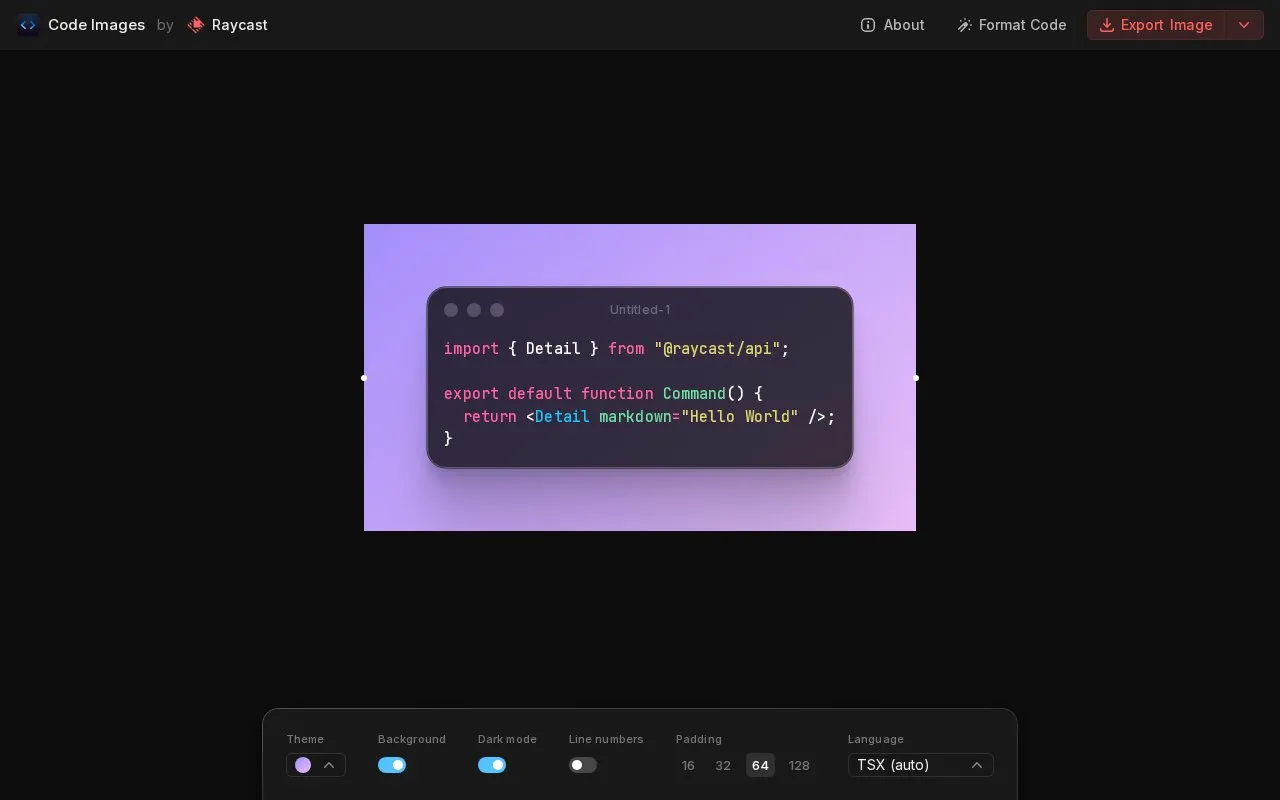
Turn code into shareable images with Ray, choosing syntax colors and window appearance before export.
Ray is a website in our Image Creation & Editing collection, part of the Design & Creative directory. It runs in your web browser, so there's nothing to install.
People usually find Ray when they’re looking for colors.
Not quite what you need? Close alternatives include Tinter, GLORP, and Pixel Snapper — compare them below.
Tools and sites you could use instead, ranked by how closely they match.
Tinter generates color variations for images in a small browser-based editing tool.
GLORP converts raster pixel art into optimized SVG vector files, with a desktop app and a web version listed on its project page.
Pixel Snapper cleans up pixel art by correcting blur, inconsistent pixels, and off-grid pixels while preserving details.
Pixel Art Fixer converts images into grid-aligned pixel art using image processing without requiring a model.
Sprite Fusion Pixel Snapper moves pixel art onto a consistent grid to fix messy or uneven pixels.
This curated pixel art resource list links to tutorials, inspiration, animation guidance, and community resources for creating pixel art.
Well-known listings from the same topic.
Tell us and an editor will check it.
Claim the listing and suggest updates yourself. An editor checks every claim first.


