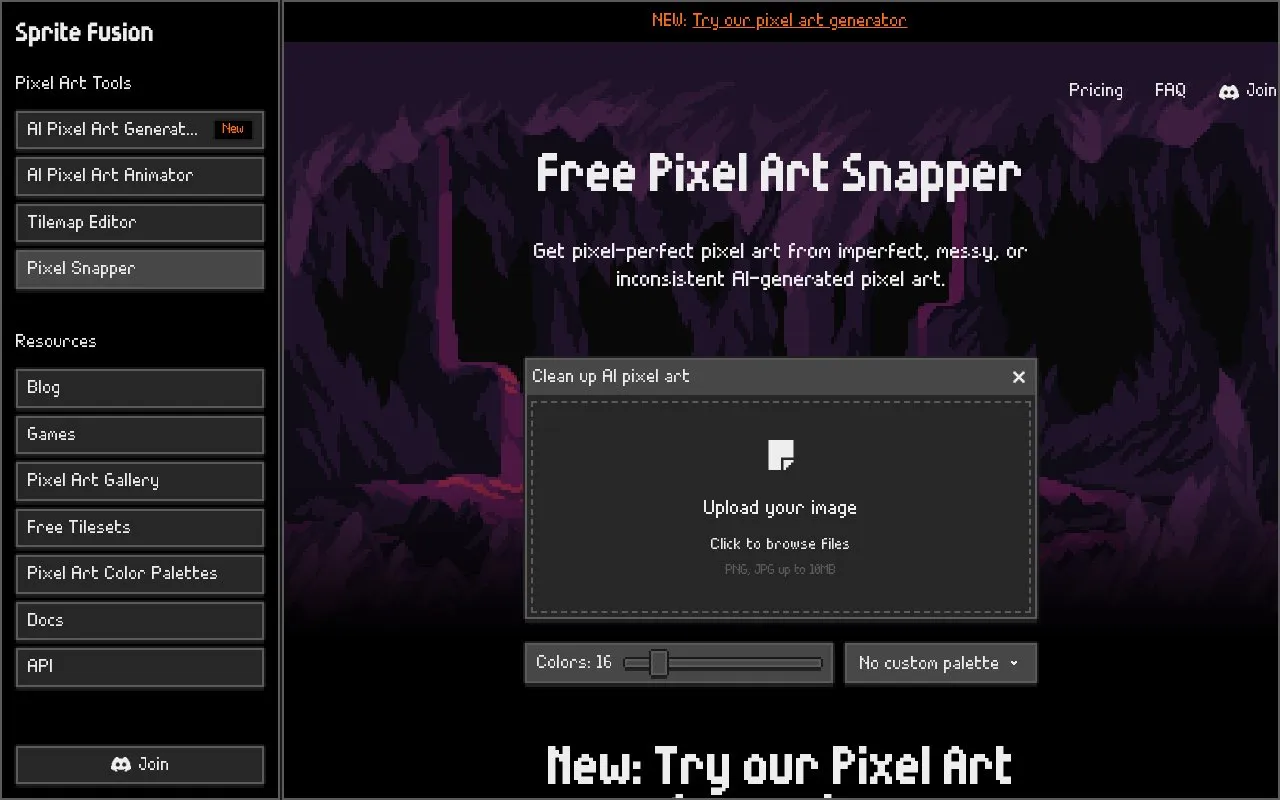
Pixel Snapper is a browser-based tool from Sprite Fusion that cleans up AI-generated pixel art. It corrects blur and artifacts, fixes off-grid pixels and inconsistent or mixed pixel sizes, and snaps an image back to a pixel grid, while working to preserve details such as dithering, curves, outlines and small shapes. The cleaned result is saved as a new PNG.
Uploads are accepted as PNG or JPG up to 10MB, and no account is required. The web edition is free; a separate desktop edition, sold as a one-time purchase, adds batch processing and runs offline on macOS, Linux and Windows. The tool only fixes existing images, it does not generate pixel art from a prompt, and Sprite Fusion offers a separate AI Pixel Art Generator for prompt-based creation.
Key features
Removes blur, artifacts and off-grid pixels from AI-generated pixel art
Snaps images to a pixel grid to fix mixed pixel sizes
Aims to preserve dithering, curves, outlines and small shapes
Applies custom palettes or built-in sets such as NES, SNES and Game Boy
Imports palettes from a PNG containing 1 to 256 colors, keeping transparency
Desktop edition processes batches offline on Mac, Linux and Windows
Best for: Hobbyists and commercial developers who have messy, blurry or inconsistent AI-generated pixel art and need it cleaned into true pixel art.
Good for
Free web edition with no account required
Homepage states use is allowed for both hobby and commercial projects
Desktop edition works offline and supports batch processing on Mac, Linux and Windows
Watch out for
Cannot generate pixel art from a prompt; it only fixes existing images
Web uploads are limited to PNG and JPG files up to 10MB
Batch processing and offline use require the paid desktop edition
Upload your pixel art by drag and drop or by clicking the upload area. Pixel Snapper cleans the image, fixes off-grid pixels, and saves the result as a new PNG.
Can Pixel Snapper generate pixel art from a prompt?
No. It is designed to clean and fix existing pixel art, not generate new images from prompts. Sprite Fusion offers a separate AI Pixel Art Generator for prompt-based creation.
Can I use a custom pixel art color palette?
Yes. Import a PNG containing between 1 and 256 palette colors. Pixel Snapper reads the visible colors from the image, matches the artwork to that palette, and preserves transparency.
Is something wrong or out of date?
Tell us and an editor will check it.
Own this website?
Claim the listing and suggest updates yourself. An editor checks every claim first.