

Use ImageMagick, an open-source suite, to create, edit, convert, and display images in over 200 formats.
ImageMagick
ImageMagick provides an open-source suite for creating, editing, converting, and manipulating images in more than 200 formats.
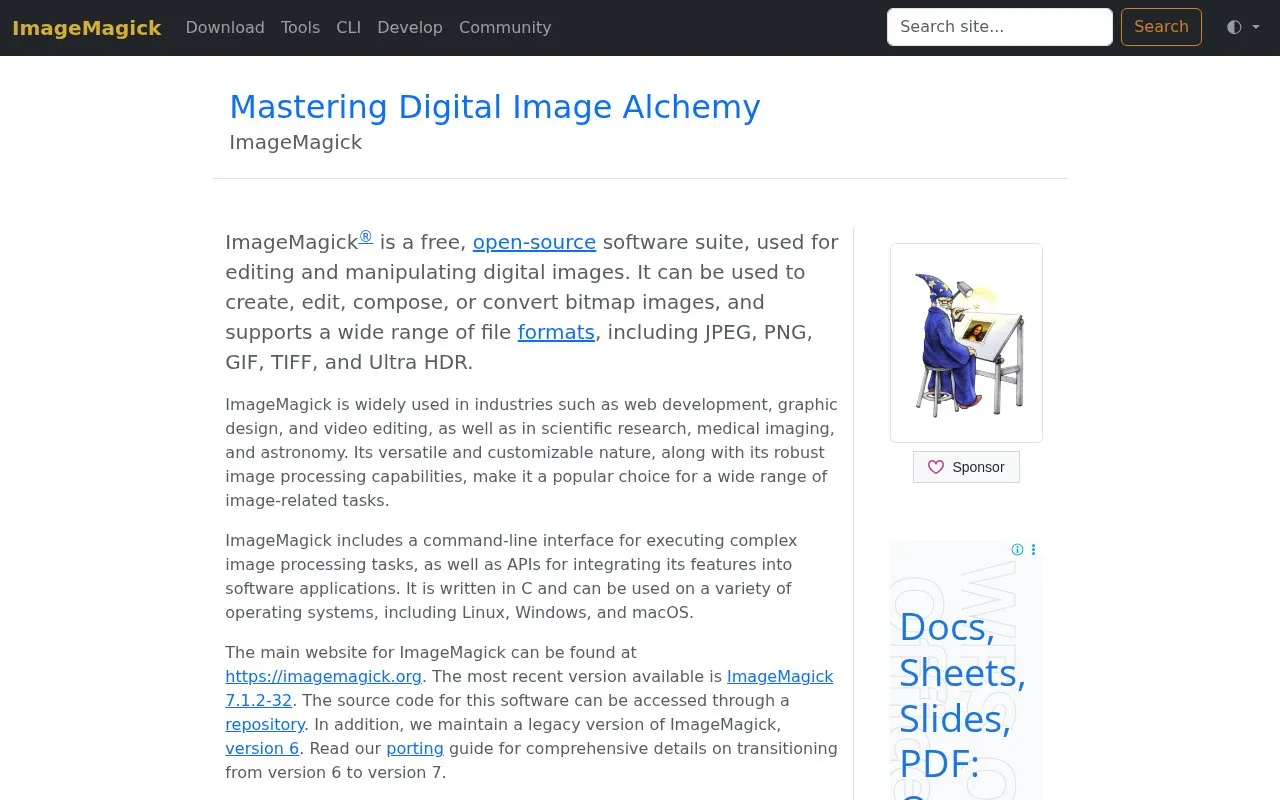
About ImageMagick
ImageMagick is a free, open-source software suite for editing and manipulating digital images. It can create, edit, compose, and convert bitmap images, and supports many file formats, including JPEG, PNG, GIF, TIFF, and Ultra HDR. It includes a command-line interface and APIs for integrating its features into other software. It is written in C and runs on Linux, Windows, and macOS. The homepage says it is used in web development, graphic design, video editing, scientific research, medical imaging, and astronomy.
The maintainers advise creating a security policy suited to the local environment before use, and verifying that policy with the validation tool. A legacy version 6 is still maintained, and a porting guide covers moving to version 7. Pricing is not stated.
Key features
- Command-line interface for running complex image processing tasks
- APIs for integrating image processing into software applications
- Scripting and automation of image pipelines without manual intervention
- Format conversion between image formats, such as PNG to JPEG
- Creation of GIF animation sequences from a group of images
- Color management using color profiles
Best for: Developers, designers, and researchers who need to process images through commands, scripts, or software integrations.
Good for
- Supports a wide range of file formats, including JPEG, PNG, GIF, TIFF, and Ultra HDR
- Offers both a command-line interface and APIs for integration
Watch out for
- The maintainers strongly advise creating a local security policy before use
- Version 6 is a legacy version, and moving to version 7 requires a porting guide
ImageMagick at a glance
- Website
- imagemagick.org
- Category
- Design & Creative › Image Creation & Editing
- Type
- Online tool
- Pricing
- Not confirmed. Check the site
- Platforms
- Linux, macOS, Web, Windows
- Open source
- Not stated
- Language
- English
- Good for
- Developers
- Last checked
- Oct 6, 2026 · Online when checked
- Listed
- Oct 5, 2026
ImageMagick alternatives
Tools and sites you could use instead, ranked by how closely they match.

Pixel Art Village converts images to pixel art in a browser, with palette controls, dithering, and support for common image formats.
Free
13 alternatives
This browser-based batch image processor converts formats, compresses images, adds watermarks, resizes, rotates, crops, and renames files.
Popular in Image Creation & Editing
Well-known listings from the same topic.
Canvacanva.comGIMPgimp.orgGreenScreenMemesgreenscreenmemes.comMeme Townmeme.townKRESKA.artkreska.artPixelartVillagepixelartvillage.com


ImageMagick FAQ
Does ImageMagick need a security policy before use?
The maintainers highly advise creating a security policy that fits your local environment before use, and verifying it with the validation tool.
Which operating systems does ImageMagick run on?
The homepage lists Linux, Windows, and macOS.
Is something wrong or out of date?
Tell us and an editor will check it.
Own this website?
Claim this listing
Claim the listing and suggest updates yourself. An editor checks every claim first.